
TL;DR: Will your iPhone work with an Apple Watch Ultra?
- Apple Watch Ultra 1: It originally required an iPhone 8 or later. To pair and update it using current software, use an iPhone 11 or later with iOS 26 or later. The Ultra 1 does not support watchOS 27.
- Apple Watch Ultra 2: It originally required an iPhone XS or later. To run watchOS 27, use an iPhone 11 or later with iOS 27.
- Apple Watch Ultra 3: It requires an iPhone 11 or later with iOS 26 or later. For watchOS 27, update the iPhone to iOS 27.
- An iPad, Mac or Android phone cannot pair an Apple Watch Ultra. You need an iPhone for setup.
You don’t have to pay $1,000+ for a new phone. Buying refurbished saves you, on average, 40% to 50%.
Which means you skip the inflationary price hikes, side-step the 2026 memory cost crisis, and still get the flagship performance and specs you want.
Recommended Options For 2026Apple Watch Ultra compatibility at a glance
| Watch | Current software position | Practical iPhone requirement |
|---|---|---|
| Apple Watch Ultra 1 | Supports watchOS 26, not watchOS 27 | iPhone 11 or later with iOS 26 or later for current watchOS |
| Apple Watch Ultra 2 | Supports watchOS 27 | iPhone 11 or later with iOS 27 to install or use watchOS 27 |
| Apple Watch Ultra 3 | Supports watchOS 27 | iPhone 11 or later; iOS 26 for initial compatibility, iOS 27 for watchOS 27 |
Apple’s original compatibility requirements are less demanding than the current software requirements.
For example, Ultra 1 launched with support for iPhone 8 and iOS 16, while Ultra 2 launched with support for iPhone XS and iOS 17.
Those launch-era minimums don’t guarantee that an older iPhone can set up a refurbished watch that has already been updated to a newer watchOS version.
Did you know you can save a FORTUNE on Apple Watch Ultra if you get it refurbished
- Our collection currently lists the original Apple Watch Ultra from $278
- Ultra 2 from $394
- Ultra 3 from $534.98.
You’re paying too much for data. Way too much.
Visible+ gives you unlimited premium data on Verizon’s 5G Ultra Wideband network, plus hotspot data and travel perks.
Compare top-ranked plansVisible+ includes
- Unlimited premium dataVerizon 5G Ultra Wideband
- Unlimited hotspot dataSpeeds up to 15 Mbps
- Travel extrasCanada and Mexico coverage, plus 2 days of Global Pass each month
Which iPhone Do You Need For Apple Watch Ultra?
The simple answer is an iPhone 11 or later. That covers the current software requirements for the original Ultra, Ultra 2 and Ultra 3. Update your iPhone before trying to pair a refurbished watch.
Apple Watch Ultra 1
- Launched: 2022
- Original requirement: iPhone 8 with iOS 16
- watchOS 27: Not supported
- Best for: Getting the Ultra design for less
The original Ultra still gives you the 49mm display, titanium case, Action button and outdoor tools. Its main drawback is software support: it cannot update to watchOS 27.
See Refurbished Ultra 1 Deals →Apple Watch Ultra 2
- Launched: 2023
- Original requirement: iPhone XS or later
- watchOS 27: Supported
- Best for: Ultra features with current support
An iPhone XS met the original launch requirement, but it cannot run iOS 27. Use an iPhone 11 or later if you want the easiest setup and access to the latest watchOS version.
See Refurbished Ultra 2 Deals →Apple Watch Ultra 3
- Base requirement: iOS 26 or later
- For watchOS 27: Update the iPhone to iOS 27
- iPad support: No
- Android support: No
Check that your iPhone can run the required iOS version before ordering. An iPhone 11 or newer gives you the software support needed to pair and manage the Ultra 3.
See Refurbished Ultra 3 Deals →Every Apple Watch Ultra requires an iPhone for its initial setup and ongoing management. A cellular Ultra can work away from the iPhone after setup, but an iPad, Mac or Android phone cannot replace the iPhone.
What to check before buying a refurbished Ultra
Before choosing a refurbished model, check:
- iPhone and iOS compatibility: Make sure your iPhone can run the iOS version needed by the watchOS installed on the watch.
- Activation Lock: The previous owner must remove the watch from their Apple Account. If you see a prompt for someone else’s Apple Account during setup, contact the seller.
- GPS or GPS + Cellular: Cellular use requires a compatible plan and network.
- Battery, charger, band and case condition: These vary between offers.
- Water-resistance claims: Don’t assume a refurbished watch is still safe for diving or water sports. Ask whether the seller has tested it and covers that use.
- Returns and warranty: Check the terms for the exact listing.
Our refurbished Apple Watch collection lets you compare the Ultra generations and other Apple Watch models.
How to pair an Apple Watch Ultra with your iPhone
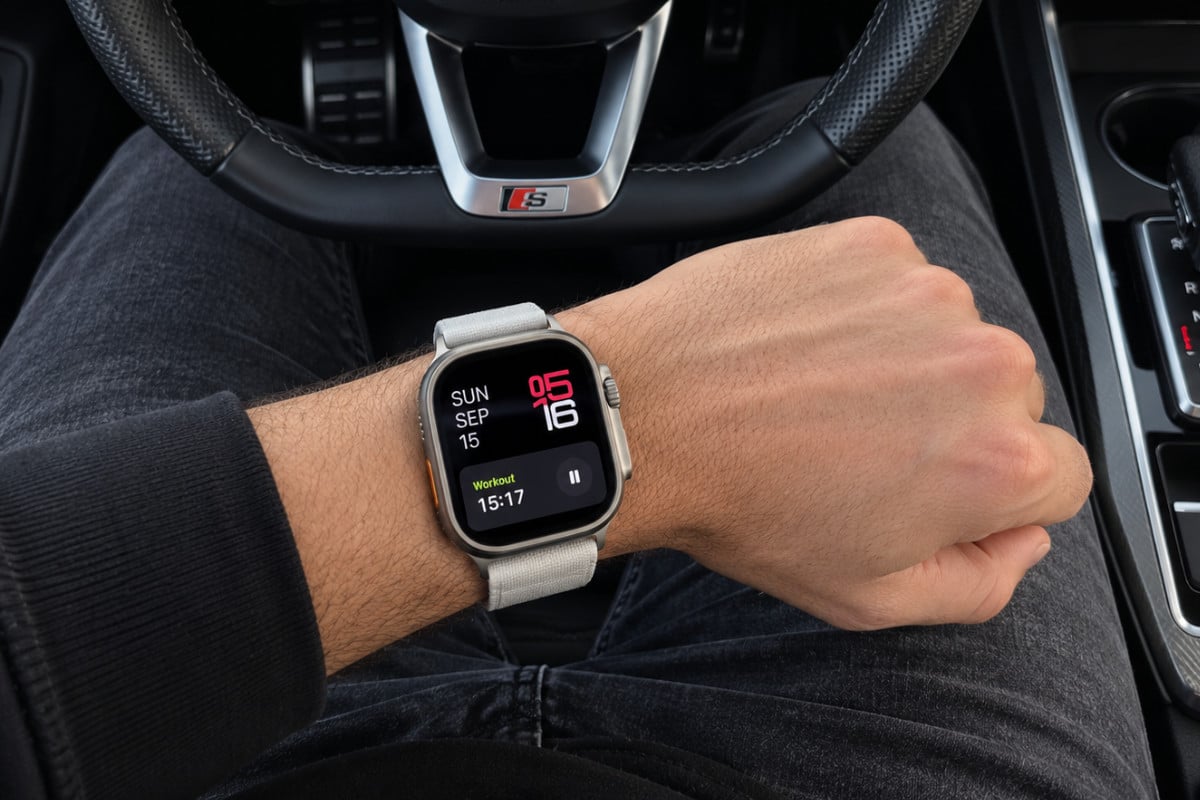
Before you start, update your iPhone to the newest iOS version it supports. Turn on Wi-Fi and Bluetooth, connect the iPhone to the internet, and make sure you know your Apple Account password. Charge the watch and keep it near the iPhone.
- Turn on the Apple Watch Ultra. Press and hold its side button until the Apple logo appears.
- Hold the iPhone close to the watch. When the pairing prompt appears on the iPhone, tap Continue. If it doesn’t appear, open the Watch app and choose All Watches, then Add Watch.
- Choose who the watch is for. Tap Set Up for Myself.
- Pair the devices. Hold the watch in the iPhone’s viewfinder so the animation is scanned. If that doesn’t work, choose the manual pairing option and follow the prompts.
- Set up the watch. Choose whether to restore from a backup or set it up as new, then follow the instructions to sign in, create a passcode and choose settings.
- Wait for setup and any required update to finish. Keep the devices close together and connected to power if prompted.
If the refurbished watch is still linked to someone else
If setup asks for the previous owner’s Apple Account, Activation Lock is still on. The previous owner needs to remove the watch from their account before you can use it. Contact the seller and arrange a return or have them remove the lock. Most legit refurbished retailers will have this taken care of.
The only time you might run into this issue is if you buy second-hand from someone on Facebook Marketplace or eBay. That’s why it is ALWAYS best to buy refurbished Apple Watch models that have been vetted by professionals.
Sources
- Apple Watch and iPhone compatibility
- Apple Watch Ultra technical specifications
- Apple Watch Ultra 2 technical specifications
- Apple Watch Ultra 3 technical specifications
- Apple’s watchOS 27 compatibility information
- Apple’s Apple Watch setup instructions
- Apple instructions for buying a used Apple Watch
Keep reading
More useful guides from this section of KnowYourMobile.
