
TL;DR: Does RAM Matter on Apple Watch?
Apple doesn’t publish Apple Watch RAM specifications, so the figures below come from teardowns and other technical investigations.
- Recent refurbished watches, including Series 9, Series 10, Series 11 and Ultra 2 have 2GB of RAM.
- Older models have less, usually 1GB or 512MB on the really old, first few generation models.
For everyday jobs like tracking steps, runs and workouts, RAM shouldn’t be the deciding factor. Choose based on what you want the watch to do, its battery condition, software support, size and price.
Apple Watch RAM sizes at a glance
Apple doesn’t list RAM in its official Apple Watch specifications. The figures below are estimates reported through teardowns and technical investigations, rather than numbers Apple confirms.
Which new phone are you most interested in?
Pick one. See which phones people are most excited to buy.
| Apple Watch model | Reported RAM |
|---|---|
| Apple Watch Series 0 | 512MB |
| Apple Watch Series 1 | 512MB |
| Apple Watch Series 2 | 512MB |
| Apple Watch Series 3 | 768MB |
| Apple Watch Series 4 | 1GB |
| Apple Watch Series 5 | 1GB |
| Apple Watch Series 6 | 1GB |
| Apple Watch Series 7 | 1GB |
| Apple Watch Series 8 | 1GB |
| Apple Watch SE (2nd generation) | 1GB |
| Apple Watch Series 9 | 2GB |
| Apple Watch Ultra (1st generation) | 1GB |
| Apple Watch Ultra 2 | 2GB |
| Apple Watch Series 10 | 2GB |
| Apple Watch Series 11 | 2GB |
| Apple Watch Ultra 3 | 2GB |
What does RAM actually do on an Apple Watch?
RAM is short-term working memory. The watch uses it to keep watchOS and active apps running, hold information that the system needs right away and switch between tasks.
- More RAM can give a device room to keep more things ready at once.
- But that doesn’t mean a watch with twice the RAM will feel twice as fast, or that it will make your workout tracking more accurate.
- The processor, software, app design and the job you’re asking the watch to do all matter too.
Think about how most people use an Apple Watch:
- glance at the time,
- check a workout,
- see activity rings,
- tap Apple Pay,
- or get a notification.
Those jobs don’t make RAM the thing you’re likely to notice.
If you regularly use demanding apps, switch between tasks, or want a newer watch that’s likely to support newer software for longer, choosing a more recent model makes sense.
But the RAM number by itself won’t tell you which watch is right for you.
Which Apple Watch Should You Buy?
All four watches are reported to have 2GB of RAM. That makes RAM a poor reason to choose between them. Price, battery condition, software support and the features you will actually use matter far more.
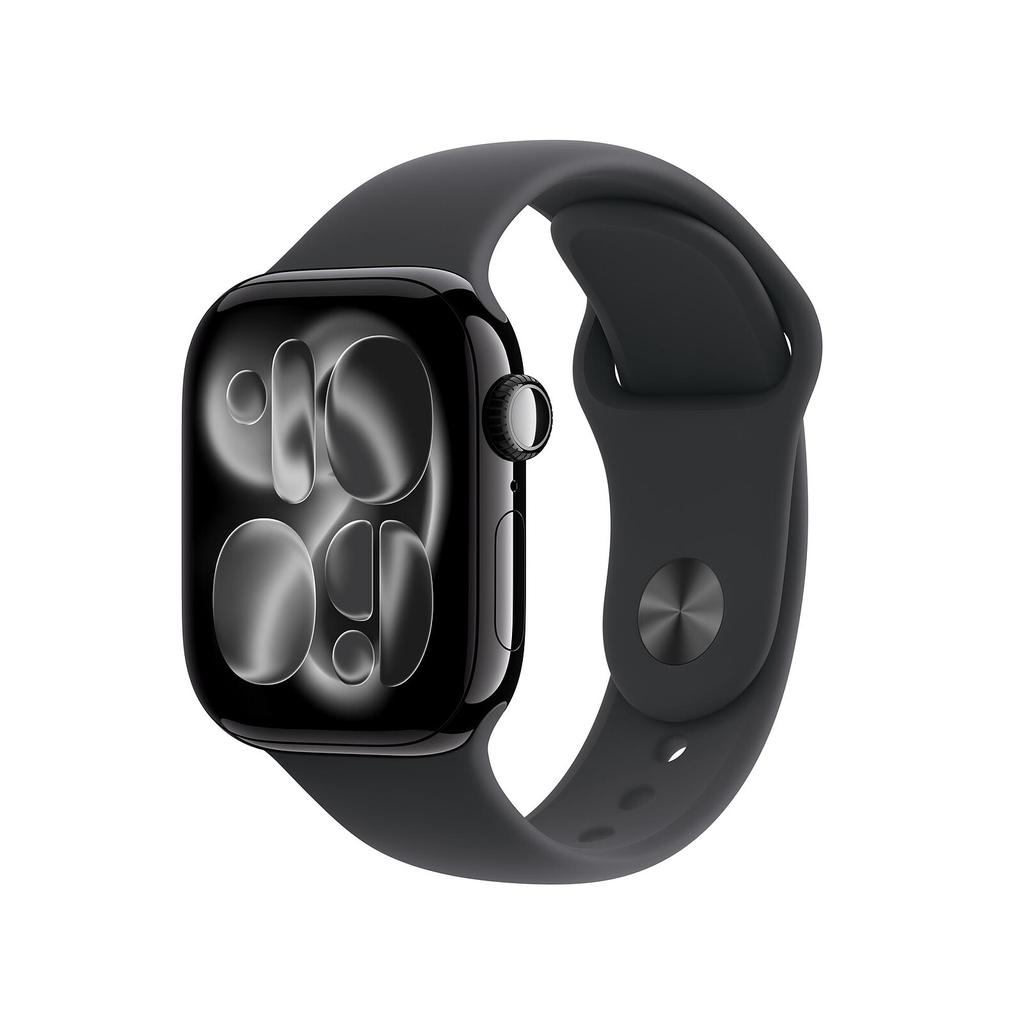
Apple Watch Series 11
- Reported RAM: 2GB
- Best for: Current hardware and everyday use
- Buy it if: You want the newest Series model
- Check: The price gap against Series 10
Choose the Series 11 for its newer hardware, current software support and improved rated battery life. Do not pay a large premium solely because it has 2GB of RAM.
See Series 11 Deals →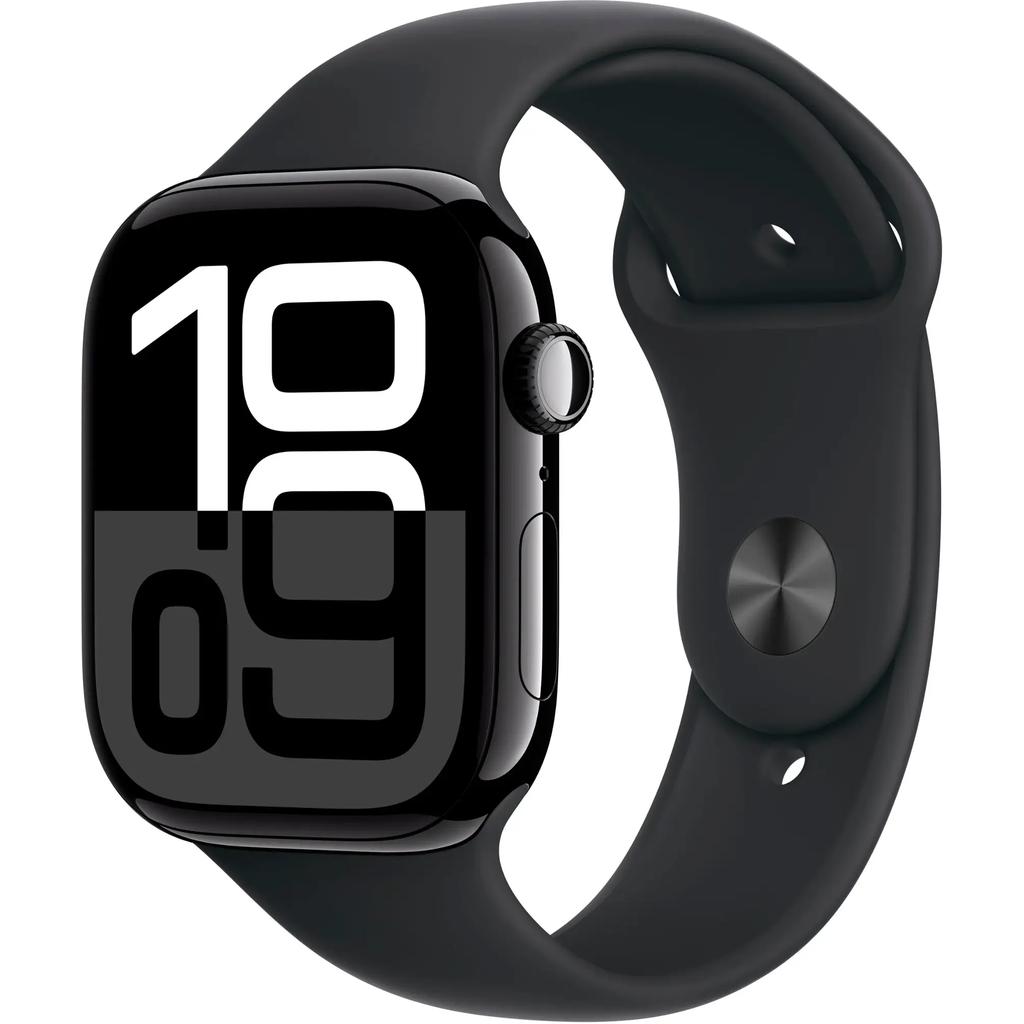
Apple Watch Series 10
- Reported RAM: 2GB
- Best for: A recent watch for less
- Buy it if: You value fast charging
- Check: Battery condition and warranty
The Series 10 covers the same core tasks as the Series 11, including workouts, notifications, Apple Pay and activity tracking. If it is considerably cheaper, it is likely the smarter refurbished buy.
See Series 10 Deals →
Apple Watch Series 9
- Reported RAM: 2GB
- Best for: Spending less
- Software: Supports watchOS 27
- Check: The price difference versus Series 10
Series 9 remains a capable daily watch with current software support. Buy it when the discount is meaningful. If Series 10 costs only slightly more, the newer design and faster charging may justify stepping up.
See Series 9 Deals →
Apple Watch Ultra 2
- Reported RAM: 2GB
- Best for: Outdoor workouts and navigation
- Buy it if: You want the larger Ultra design
- Check: Whether you need its specialist features
The Ultra 2 makes sense for longer workouts, navigation and time away from a charger. Its 2GB RAM figure is not the selling point. The larger display, rugged design and longer battery rating are.
See Ultra 2 Deals →Our advice: buy the Series 10 if it is meaningfully cheaper than the Series 11. Choose Series 9 for the lowest sensible price, or Ultra 2 if you genuinely need its larger screen, outdoor features and longer battery life.
You don’t have to pay $1,000+ for a new phone. Buying refurbished saves you, on average, 40% to 50%.
Which means you skip the inflationary price hikes, side-step the 2026 memory cost crisis, and still get the flagship performance and specs you want.
Recommended Options For 2026Original Apple Watch Ultra
TL;DR
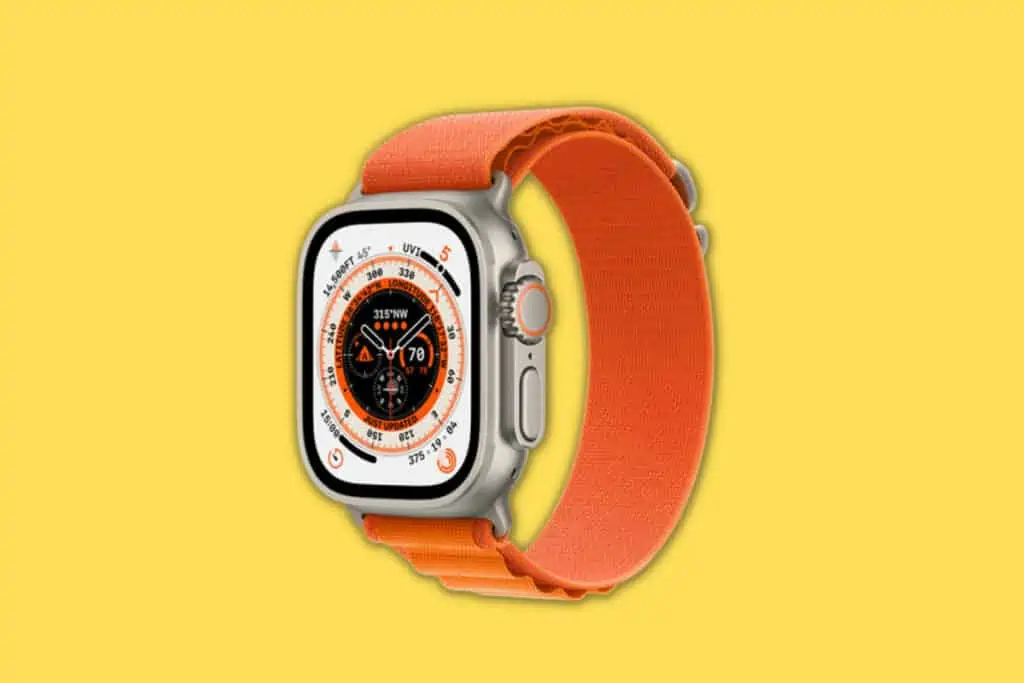
- Reported RAM: 1GB.
- Best for: Getting the large Ultra design and outdoor hardware for less.
- Consider it if: You’re comfortable with an older model and the price is low enough.
- Check: It doesn’t support watchOS 27, and don’t assume a refurbished unit remains water-resistant.
See refurbished Apple Watch Ultra deals
The original Ultra has 1GB of RAM, half the amount used in the Ultra 2. That doesn’t make it useless for everyday tasks. It can still track workouts, show activity data and handle common watch functions.
The bigger issue when buying is its age and software support. The original Ultra isn’t compatible with watchOS 27. Its large screen, titanium design and outdoor features may still appeal at a low refurbished price, but don’t buy it just because it was once Apple’s top watch. Compare the price against Ultra 2 and check the battery, warranty and return terms carefully.
Older Series models and Apple Watch SE
TL;DR
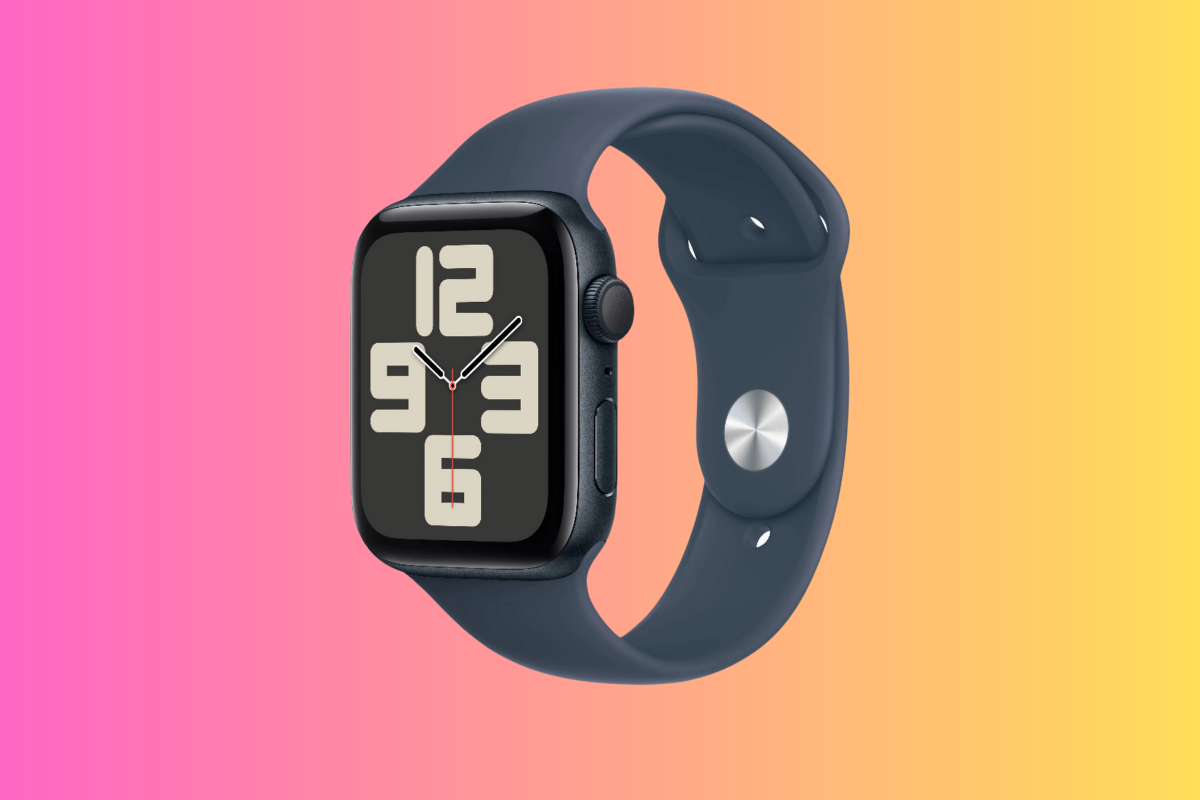
- Reported RAM: 1GB for Series 4 through Series 8 and SE 2; 2GB for SE 3.
- Best for: Basic watch functions at a lower price.
- Consider them if: You’re comfortable with an older model’s software support.
- Check: Compatibility and battery condition before buying.
The Series 4 through Series 8 and SE 2 have 1GB of RAM. That’s enough for many basic tasks, but several older models have reached a software cutoff.
Series 7, Series 8 and SE 2 don’t support watchOS 27.
They may still suit someone who wants a low-cost watch for basic use, but factor software support into your decision.
SE 3 is a newer option with 2GB of RAM and current software support.
If you’re comparing an older Series watch with an SE, consider the features you need. The SE range leaves out some health features found on the standard Series models, so pick based on what you want the watch to do, not just the memory figure.
You’re paying too much for data. Way too much.
Visible+ gives you unlimited premium data on Verizon’s 5G Ultra Wideband network, plus hotspot data and travel perks.
Compare top-ranked plansVisible+ includes
- Unlimited premium dataVerizon 5G Ultra Wideband
- Unlimited hotspot dataSpeeds up to 15 Mbps
- Travel extrasCanada and Mexico coverage, plus 2 days of Global Pass each month
Should RAM decide which refurbished Apple Watch you buy?
TL;DR
- For basics: Don’t worry much about RAM.
- For demanding app use: A newer model with more memory may give you more headroom.
- For refurbished shopping: Prioritise battery condition, software support, price and the features you need.
- The simple rule: Choose the right watch for your routine, not the biggest RAM number.
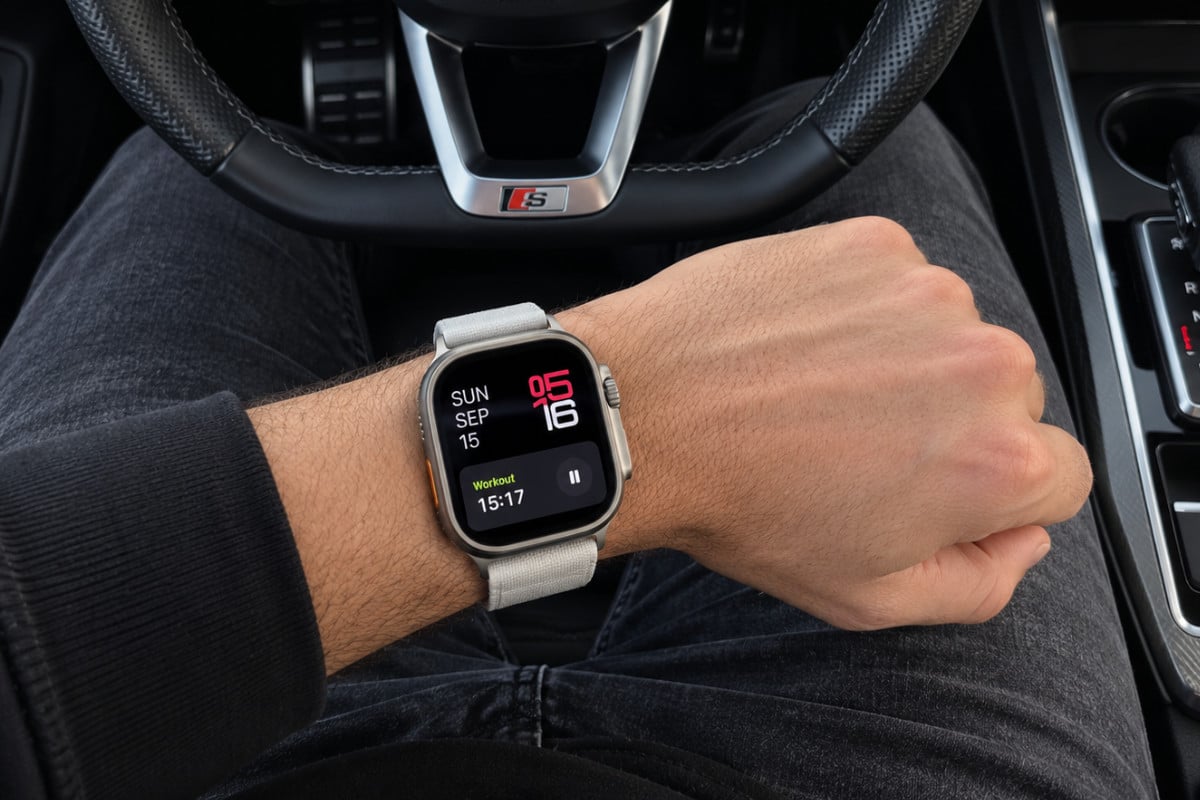
If you mainly want to track runs, workouts and steps, see activity rings or use Apple Pay, RAM probably shouldn’t be high on your checklist. I run an Apple Watch Ultra 2 which I bought refurbished. It’s great and does everything I need. I don’t have notifications switched on, however, as they annoy the hell out of me.
This saves me quite a bit of battery performance too, keeping everything primed for what I use it for mostly: tracking my workouts.
If you use lots of apps, want newer watchOS features or plan to keep the watch for several years, a newer model is a safer choice. But RAM is only one small part of that decision. Battery life, case size, health sensors, GPS, software support and refurbished price will have a bigger effect on whether the watch suits you.
Start with our refurbished Apple Watch collection, compare the models and offers, and choose based on what you’ll actually use.
Keep reading
More useful guides from this section of KnowYourMobile.
