
TL;DR: Which Refurbished Apple Watch Has The Best Battery Life?
- For everyday use, a refurbished Series 10 can be the sweet spot if you’re happy to charge it daily.
- The Series 11 gives you more battery headroom,
- An Ultra 2 is better for long workouts and time away from a charger.
- The original Ultra is a tempting bargain at $278, but it no longer supports watchOS 27.
You don’t have to pay $1,000+ for a new phone. Buying refurbished saves you, on average, 40% to 50%.
Which means you skip the inflationary price hikes, side-step the 2026 memory cost crisis, and still get the flagship performance and specs you want.
Recommended Options For 2026What Apple Watch battery life is like in everyday use
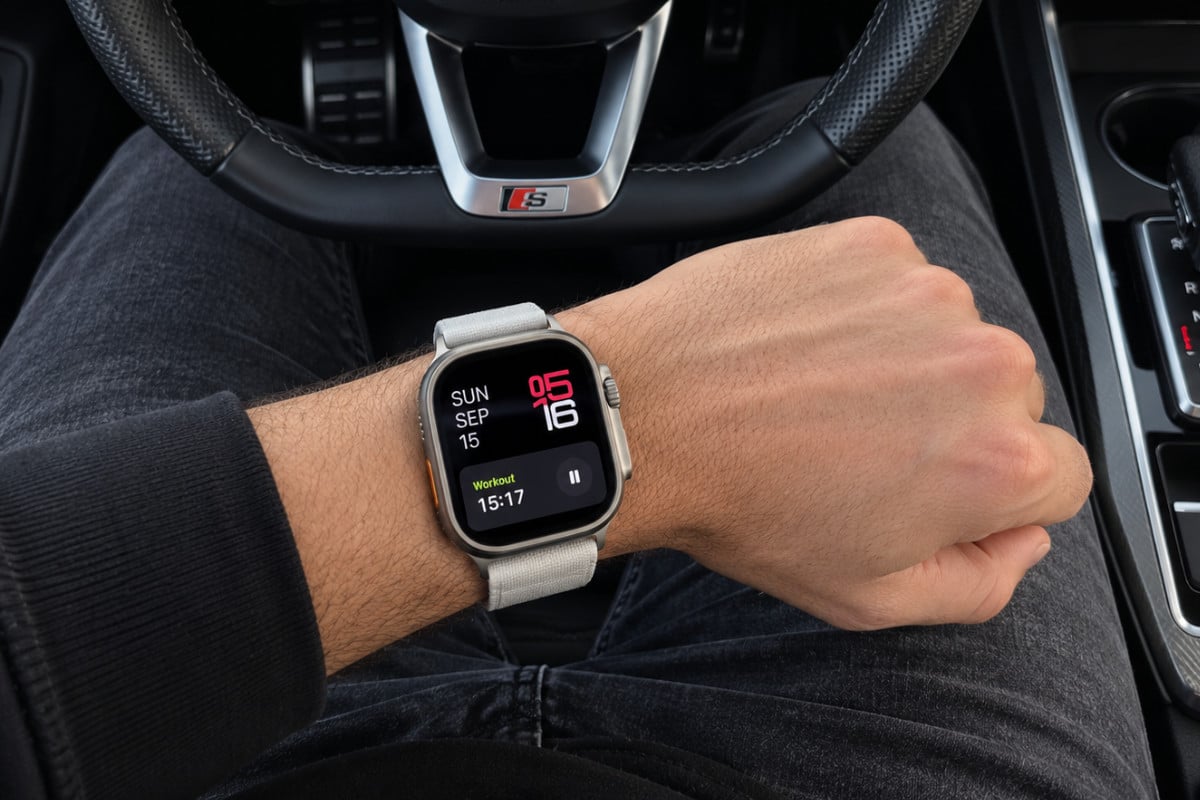
The Apple Watch Ultra 2’s battery life works well for the way I use it. I track my runs, workouts and steps, but I don’t send notifications to my watch because they annoy the heck out of me.
With that setup, it easily gets through a full day, and often lasts a little longer. On a weekend break, I’ve even gone close to two days between charges.
My routine is simple: when I go to bed, I put the watch on its wireless charging cradle next to the bed. It charges overnight, and I start the next day with a full battery.
I don’t need to think about battery life beyond that.
The Ultra 2 has a larger battery and a longer rated runtime than a standard Series watch: Apple rates it for up to 36 hours, compared with up to 18 hours for the Series 10 and 24 hours for the Series 11.
Your results will depend on how you use it, but the extra capacity gives the Ultra more breathing room. For my mix of runs, workouts and step tracking, that means a full day is easy and charging overnight keeps the whole routine hassle-free.
If battery life is a priority, I’d definitely be looking at one of Apple’s Ultra models. The first-gen and second-gen Apple Watch Ultra models are now very affordable refurbished.
Which Refurbished Apple Watch Should You Buy?
Series 10 is the best-value standard Apple Watch, Series 9 is the cheaper everyday option and Ultra 2 is the one to get if battery life and outdoor features matter most.
Choose By Battery Life, Price And Software Support
Every model works best for a slightly different buyer. The biggest things to compare are normal battery life, current software support and how much you actually need the Ultra’s larger design.
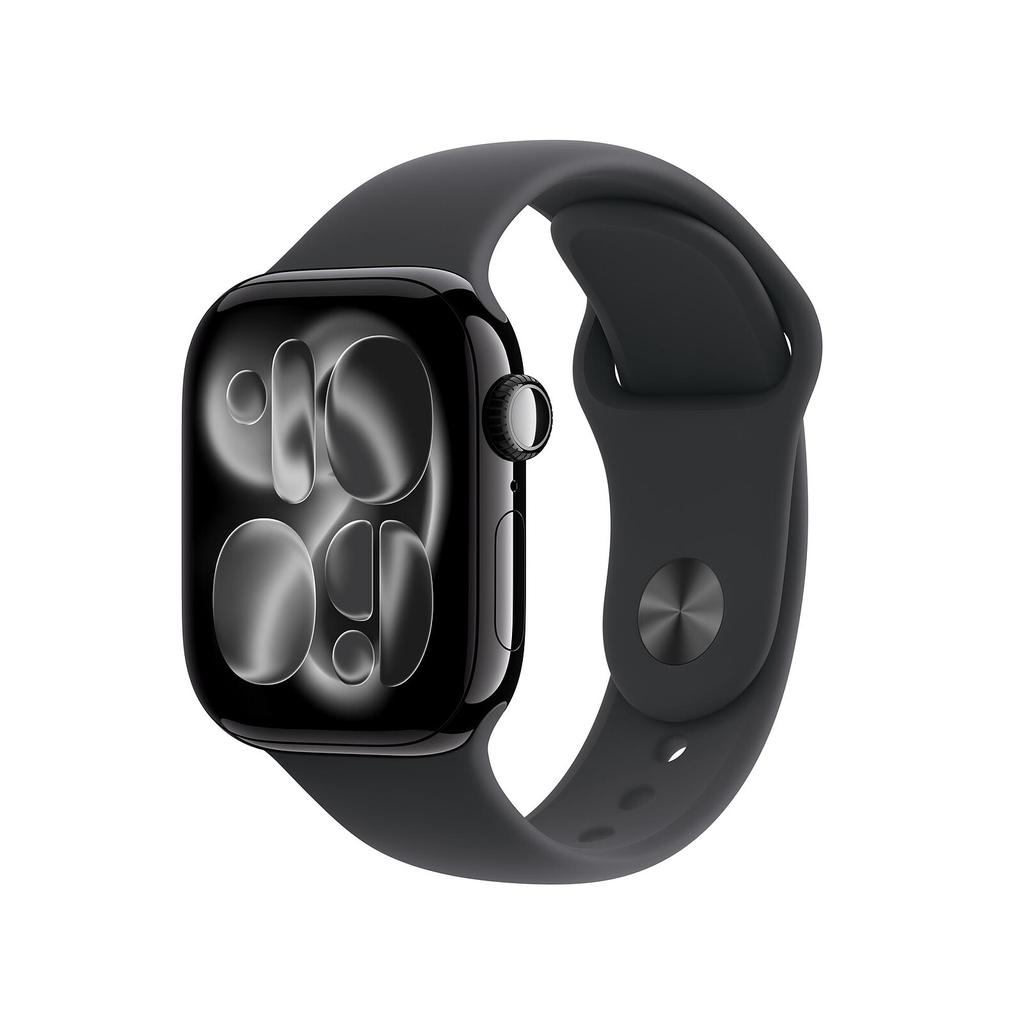
Apple Watch Series 11
Series 11 raises the normal-use rating to 24 hours, giving you more room for overnight sleep tracking and the following day’s notifications, activity tracking and workouts.
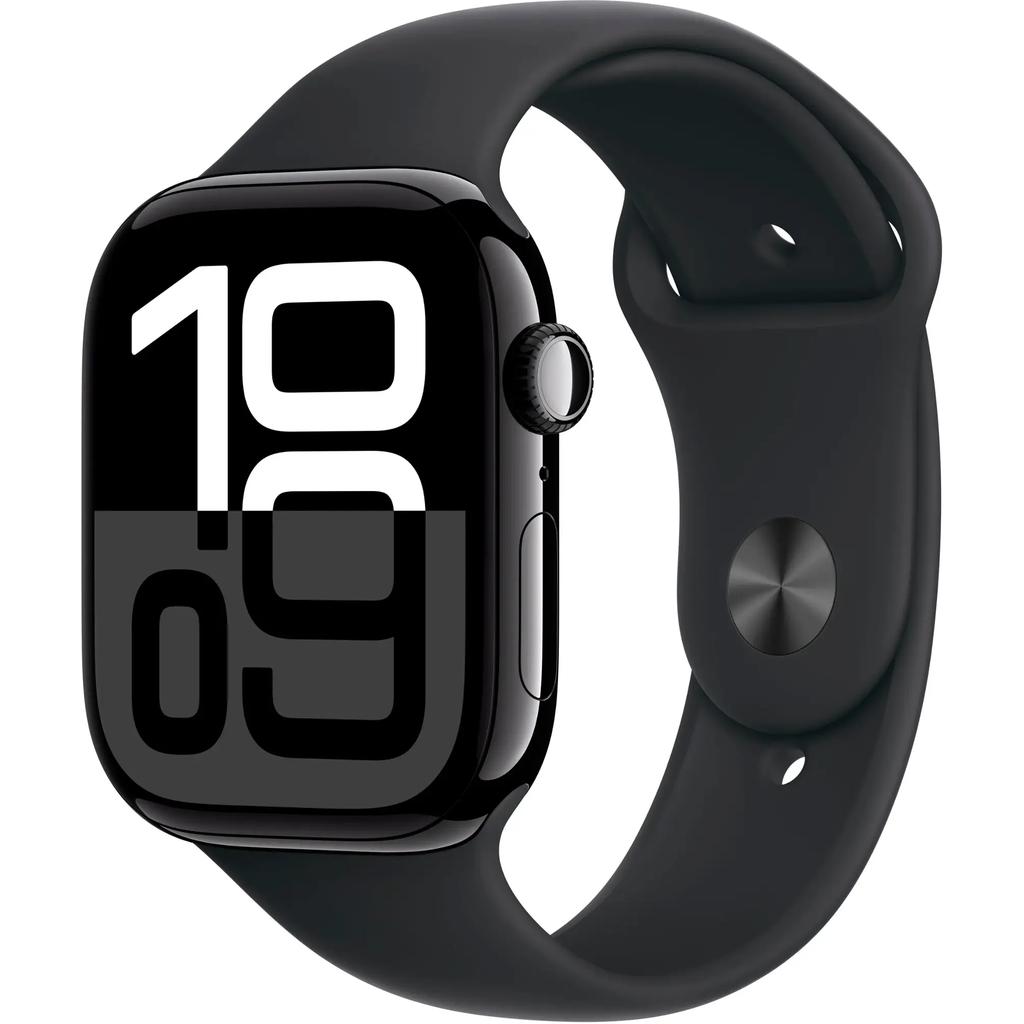
Apple Watch Series 10
Series 10 keeps the familiar 18-hour rating but supports fast charging. Apple says it can reach around 80% in 30 minutes with a compatible charger.

Apple Watch Series 9
Series 9 has the same 18-hour battery rating as Series 10 and still supports watchOS 27. It covers notifications, activity tracking and ordinary workouts without charging newer-model money.

Original Apple Watch Ultra
The original Ultra gives you a 49mm titanium case, bright display, Action button, dual-frequency GPS and up to 36 hours of rated battery life for a fraction of its original $799.99 price.

Apple Watch Ultra 2
Ultra 2 combines the larger Ultra design, dual-frequency GPS and longer runtime with current watchOS 27 support. It is the strongest choice for longer workouts and time away from a charger.
You’re paying too much for data. Way too much.
Visible+ gives you unlimited premium data on Verizon’s 5G Ultra Wideband network, plus hotspot data and travel perks.
Compare top-ranked plansVisible+ includes
- Unlimited premium dataVerizon 5G Ultra Wideband
- Unlimited hotspot dataSpeeds up to 15 Mbps
- Travel extrasCanada and Mexico coverage, plus 2 days of Global Pass each month
Older Series watches: Check The Software Cutoff
TL;DR
- Best for: Spending less on basic smartwatch functions.
- Battery: Older Series watches were generally rated for up to 18 hours when new.
- Why consider them: They can still cover notifications, activity tracking and Apple Pay.
- What to check: Series 7 and Series 8 don’t support watchOS 27.
A discounted older watch can still handle everyday jobs like checking messages, tracking a walk and using Apple Pay. But Series 7 and Series 8 are not compatible with watchOS 27.
Apple’s current list starts at Series 9 for the standard Series line.
That doesn’t make an older watch unusable, but it does make the price and battery condition especially important. Choose one only if the saving is large enough to make up for its older software position and shorter remaining useful life.
What to check on a refurbished Apple Watch battery
TL;DR
- Check for a battery-health figure or a clear minimum battery guarantee.
- Read the seller’s warranty and return terms.
- Remember that Apple’s battery ratings describe a new watch, not the used one in the listing.
- Don’t assume the original water-resistance rating still applies after refurbishment.
Apple says Apple Watch batteries are designed to retain up to 80% of their original capacity at 1,000 complete charge cycles. On the watch, Maximum Capacity is shown under Settings → Battery → Battery Health.
Which refurbished Apple Watch has the best battery value?
TL;DR
- Best everyday value: Series 10, if you’re happy charging daily.
- Best for overnight wear: Series 11, with its higher rated runtime.
- Best lower-cost Ultra: Original Ultra, if you accept its software cutoff.
- Best long-term Ultra: Ultra 2, with longer rated runtime and watchOS 27 support.
For most people, the choice comes down to how often they want to charge.
- Series 10 and Series 11 suit everyday notifications, activity tracking and workouts.
- The Ultra’s extra battery life and outdoor features are useful if you’ll actually use them.
- The original Ultra is unusually cheap now, but its software cutoff matters.
- Ultra 2 costs more but is still great value for what you get, and it has a longer support roadmap too.
I have an Ultra 2 (I bought it refurbished) and it’s been awesome so far. I’ve had it for maybe 9 months and, honestly, I probably wouldn’t ever buy a new Apple Watch again. I’d much rather let someone else take the depreciation hit.
Keep reading
More useful guides from this section of KnowYourMobile.
