
TL;DR: Is The Apple Watch Series 10 Better Than The Series 9?
- The Series 9 is the better bargain if you mainly want a watch for workouts, activity tracking, notifications and Apple Pay. It still supports watchOS 27 and costs from $169 in our refurbished collection.
- The Series 10 costs from $222 and is worth the extra if you want its larger display, thinner case and faster charging. Battery life is rated at up to 18 hours for both, so Series 10 won’t last longer between charges.
Series 9 vs Series 10: the key differences
| Feature | Apple Watch Series 9 | Apple Watch Series 10 |
|---|---|---|
| Refurbished price in our collection | From $169 | From $222 |
| Case sizes | 41mm and 45mm | 42mm and 46mm |
| Battery rating | Up to 18 hours | Up to 18 hours |
| Charging | Fast charging | Faster charging; about 30 minutes to 80% with a compatible charger |
| Display | Always-On Retina display, up to 2,000 nits | Larger wide-angle OLED display, up to 2,000 nits |
| Case | 10.7mm thick | 9.7mm thick |
| Current software support | watchOS 27 | watchOS 27 |
| Extra hardware | S9 chip, Double Tap, on-device Siri | S10 chip, depth gauge and water-temperature sensor |
The Series 9 is the cheaper everyday pick
TL;DR
Which new phone are you most interested in?
Pick one. See which phones people are most excited to buy.
Show voting options
- Best for: Everyday fitness tracking and smartwatch basics at the lower price.
- Costs: From $169 in our collection.
- Still current: Compatible with watchOS 27.
- Main compromise: Older, smaller design and slower charging than Series 10.
The Series 9 is still a capable watch for the things most people use an Apple Watch for: recording a run, keeping an eye on activity rings, checking the time, using Apple Pay and seeing notifications. It remains compatible with watchOS 27, so buying refurbished doesn’t mean you’re choosing a watch that has already dropped off Apple’s current major software list.
Its biggest advantage is the price. Our collection has Series 9 offers from $169. If you mainly want a fitness tracker with Apple Watch features, and you don’t mind the slightly older design, that’s a lot of watch for the money.
The Series 9 has a bright Always-On display, ECG and temperature sensing, along with the S9 chip, Double Tap and on-device Siri. The screen is smaller than Series 10’s, but it’s still easy to read outdoors and during a workout.
You don’t have to pay $1,000+ for a new phone. Buying refurbished saves you, on average, 40% to 50%.
Which means you skip the inflationary price hikes, side-step the 2026 memory cost crisis, and still get the flagship performance and specs you want.
Recommended Options For 2026Series 10 has the better screen and charging
TL;DR
- Best for: A larger display and a thinner, lighter feel on the wrist.
- Costs: From $222 in our collection.
- Main upgrade: Up to 9% more active display area than Series 9 and faster charging.
- Main compromise: Same 18-hour battery rating as Series 9.
Series 10 is nearly 10% thinner than Series 9, and its larger display gives you more room to read messages, check workout stats and tap controls. Apple says it has up to 9% more active screen area than Series 9.
The difference is useful when glancing at a metric mid-run or trying to tap a small control, though it doesn’t change what the watch can do day to day.
The other practical upgrade is charging. Series 10 can reach 80% in about 30 minutes with a compatible charger. That’s handy if you track sleep and want to top up the watch while getting ready in the morning. Series 9 also supports fast charging, but Series 10 charges faster.
Series 10 adds a depth gauge and water-temperature sensor for shallow-water activities. If you don’t swim or snorkel, those features may not matter much to you.
Battery life is a tie
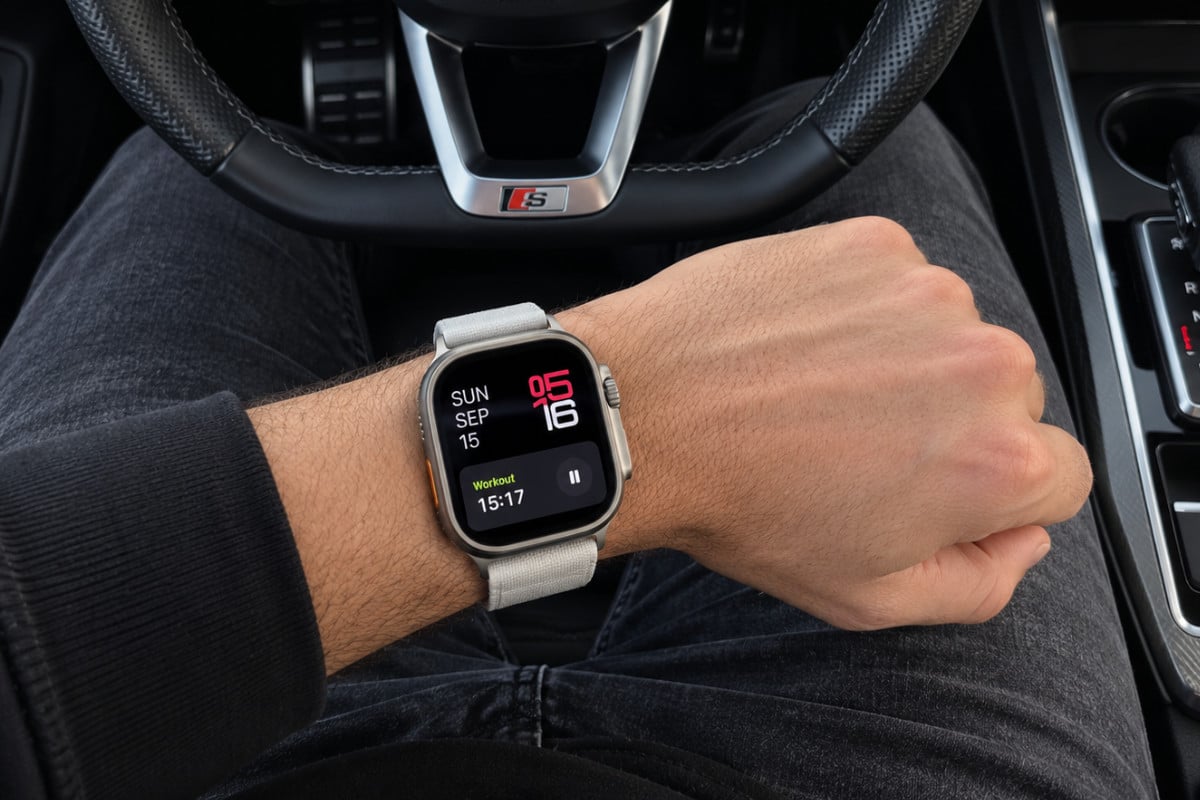
Both watches are rated for up to 18 hours of normal use. That means Series 10 isn’t the better choice if your main reason for upgrading is longer battery life. Neither device has the battery performance of Apple’s larger Apple Watch Ultra models.
If battery life is a priority, go with a refurbished Apple Watch Ultra 2. You’ll pay slightly more but you’re getting WAY more watch for your outlay.
In practice, battery life depends on how you use the watch.
- GPS workouts,
- cellular connections,
- screen brightness
- and an older battery can all affect how often you need to charge.
Series 10’s faster charging can make the daily routine easier, but it doesn’t remove the need to charge. If you want multi-day battery life, compare these models with a refurbished Apple Watch Ultra instead.
You’re paying too much for data. Way too much.
Visible+ gives you unlimited premium data on Verizon’s 5G Ultra Wideband network, plus hotspot data and travel perks.
Compare top-ranked plansVisible+ includes
- Unlimited premium dataVerizon 5G Ultra Wideband
- Unlimited hotspot dataSpeeds up to 15 Mbps
- Travel extrasCanada and Mexico coverage, plus 2 days of Global Pass each month
Both still support watchOS 27
Series 9 and Series 10 both support watchOS 27, Apple’s current major Apple Watch software release. That makes either a more future-facing choice than older refurbished models such as Series 8, Series 7 or the original Ultra, which aren’t on the watchOS 27 compatibility list.
Software support matters because newer watchOS versions bring features and fixes, and app compatibility can change over time. But there’s no need to buy the newest watch purely for updates: Series 9 is still supported, so it remains a solid lower-cost option in 2026.
Which should you buy refurbished?
- Choose Series 9 if you want to spend less and mostly care about tracking workouts, activity and everyday health metrics. At $169, it’s the value pick, provided the battery condition and seller terms check out.
- Choose Series 10 if you’ll appreciate the larger display, slimmer case or faster charging. At $222, it costs about $53 more at the lowest listed prices, although the cheapest listings aren’t necessarily matching configurations.
For most buyers, that’s the decision: Series 9 saves money; Series 10 is a nicer watch to wear and charge.
Neither gives you longer rated battery life, and both support watchOS 27. Or, if you want to spend a little more and get a lot more performance and functionality, go with either the Apple Watch Ultra 2 or Apple Watch Ultra 3.
Keep reading
More useful guides from this section of KnowYourMobile.
