
YouTube Premium Review: I Finally Caved – Is It Worth It?
With YouTube Premium, you get access to YouTube without ads as well as YouTube Music. But it is worth the cost? Let’s…
Read more →
Reviews
Independent phone reviews and buying context, with a stronger focus on long-term value and whether older flagships still make sense.
The newest and most useful posts from this section.
With YouTube Premium, you get access to YouTube without ads as well as YouTube Music. But it is worth the cost? Let’s…
Read more →
Regular readers will know I’m a huge fan of refurbished tech. It’s better for the planet, it’s cheaper, and—most importantly—it keeps you…
Read more →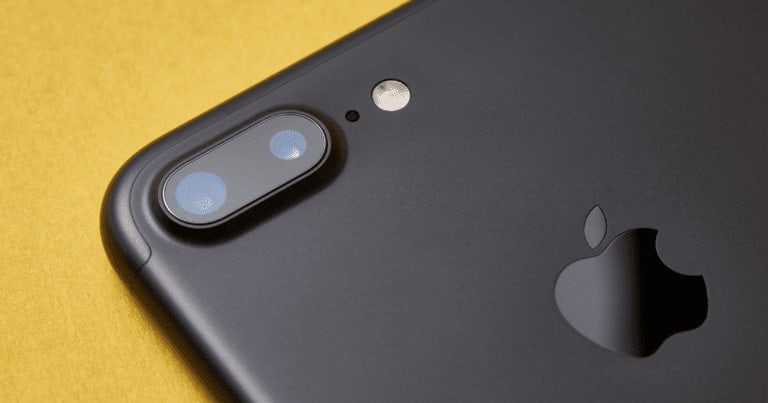
Is The iPhone 7 Still Worth It In 2025? The iPhone 7 and 7 Plus had their moment, but that time’s up.…
Read more →Reviews articles, guides, reviews, and updates.
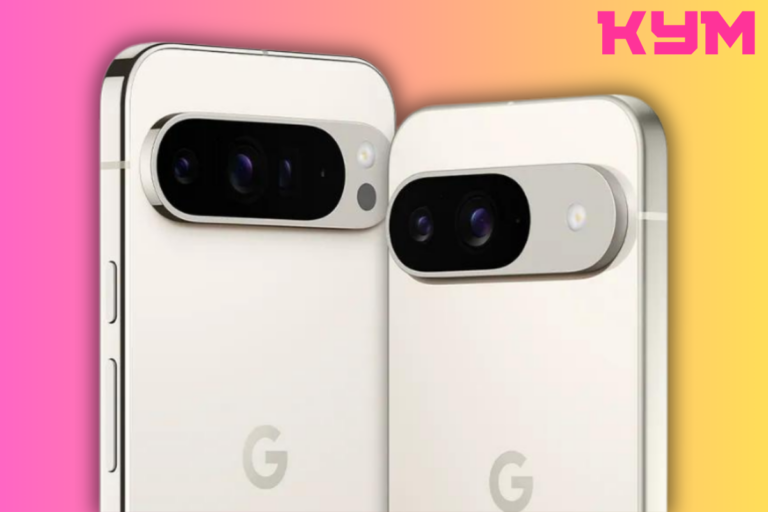
Is the Google Pixel 9 XL Pro the best Pixel phone you can buy right now? Here’s what the critics…
Read more →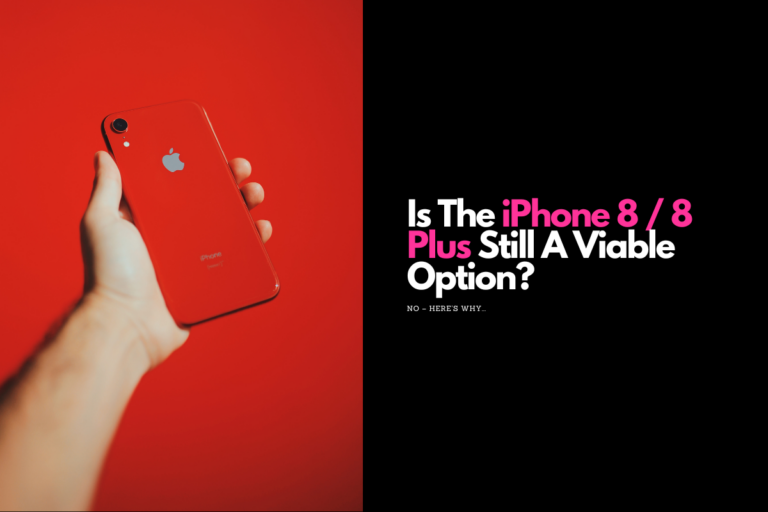
The iPhone 8 and iPhone 8 Plus signify the end of an era, the era of Apple’s Home button. But…
Read more →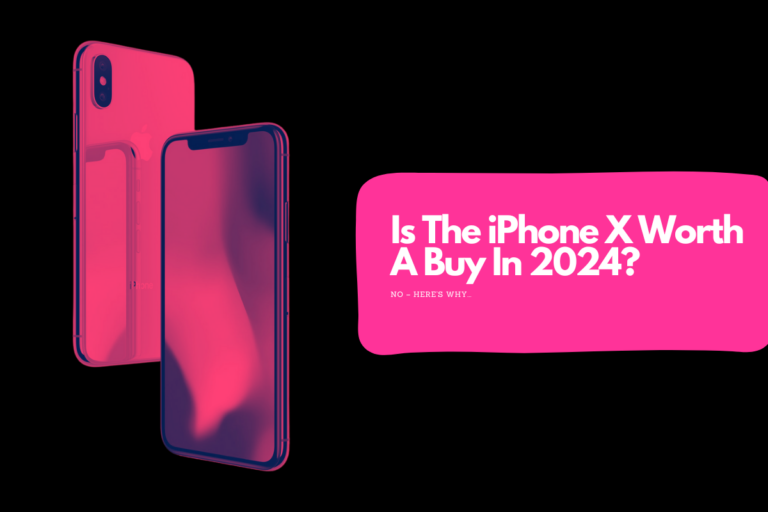
Is the iPhone X worth buying in 2024? Let’s investigate, shall we? Full iPhone X Review (Original Review From 2017) …
Read more →
Is the Google Pixel 7a a worthy update? Is it worth buying? Let’s take a look at what the Google…
Read more →
Is the OnePlus Watch 2 worth buying? Here’s everything you need to know about its performance, design, specs, and battery…
Read more →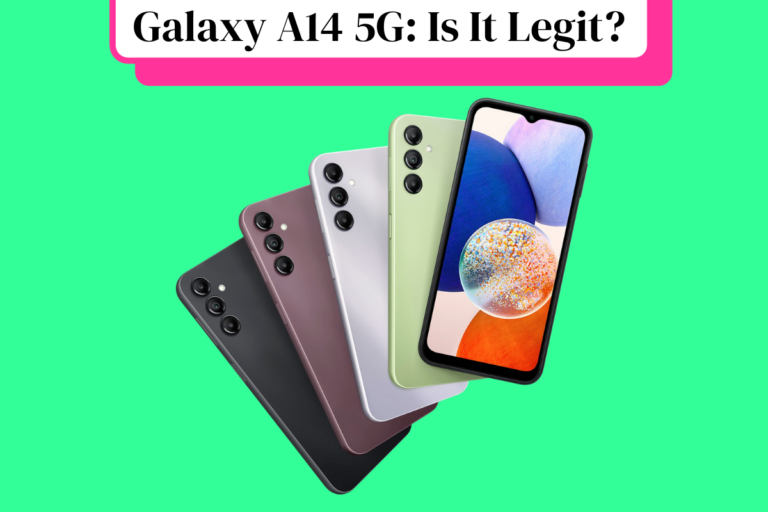
Here’s your complete overview of all the latest Samsung Galaxy A14 reviews from around the web. If you’re thinking about…
Read more →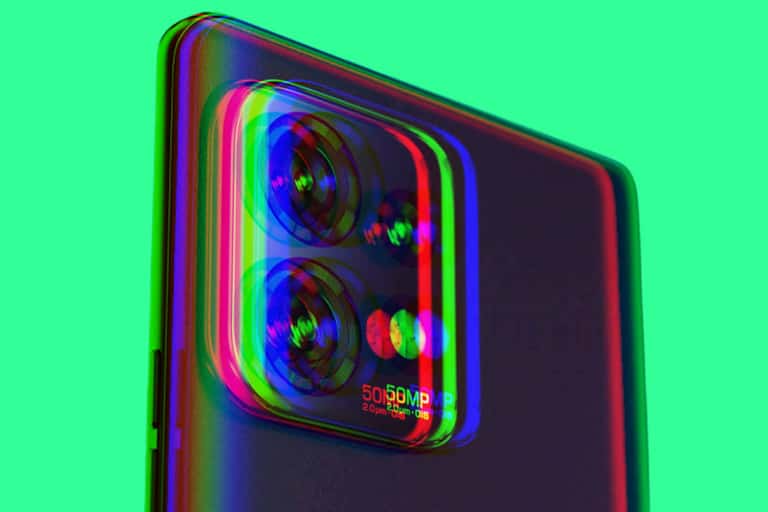
The Motorola Edge Plus 2023 is one of the best phones Motorola has designed in years, packing in bleeding-edge specs,…
Read more →
Apple’s iOS 16 is now available and it is one of the company’s best iPhone updates in years – here’s why……
Read more →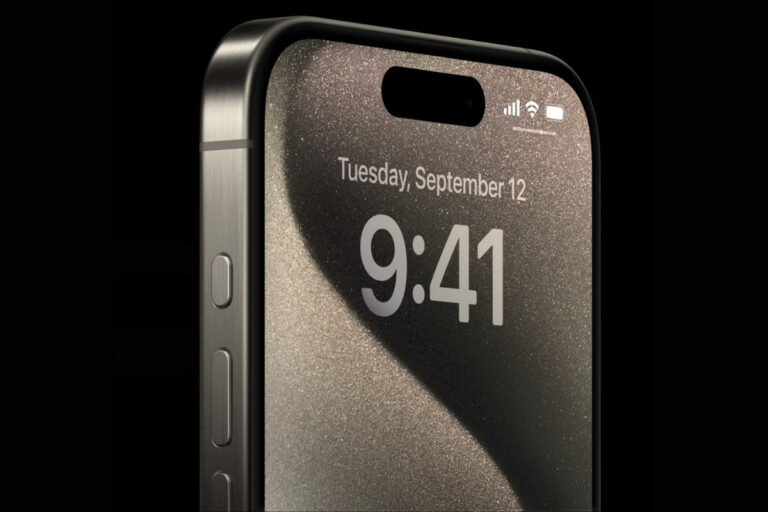
Apple’s iPhone 15 Pro has gotten some major upgrades including a new titanium frame, a USB-C port, and camera improvements.…
Read more →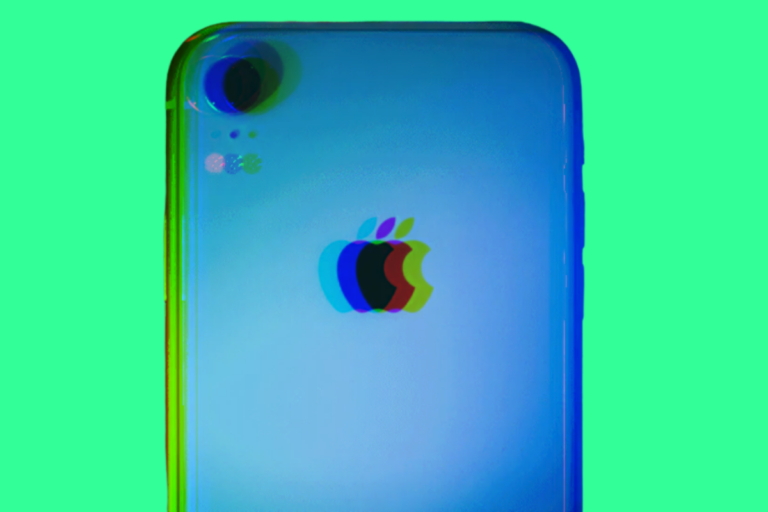
The iPhone XR was Apple’s best-selling phone to date for 2018 to 2020. But is the iPhone XR worth buying…
Read more →
In this Audible review, we’ll take a look at the pros and cons of Amazon’s audiobook service in order to…
Read more →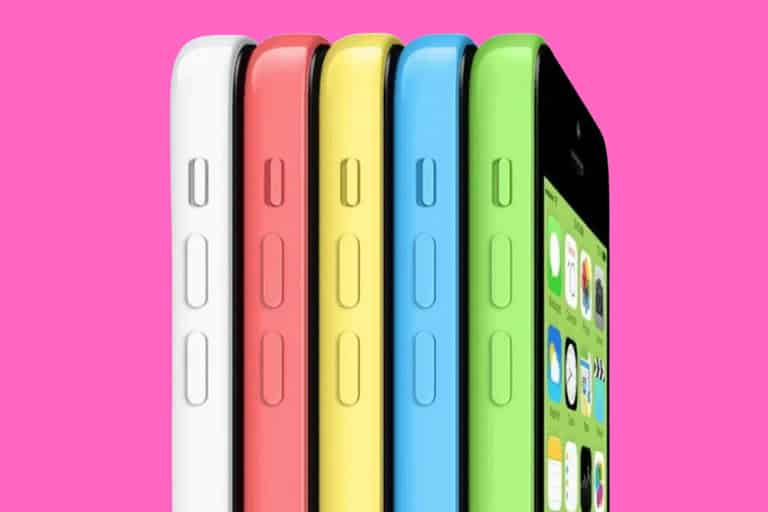
TL; DR: Is The iPhone 5C Worth Buying? Absolutely Not! The iPhone 5c has officially crossed the line from “budget…
Read more →
It’s a foldable phone and it runs a special version of Android. But is the Microsoft Surface Duo 2 any…
Read more →
In a world of $1000+ phones, the Samsung Galaxy A53 5G is pitched as the antidote to your woes, a…
Read more →
Apple’s iPhone 14 Pro Max isn’t only the best iPhone Apple’s ever made, but it also features the company’s best…
Read more →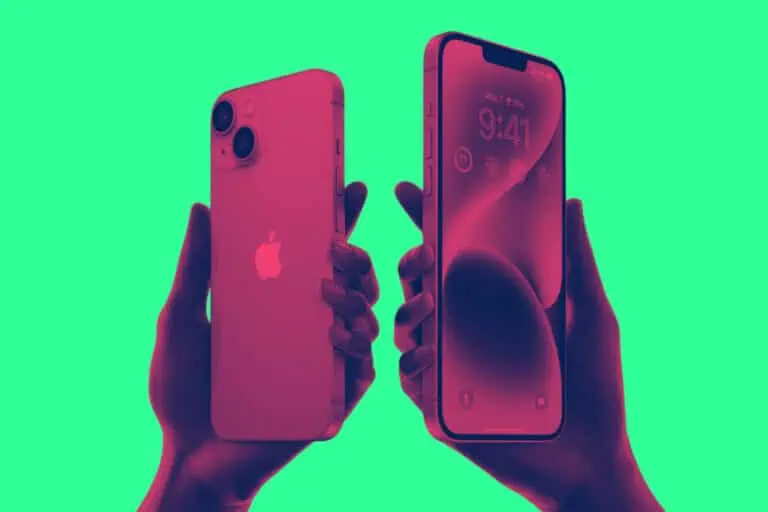
If you’re running an older iPhone, say, the iPhone 11 or 12, the iPhone 14 is the update you’ve been waiting…
Read more →
Is the LG Ultrawide 40WP95C-W 2023’s best 5K monitor? Let’s take a quick look at some LG 40WP95C-W reviews to…
Read more →
Is Paramount Plus worth it? Here’s our hot-take on CBS’ new film and TV streaming platform. Is it as good…
Read more →
Apple’s new MacBook Air M2 is now official and the first slew of reviews are in – but is the MacBook…
Read more →
If you want to better secure your online accounts, the YubiKey 5C NFC is the quickest and simplest way to…
Read more →