
Become An Android Power User
Android Tips and Tricks: Expert User Guides For All Models
Android phones come packed with myriad features. The basics are simple, but learning how to use all of its features and settings unlocks so much more…
Drill-Down Into The Specifics…
Latest Android Phone User Guides…
Here’s all the latest Android phone user guides in one place, covering everything from the basics to more advanced tips and tricks.
-
How To Install Android 15 Preview: What You 100% Need To Know
The Android 15 preview is now available and, should you wish, you can download it and install it on your phone. Here’s how to do it… If you fancy checking out what’s new inside Android 15, you can now download and install in first developer preview. It’s not final – or probably very stable – so, as always, please DO NOT install it on your daily driver. …
-
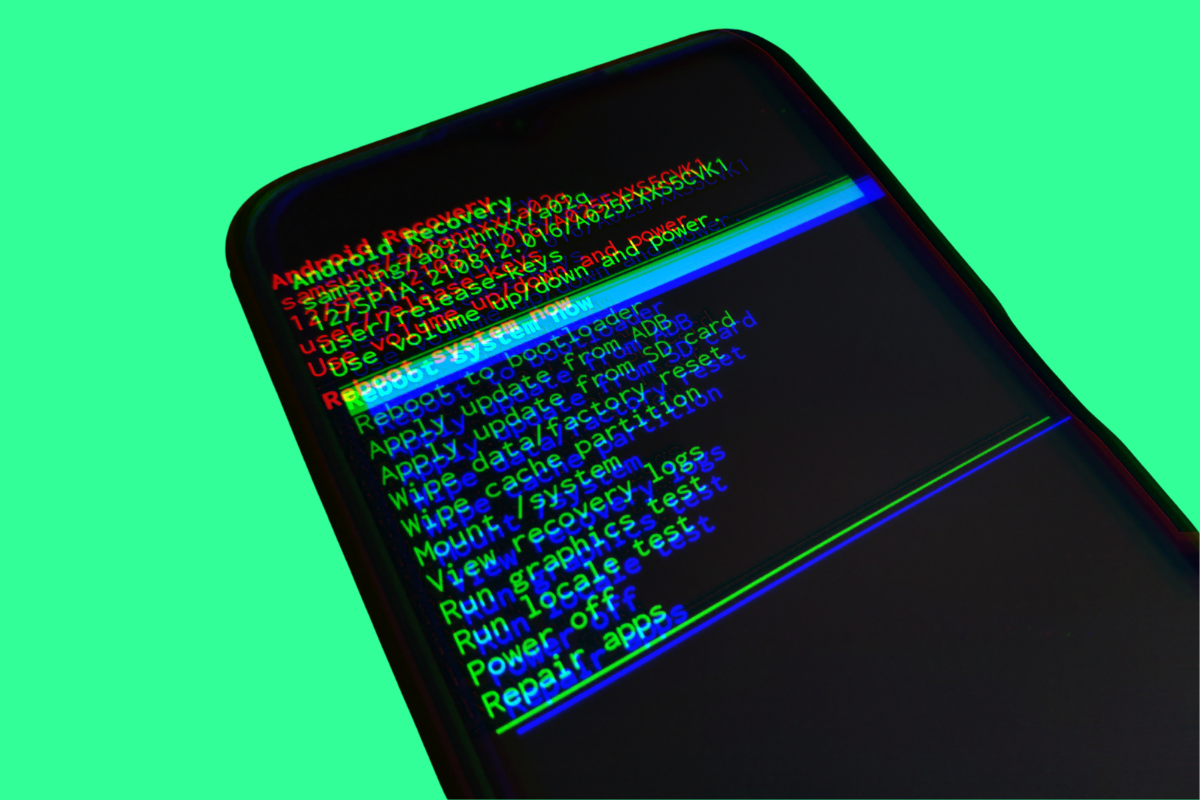
How to Force Factory Reset Your Android Device: A Step-by-Step Guide
So, you’re facing issues with your Android phone. Maybe it’s sluggish. Or perhaps you’re selling it. Whatever the reason, a factory reset is often the go-to solution. But how do you force a factory reset on an Android device? Let’s dive in. If you’re reading this, chances are you’re grappling with some challenges on your Android phone. It could be anything from a device that’s…
-
How To Reset Android Phone: A Complete Beginner’s Guide
This guide will show you the quickest and simplest way to reset your Android phone. Just follow the steps and you’ll be done in no time… Ever stared at a frozen Android screen and thought, “Now what?” Or maybe you’re locked out, password forgotten, and you’re this close to tearing your hair out. Or hey, perhaps you’re just looking to pass on your trusty device…
-
How To Factory Reset Android Phone (Safely & Securely)
In this guide, we’ll show you EXACTLY how to factory reset an Android phone – this method works on ALL Android phones too… Ever felt like your smartphone’s lost its spark? Like it’s not the swift, responsive gadget it once was? If so, a factory reset might just be the revival tactic you need. Imagine unboxing your phone for the very first time. That unadulterated…
-
How to Factory Reset Android with Buttons: A Step-by-Step Guide
If your Android phone is on the fritz and you need to factory reset it but your screen is out of action, fear not: you can reset Android phones using their hardware buttons – here’s how it’s done… Last year, in the space of two months I had two Android phones go completely unresponsive on me: one was a Pixel phone, of course, and the other…
-
How to Reset a Locked Android Phone: Step-By-Step Guide
Here’s a quick and simple guide about how to reset a locked Android phone. There’s multiple methods to do this, so follow along and you’ll be up and running in no time whatsoever… Finding yourself locked out of your Android phone can be a frustrating experience. If you’ve forgotten your PIN or your biometrics are on the fritz, you might think it is impossible to…
-
How To Take A Screenshot On Android Devices: The Ultimate Guide
In this post, you will learn how to take a screenshot on an Android phone – we cover all known methods too, so you’re sure to find one that suits you. You may want to save an image or anything at all from the net while browsing. Or you might want to send instructions of settings on your phone to a friend or family, and you need…
-
How To Block/Stop Pop-Ups on Android (2023 Guide)
Pop-up adverts are the work of Satan. But you can stop them from appearing on your Android phone – all it takes is a few simple tweaks… Pop-ups are just awful. Everybody hates them. But they’re often unavoidable when you’re browsing online. But what if I told you that you could 100% block ALL pop-ups from appearing on your Android phone? That’d be cool, right?…
-
How To FaceTime On Android – Yes You Can!
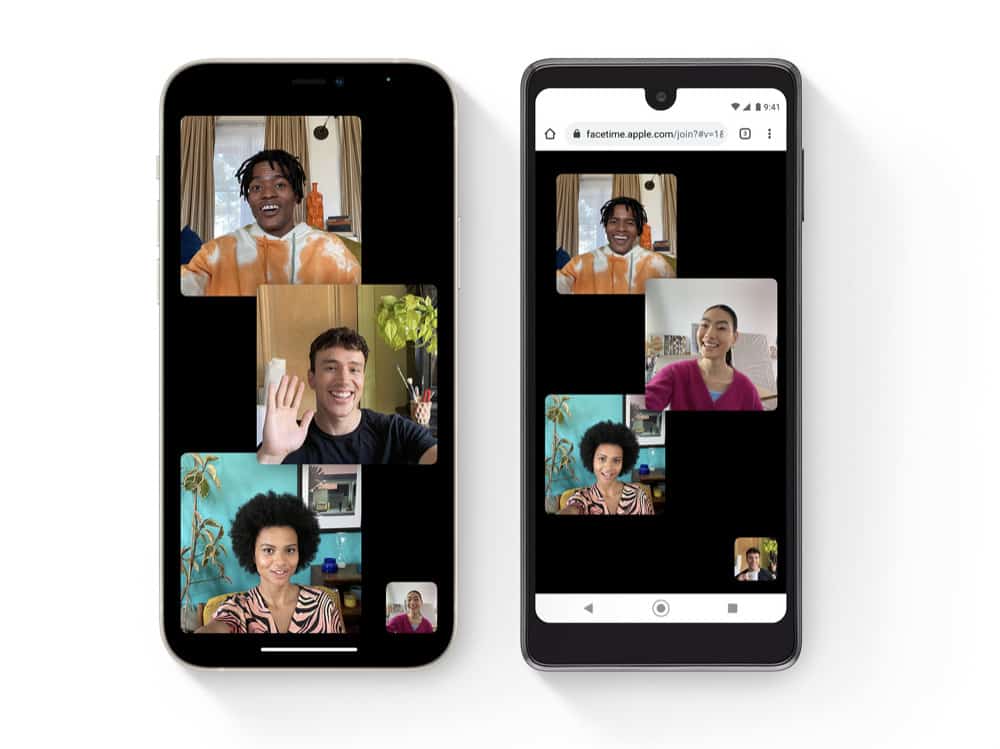
Yep, Apple is finally letting iPhone owners FaceTime with Android phones. Have you long wondered why you couldn’t FaceTime on Android? So have most people. But now with the upcoming release of iOS 15, Apple will now let Mac, iPhone, and iPad users make FaceTime calls to Android users. But first, let’s backtrack a bit. Until iOS 15 why has FaceTime only been available on…
-
How To Access Your Clipboard On Android – The SIMPLE Way
Some third-party apps let you see your clipboard in its entirety. Wondering how to access you clipboard on Android? You’re not alone! A cupboard is one of the most essential features of any operating system no matter if that’s Windows, macOS, iOS, or Android. Clipboards are so important because without them you would not be able to copy and paste text or images. But let’s…
-
How To Root Android Phone With PC (The Easy Way…)
In this guide, we’ll show you how to root an Android phone with your PC – it’s pretty simple, but you will need some third-party rooting software… There are limitations that mobile phone manufacturers put on the usage of your phones. There are apps you cannot install due to incompatibility issues, and there are functions that you cannot access. Rooting your Android phone allows you to…
-
How To Stop Pop Up Ads On Android Phone
In this guide, we’ll show you how to stop pop up ads from appearing on your phone – it is easy to do, just follow the steps below… You might have been using your Android phone and all of a sudden, an ad appears from nowhere to disrupt your phone usage. These types of ads are called pop ups, and they’re super annoying. You’re probably…
-
How To Root Android Phone: The #1 Simplest Method
In this guide, we’ll outline all the steps you have to take to root your Android phone for the first time… What Does Rooting An Android Phone Mean? Android is still Linux deep down, which means on every device there is an administrator and there is a user. When you root your device, it simply means you get to use your android device as an…
-
How To Unlock Android Phone: The Top 6 Methods…
How to unlock Android phone when you’ve lost and/or forgotten its password… Out of curiosity, have you ever wondered if there was a way to unlock your Android phone if you or anyone you know forgets the phone’s password? We have too, and we have seen it happen, which is why we are writing about what to do if you find yourself in such a…
-
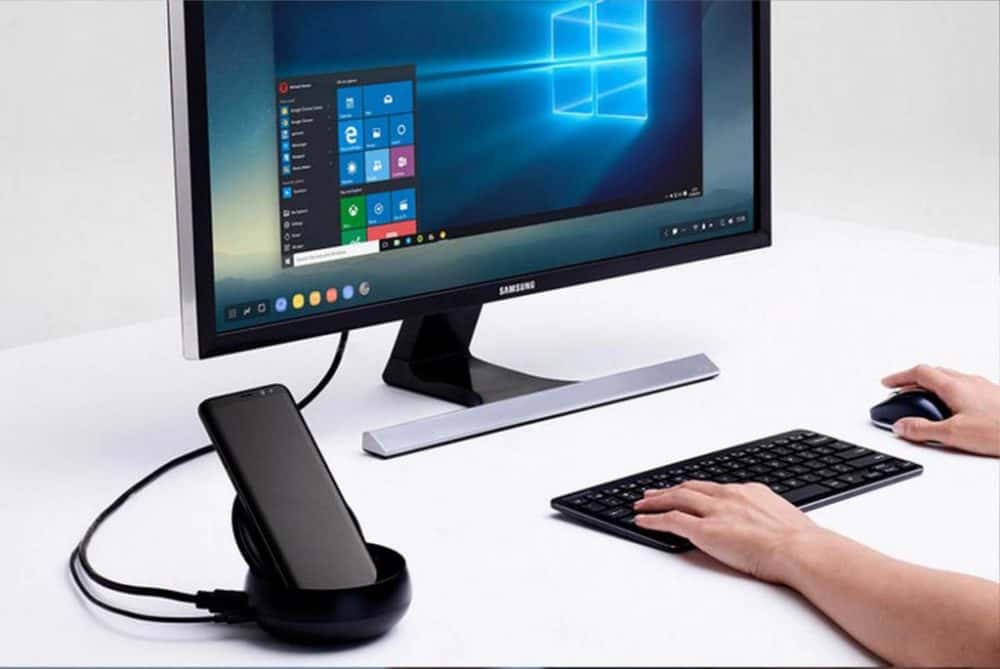
How To Enable Android 10’s Secret “Desktop Mode”
Android 10 has a secret feature. It’s called Desktop Mode and, providing you have the right type of phone and the right cable, it is super-simple to set up… Back when Android 10 was still in development one of the first features we caught wind of was Desktop Mode, whereby you can connect your phone to an HDTV or PC monitor and run Android on…


Android Phone FAQs
Why Are Android Phones Called Android?
Smartphones like ones from Samsung and Apple’s iPhone run on operating systems, just like your PC or laptop. Android is an operating system, owned and run by Google, and it powers literally billions of smartphones today.
Android is just the brand name of Google’s mobile operating system, just like Windows is the name of Microsoft’s PC and laptop operating system.
The difference between Android and iOS (Apple’s mobile operating system) is that iOS is closed and is only used on iPhones, while Android is open-source (at least at its core) and is used by lots of different phone brands. This is why there is more choice and more active Android phones on the market.
Which is Better, iPhone or Android?
“Better” is a loaded term in this context. Both Android and iOS have their benefits and downsides. If you’re running high-end phones from Apple or Google or Samsung, the main differences are negligible.
Support for updates is outstanding with 7 years of software updates, excellent performance, and top-tier cameras across the board.
That said, the experience you get from each ecosystem is very different.
iPhones offer tighter integration with other Apple products, a more consistent UI, and stronger app privacy controls. They’re ideal if you already use a Mac, iPad, or Apple Watch. You also get longer average app support and immediate access to new iOS features on day one.
Android, on the other hand, gives you more flexibility. You can customize your home screen, swap default apps, and choose from a huge range of devices at different price points. If you’re into choice, control, or using cutting-edge hardware features first (like foldables, USB-C, or periscope cameras), Android wins.
So, which is better? If you want simplicity, privacy, and long-term support, go iPhone. If you value flexibility, variety, and innovation, go Android. Both are excellent—it just depends on how you use your phone
What is The Difference Between A Smartphone And An Android?
A smartphone is a mobile device that goes far beyond making calls and sending texts. It connects to the internet, runs apps, streams video and music, takes high-resolution photos, tracks your fitness, manages your schedule, and even lets you control smart home devices—all from your pocket.
An Android phone is a type of smartphone that runs on Google’s Android operating system.
Unlike iPhones, which are made exclusively by Apple, Android powers devices from a wide range of brands like Samsung, Google Pixel, OnePlus, Xiaomi, and more.
Android phones vary widely in price, features, and design, but they all share the same core OS, giving users access to the Google Play Store, Google services like Maps and Assistant, and a flexible, customizable interface that many users prefer.
In short: all Android phones are smartphones, but not all smartphones are Android.
What Is The Best Android Phone Right Now?
The thing you have to keep in mind about Android phones is this: some of them look great, run killer specs and hardware but the level of support you get SUCKS.
What’s the point of spending $800 to $1000 on a phone if you only get 2-3 years of updates?
For this reason, we advise our readers to stick to Google and Samsung-made Android phones (and with Samsung, you’ll need to go with its more expensive Galaxy S-line phones).
Why? Because with these phones you’ll get 7 years of Android updates which means you get the most bang for your buck.
Xiaomi phones are great from a hardware perspective. But you’ll only get 2-3 years of updates (at best).
For me, that’s just not good enough.
OnePlus does better with five years, so it is a great option for cheaper flagships.
Mostly, though, you’ll want to keep it locked to Pixel phones by Google (the mainline models) and Samsung’s Galaxy S and Galaxy Z phones (again, the high-end models).
Frequently Asked
Learn More About The Most Popular Phone Brands 📱
Learn more about the top smartphone brands on the market right now so you can make a better decision with your next phone…
Learn All About Apple’s iPhone
Apple is the most popular brand in the world and its iPhone is the reason why. Learn all about the latest models, technological advances, new features and the different models.
Get Acquainted With Google’s Pixel Phones 🤖
From powerful AI capabilities to regular software updates, find all the essential information and insights on the Google’s latest Pixel phone lineup – from its budget A series to its mainline Pixels and foldables.
Learn All About Samsung’s Latest Phones 🤳
Discover all the latest Samsung phone models, explore new features, and stay updated on technological advancements. From flagship releases to mid-range and budget options, find detailed information and comparisons on the diverse Samsung lineup.
Is A OnePlus Phone A Good Option For You? ⚡
Explore the latest OnePlus phone models, uncover new features, and stay informed about technological innovations. Whether you’re looking for a flagship killer or a budget-friendly option
Latest Xiaomi Phones
Cheap, affordable, high-end specs. Xiaomi phones are popular with budget-conscious Android fans. And there’s flagship models too.
LEARN MORE
→
Latest Motorola Phones
Motorola is the USA’s #1 budget phone brand. If you want something cheap and cheerful, say hello to Moto…
LEARN MORE
→
Latest OPPO Phones
Criminally underrated, OPPO is a hugely innovative brand. From its foldable phones to its camera tech, it is one of best in the biz.
LEARN MORE
→
Which Phones Are Best For Android Updates?
Android updates vary by brand, and some are much better than others. Updates are important, so make sure you know which brands are best for Android updates.
How Long Does Apple Support iPhone?
iPhones are known for their timely iOS updates (unlike their Android-powered counterparts). But how many do you get and how long does each model last for?
🤔 Need Help Choosing Your Next Phone?
Join our thriving community and get direct access to the team