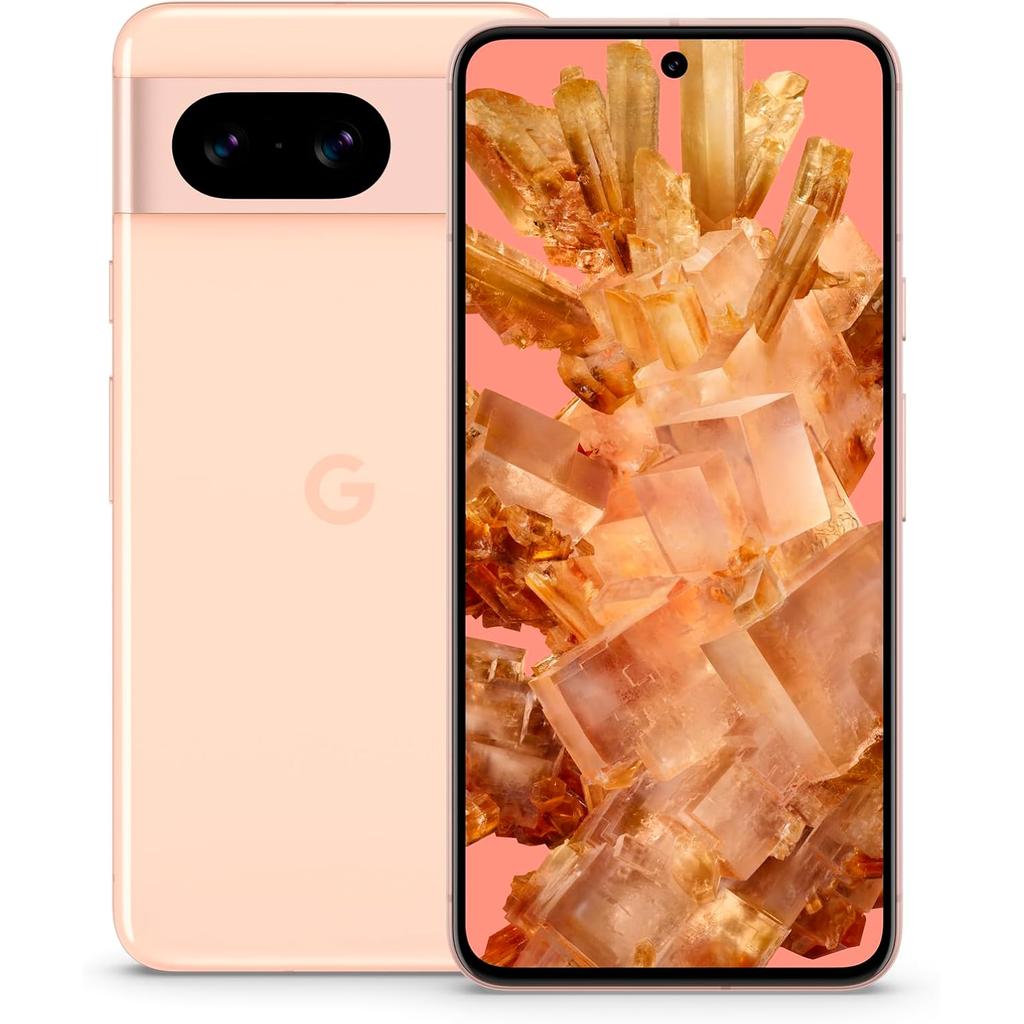
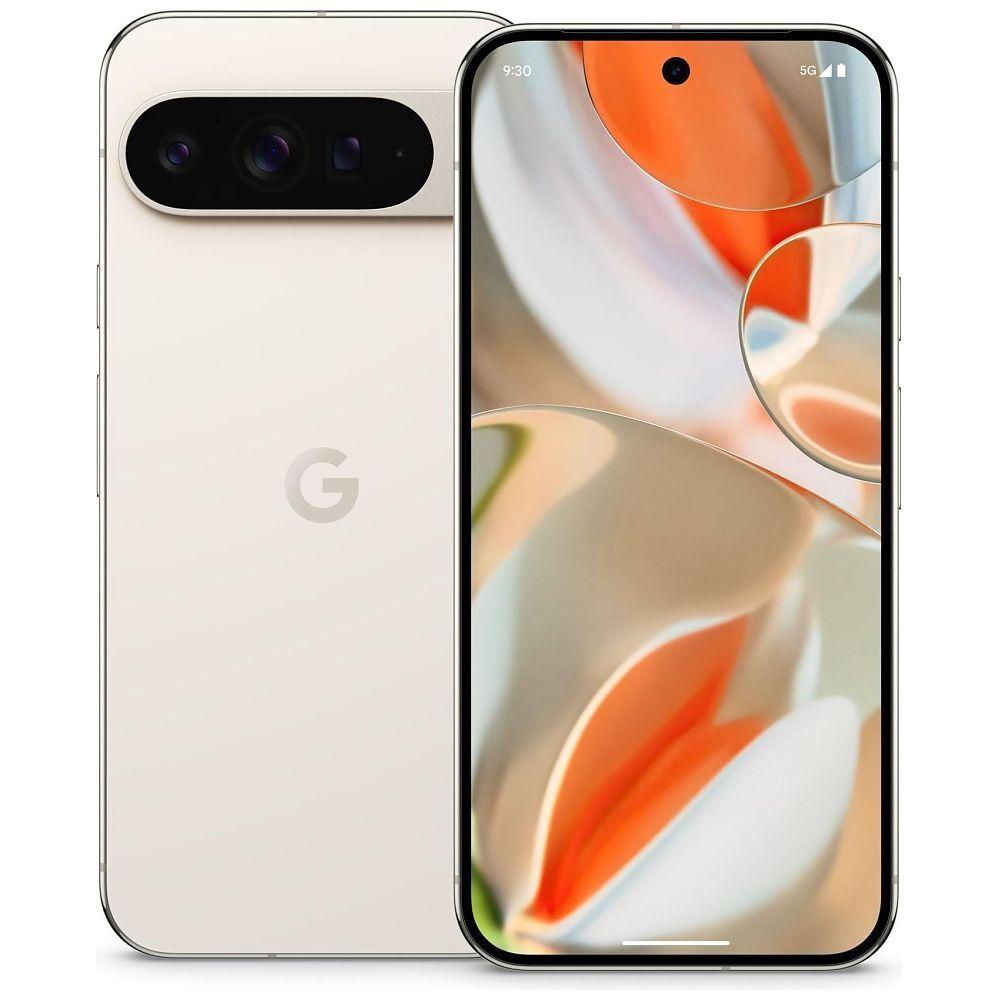
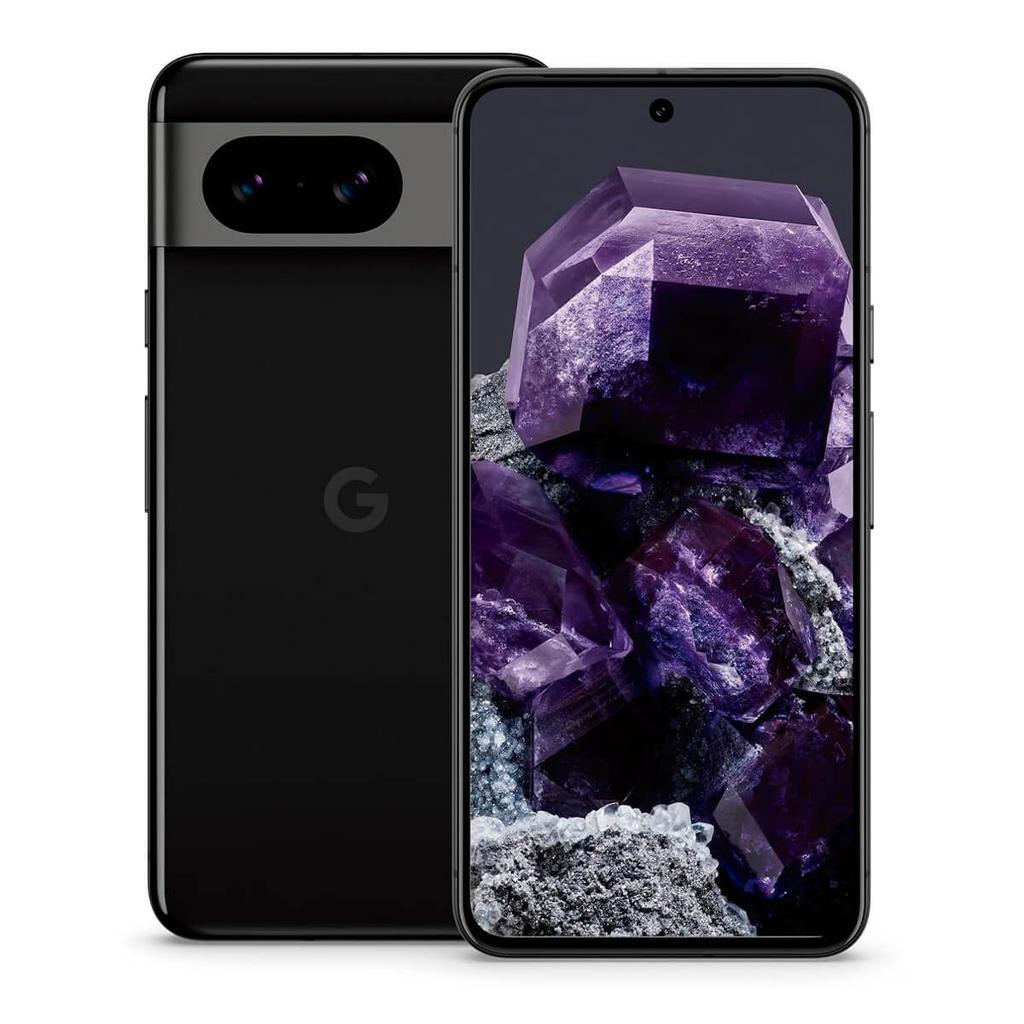
Magic Capture: What It Does On Pixel 11
Magic Capture records a short video, finds the strongest moments and turns them into five finished HDR+ photos. You still get a shutter button, so you can take your own pictures while Google quietly covers the moments you might otherwise miss.
The Pixel records a short 1080p video rather than relying on one instant.
Google automatically looks for the strongest expressions, poses and moments.
Selected frames are cropped, unblurred and processed using HDR+.
You receive five 12MP photos and can pick other frames afterwards.
You do not need perfect timing. Magic Capture looks through the recording and picks the frames it thinks are most worth keeping.
The feature does not take the camera away from you. You can press the shutter whenever you want while the phone records the wider moment.
If you do not like Google’s first five choices, you can return to the clip and select another frame.
Children, pets, sports and group photos are the obvious use cases. These are the moments where somebody always moves, blinks or looks the wrong way.
| Pixel Model | Magic Capture | Standard Output | 4K Video Boost Processing |
|---|---|---|---|
| Pixel 11 | Yes | 1080p clip and five 12MP HDR+ photos | No |
| Pixel 11 Pro | Yes | 1080p clip and five 12MP HDR+ photos | Yes, on supported clips |
| Pixel 11 Pro XL | Yes | 1080p clip and five 12MP HDR+ photos | Yes, on supported clips |
| Pixel 11 Pro Fold | Yes | 1080p clip and five 12MP HDR+ photos | Support may depend on the selected mode |
Magic Capture vs Samsung Single Take: the basic idea is similar. Both record a moment and create several results from it. Google’s version applies its own HDR+, frame-selection, cropping and unblurring technology to the finished photos.
Magic Capture is a new Pixel 11 camera mode that records a short video and automatically pulls out five HDR+ photos from the footage.
The idea is simple: you no longer have to choose between taking a photo and recording a video.
Press the button once and Magic Capture gives you both.
It is designed for unpredictable subjects such as children, pets, sports, parties and anything else that refuses to stay still while you line up the perfect shot.
What does Magic Capture actually do?
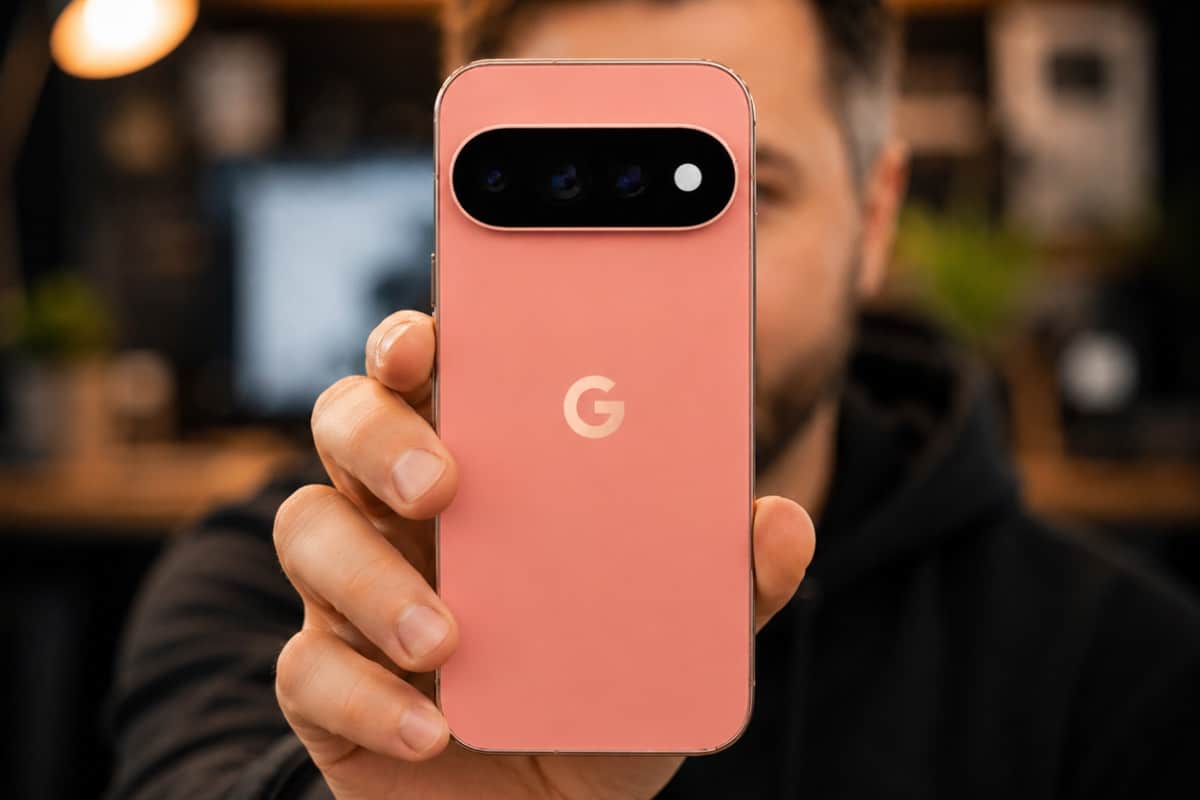
Open Magic Capture inside the Pixel Camera app and start recording. The phone captures a short 1080p video while analysing the action taking place in front of the camera.
Once you finish, the Pixel selects five moments from the recording and saves them as 12MP HDR+ photographs.
These are not simply basic screenshots pulled from a video. Google uses its camera processing to find promising frames, reduce blur, adjust the crop and produce photographs that are ready to share.
You can also press the built-in shutter button while recording if you spot a moment you definitely want to capture.
If Google’s automatic choices are rubbish, you are not stuck with them. You can review the recording and choose different frames yourself.
According to Android Authority’s Pixel 11 launch coverage, a typical Magic Capture session can record around 30 seconds of 1080p video and automatically generate five 12MP HDR+ images.
Which Pixel 11 models support Magic Capture?
Magic Capture is available across the entire Pixel 11 series. It is not restricted to the more expensive Pro phones.
| Pixel model | Magic Capture | Standard Magic Capture video | Pro Video Boost option |
|---|---|---|---|
| Pixel 11 | Yes | 1080p | No |
| Pixel 11 Pro | Yes | 1080p | Yes |
| Pixel 11 Pro XL | Yes | 1080p | Yes |
| Pixel 11 Pro Fold | Yes | 1080p | Pro support may depend on the selected recording settings |
The important bit is that every model gets the main feature: one recording, five HDR+ photos and the option to take manual shots at the same time.
You do not need to buy the Pixel 11 Pro XL just to use Magic Capture. The standard Pixel 11 can do the main job.
The Pro phones add the option to send compatible Magic Capture footage through Video Boost, which can produce a 4K version. This processing takes place in the cloud, so it requires an internet connection and will not be available immediately after recording.
For a closer look at the wider hardware differences, see our Pixel 11 and Pixel 11 Pro camera comparison.
The main benefit: you do not have to pick photo or video
We have all done it. You start recording a video, something brilliant happens, and you wish you had taken a photo. Or you take a series of photographs and realise the moment would have worked better as a video.
Magic Capture covers both bases.
That makes it particularly useful for:
- Children running around
- Pets doing unpredictable pet things
- Football, skating and other sports
- Birthday candles and celebrations
- Dancing and live performances
- Wildlife
- Group reactions
- Any scene with fast or unpredictable movement
Instead of attempting to time one perfect photograph, you record the entire moment and let the phone find several usable frames.
Magic Capture still gives you some control
AI camera features can sometimes feel as if the phone is making every decision for you. Magic Capture avoids that, at least to an extent.
There are three ways to get a photograph from the mode:
- Let the Pixel automatically select five images.
- Press the shutter button yourself during the recording.
- Review the footage and select another frame afterwards.
That manual shutter button matters. If you see the exact expression or movement you want, you can capture it without relying entirely on Google’s automatic selection.
Is Magic Capture the same as taking a screenshot from a video?
No. You can already pause a normal video and export a frame, but the quality will depend on the video’s resolution, shutter speed and available light.
A frame taken from a moving video can easily look soft or blurry. Its composition may also be poor because the video was framed for movement rather than as a standalone photograph.
Magic Capture is built around creating both formats. It uses Pixel’s HDR+ processing, frame analysis, cropping and unblurring to turn selected moments into 12MP images.
That does not mean every result will look as good as a carefully composed photograph taken in the normal camera mode. It does mean you have a better chance of getting something usable from a fast-moving scene.
Magic Capture vs Top Shot
Top Shot records a brief burst around the moment you press the shutter. It then recommends another frame if someone blinked or moved at the wrong time.
Magic Capture records for much longer and gives you a proper video alongside several selected photographs.
| Feature | Magic Capture | Top Shot |
|---|---|---|
| Main purpose | Capture video and photos together | Find a better version of one photo |
| Recording length | Short video, potentially around 30 seconds | Brief motion around the shutter press |
| Automatic results | Five 12MP HDR+ photos | Recommended alternative frame |
| Manual photos while recording | Yes | No |
| Useful for longer action | Yes | Limited |
Top Shot is good for fixing a badly timed photograph. Magic Capture is better when you know something is about to happen but cannot predict the exact moment.
Magic Capture vs Best Take
Best Take is primarily designed for group photographs. It can use similar images to help you choose better facial expressions for individual people.
Magic Capture is for recording an entire moving scene and extracting separate moments from it.
The two features could complement each other, but they solve different problems:
- Magic Capture finds the best moments from an event.
- Best Take helps fix faces in a group photograph.
- Photo Unblur deals with an image that is already blurry.
- Magic Editor is used for larger edits after the photograph has been taken.
Google has accumulated quite a collection of camera tools. Keeping track of which “Magic” button does what is rapidly becoming a job in itself.
Magic Capture vs Samsung Single Take
The closest existing alternative is Samsung Single Take.
Samsung’s mode also records a scene and produces a collection of photographs and video clips. Google’s version follows the same basic formula, which is why Android Authority describes Magic Capture as Google’s take on Single Take.
Magic Capture’s main distinction is its connection to Pixel processing:
- HDR+ 12MP image output
- Automatic frame selection
- Intelligent cropping
- Unblurring
- Manual photographs during recording
- Video Boost support on Pro models
Samsung got there first. Google is betting that its image processing will produce better automatic selections and more convincing still images.
Does Magic Capture use AI?
Yes. Magic Capture uses computational photography and machine-learning models to analyse the recording, identify worthwhile moments and process the selected photographs.
The Pixel 11 series’ Tensor G6 processor handles much of this camera and AI work. It is looking for things such as faces, expressions, movement, sharpness and composition rather than choosing five frames at random.
That is where the real value lies. Recording a video is easy. Searching hundreds of frames for the precise moment your dog catches a ball is the tedious part.
Magic Capture does that initial sorting for you.
Does it need an internet connection?
The basic Magic Capture mode is designed to work through the Pixel Camera app and on-device processing.
However, Video Boost is cloud based. If you have a supported Pixel 11 Pro model and want a processed 4K version of the clip, the footage must be uploaded for processing.
That means Video Boost requires:
- An internet connection
- Sufficient cloud storage
- Time for Google to process the recording
The five standard HDR+ photographs and original Magic Capture recording are the more immediate results.
Are older Pixel phones supported?
At launch, Google has presented Magic Capture as a Pixel 11 series feature.
There is no confirmed support for the Pixel 10, Pixel 9 or earlier generations. Google has brought camera and Google Photos tools to older phones before, so a future Pixel Drop is possible, but buyers should not assume that will happen.
If Magic Capture is the reason you are considering an upgrade, buy on the basis of the support available now, not a potential update that Google has not promised.
Are there any drawbacks?
Magic Capture is useful, but it does not replace the normal Photo and Video modes.
Standard video is limited to 1080p
The initial Magic Capture recording is 1080p. If you want regular 4K footage immediately, the normal video mode remains the better choice.
Compatible Pro models can use Video Boost to create a 4K version, but that involves cloud processing and a wait.
The photographs are 12MP
The automatic HDR+ images are 12MP. That is plenty for social media, messaging, prints and normal viewing, but it is not the same as deliberately shooting with the camera’s full-resolution mode.
It will use more storage
You are saving a video plus several photographs. Use the mode regularly and it will consume storage faster than taking individual pictures.
AI will not always choose your favourite moment
The phone can judge sharpness and composition. It cannot know that a slightly blurry laugh matters more to you than a technically perfect photograph taken two seconds later.
Fortunately, you can still review the footage and choose another frame.
It is not intended for every subject
For landscapes, architecture, posed portraits or carefully framed night photographs, use the normal camera modes. Magic Capture makes the most sense when movement and timing are the problem.
Is Magic Capture worth upgrading for?
Magic Capture looks genuinely useful, particularly for parents, pet owners and anyone who regularly photographs sports or live events.
It removes a common mobile-camera problem and does so without forcing you to surrender all control. You get the video, automatic photographs, a manual shutter and access to alternative frames afterwards.
But it is still one feature.
If your current Pixel already takes the photographs and videos you need, Magic Capture alone probably does not justify buying a new phone. A refurbished Pixel 9 Pro or Pixel 9 Pro XL can cost far less while still providing excellent cameras, Video Boost, Best Take, Top Shot, Photo Unblur and Google’s other established photography tools.
You will miss Magic Capture, but you could save hundreds in the process.
If you do want the new mode, check the latest Pixel 11 deals before paying Google’s full launch price.
Bottom line
Magic Capture records a short video and creates five 12MP HDR+ photographs from the best moments it finds.
It is available on the Pixel 11, Pixel 11 Pro, Pixel 11 Pro XL and Pixel 11 Pro Fold. You can also take your own photographs while recording or select different frames afterwards.
The feature will be most useful when photographing children, pets, sports and other moving subjects. For these situations, getting the photo and video from one press is a simple idea that could save plenty of missed shots.
For everything else announced alongside it, visit our complete Pixel 11 series guide.
Buying tools
Thinking About Buying a Google Pixel?
Compare current refurbished prices, see how it stacks up against alternatives, and avoid overpaying for the wrong model.
Recommended for this article