
In a move to enhance the utility of its digital wallet, Apple has introduced new features to the Wallet app, allowing users to view their account balances and transaction histories directly within the application.
This update, available for eligible card issuers, marks a significant step towards integrating more comprehensive financial information into the iOS ecosystem.
New Features at a Glance
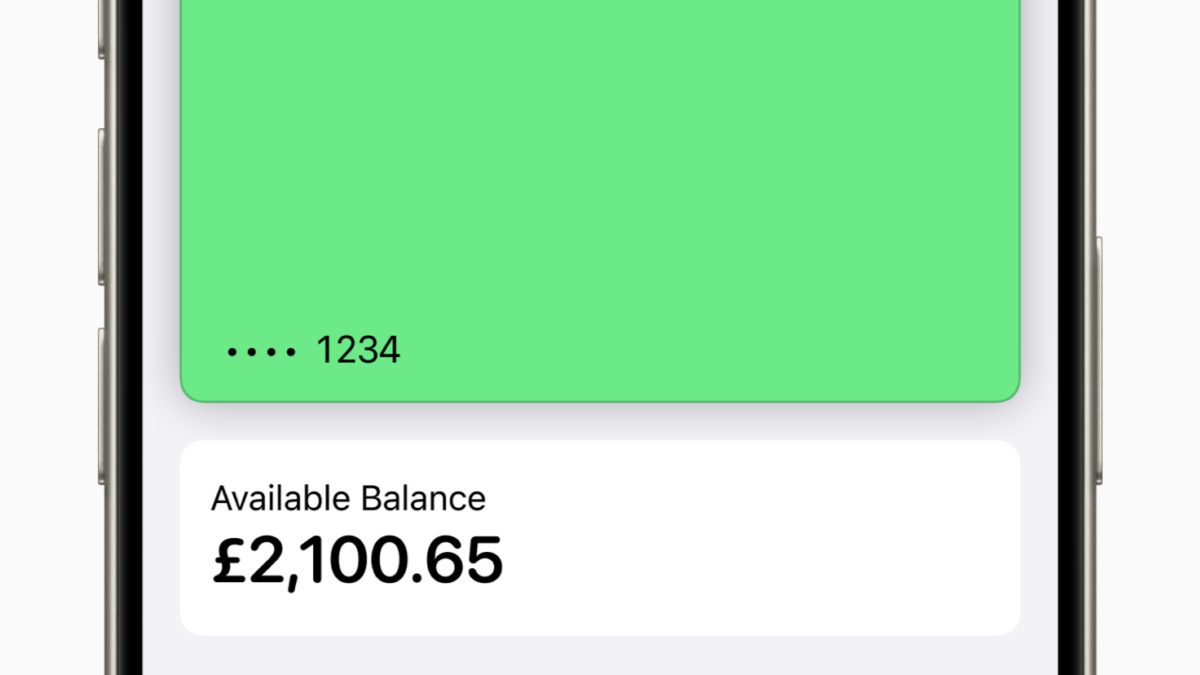
The latest update enables users to:
- View current account balances for connected debit or credit cards
- Access up to two years of transaction history
- See purchases made outside of Apple Pay
Top-rated refurbished phone deals right now
These are the refurbished phones we currently recommend the most.
- 01iPhone 16 Pro 512GB · Black TitaniumSave $529 vs newView deal →
- 02Samsung Galaxy Z Fold6 256GB · SilverSave $919 vs newView deal →
- 03Google Pixel 9 Pro XL 256GB · GraySave $701 vs newView deal →
Availability and Eligibility
Currently, the feature is available in the UK for cards issued by major banks including Barclays, HSBC, Lloyds, and Santander, among others. In the US, a similar feature is accessible for Discover credit card users.
How to Use the New Features
To take advantage of these new capabilities, users need to connect their accounts to the Wallet app. The process involves:
- Opening the Wallet app on an iPhone
- Selecting the card to connect
- Tapping “Get Account Balance & Activity”
- Following on-screen prompts to authenticate with the card issuer
Once connected, users can easily view their balance and transaction history by tapping on the connected card within the Wallet app.
You’re paying too much for data. Way too much.
Visible+ gives you unlimited premium data on Verizon’s 5G Ultra Wideband network, plus hotspot data and travel perks.
Visible+ includes
- Unlimited premium dataVerizon 5G Ultra Wideband
- Unlimited hotspot dataSpeeds up to 15 Mbps
- Travel extrasCanada and Mexico coverage, plus 2 days of Global Pass each month
Privacy and Control
Apple has implemented privacy measures, allowing users to turn off account activity tracking or disconnect their accounts entirely through the iPhone’s settings.
System Requirements
To use these features, users must have:
- iOS 17.1 or later on their iPhone
- The latest version of their banking app installed
Troubleshooting
For users experiencing difficulties, Apple recommends checking for service outages, ensuring internet connectivity, and verifying that their card issuer is eligible for the service.
This update represents Apple’s ongoing efforts to make the Wallet app a more comprehensive financial tool, potentially reducing the need for users to switch between multiple banking apps for basic account information.
Latest Apple Pay Coverage
View All →
Keep reading
More useful guides from this section of KnowYourMobile.
