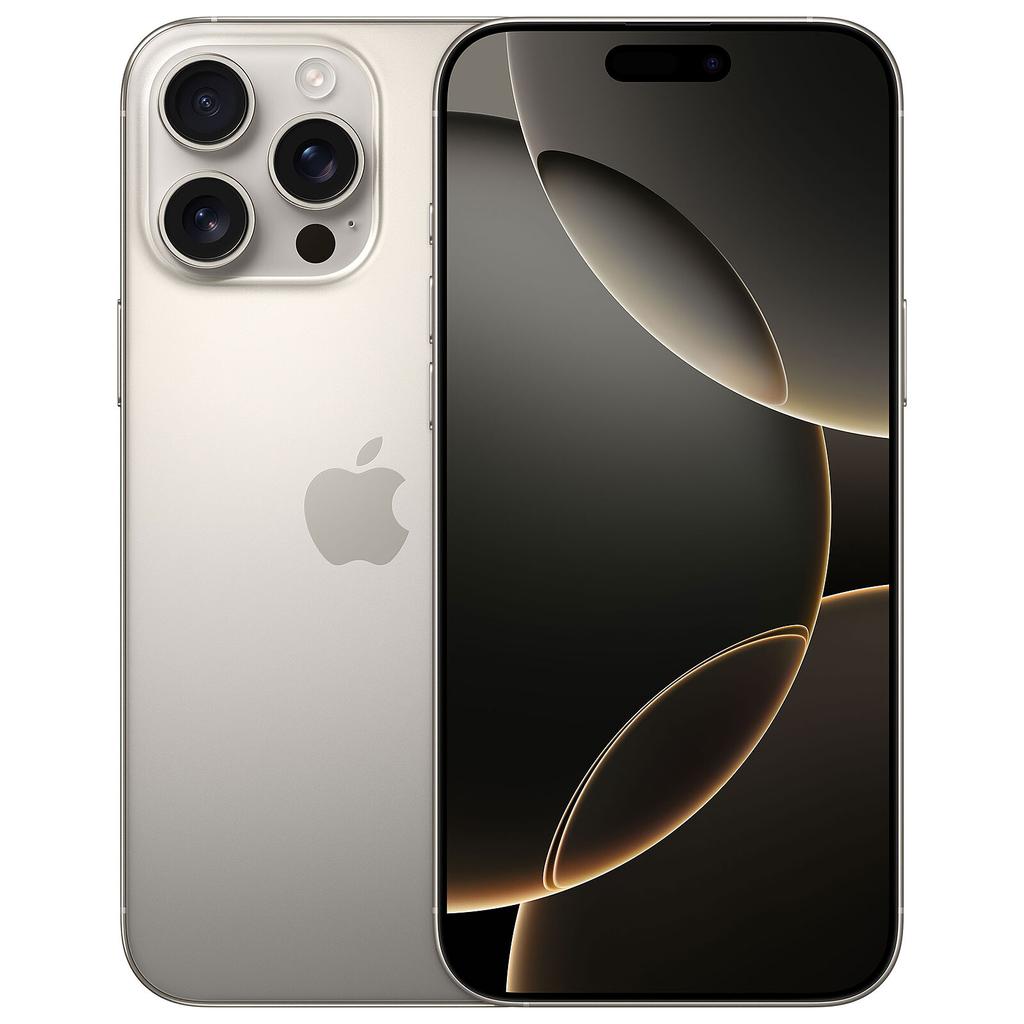
Siri AI: What You Need To Know
Siri has been rebuilt around Apple Intelligence. It can search your personal information, understand what is displayed on your screen and carry out multi-step actions inside supported apps. The big test will be whether it works reliably outside Apple’s demonstrations.
Siri can look for information stored inside Messages, Mail, Photos and supported third-party apps. That should make it more useful for finding things you know are somewhere on your phone but cannot remember where.
Onscreen awareness gives Siri context about the app, photo, message or webpage you are currently viewing. You should be able to refer to “this” without explaining everything again.
Siri is designed to move between apps and complete several connected steps from one request. This is where it could become genuinely useful rather than merely better at answering questions.
A new Siri app stores your conversations and makes them available across compatible Apple devices. You can begin an interaction on one device and return to it later on another.
Siri AI launches in beta for supported devices set to English. Access will also depend on your iPhone model, language and country.
Most requests are processed directly on the iPhone or through Apple’s Private Cloud Compute system. Apple’s pitch is that Siri can use personal context without treating every request like data for a conventional cloud chatbot.
Running iOS 27 does not guarantee Siri AI support. Older supported iPhones will miss the full feature set.
The first beta will be limited to users with compatible devices set to supported English-language settings.
Regional rules and Apple’s rollout plans will prevent the new Siri from launching everywhere at the same time.
Siri AI does not need to look clever for five minutes on stage. It needs to understand imperfect requests, find the correct information and complete tasks without making users check every step. Reliability will decide whether people use it.
The bottom line: Apple’s approach could change some opinions about AI because it is focused on practical jobs already carried out on an iPhone. But if Siri remains inconsistent, privacy claims and polished demonstrations will not save it.
Apple has spent years promising a smarter Siri. Most of the time, what we got was the same old assistant with a new voice, a fresh animation and an impressive ability to misunderstand basic questions.
Siri AI is supposed to be different.
Launching in beta alongside iOS 27, Apple’s rebuilt assistant can search your messages, understand what’s on your screen, use information from the web and complete jobs across several apps.
That sounds impressive. It also sounds like exactly the sort of AI-heavy pitch plenty of people have grown tired of hearing.
The good news is that Apple isn’t trying to turn every iPhone owner into an AI enthusiast. Its approach is far more practical. Siri AI is designed to sit inside the software you already use and remove small annoyances from your day.
Will that be enough to change how people feel about AI? Possibly. But Apple still has to prove that Siri can be trusted to do what it’s asked.
Here are the five things you need to know before iOS 27 arrives.
1. Siri AI Is About Getting Things Done, Not Just Answering Questions
The biggest change isn’t that Siri can give you longer answers.
Plenty of AI chatbots can already do that. Open an app, type a question and wait for it to produce several paragraphs you probably didn’t ask for.
Siri AI’s real advantage is its access to the iPhone.
Apple says the assistant will be able to understand personal context from information stored in Messages, Mail, Photos and other apps. That means you could ask:
“What was the name of that hotel Sarah sent me?”
Siri could search your conversations and emails, identify the relevant message and give you the answer. You wouldn’t need to remember which app it was in, when it was sent or the exact wording used.
Other practical examples include:
- Finding a flight number buried inside an old email
- Pulling up photos from a particular trip
- Locating a restaurant someone recommended in Messages
- Drafting an email using details from another app
- Editing a group of photos and sending them to a contact
- Adding information shown on the screen to Notes or Calendar
This is where Siri AI could become genuinely useful.
Most people don’t need an AI assistant to write a poem about their breakfast. They need it to find the parking confirmation email they received three weeks ago while they’re standing outside an airport.
Apple calls this “personal context understanding.” Strip away the branding and it basically means Siri should know where your information is and help you use it.
Apple also says third-party apps will be able to feed information into this system through Spotlight integration. How useful that becomes will depend on developer support, though. Apple can build the framework, but it can’t force every banking, travel, productivity and messaging app to use it properly.
2. Onscreen Awareness Could Be Its Most Useful Feature
Siri AI can understand what is currently displayed on your iPhone.
This sounds like a small addition. In day-to-day use, it could be one of the best things Apple has added to Siri.
Imagine someone sends you an address in Messages. Instead of copying it, opening Maps and pasting it into the search box, you could ask Siri to get directions to “this address.”
If you’re looking at an event page in Safari, you could tell Siri to add it to your calendar. If you have a recipe open, you could ask it to save the ingredients to Notes or turn them into a shopping list.
The important word here is “this.”
Traditional voice assistants often fail because users have to describe everything precisely. A human can see what you’re looking at and understand what “this,” “that one” or “the second option” means. Existing Siri frequently cannot.
Onscreen awareness gives the new assistant some of that missing context.
Apple is also putting Siri directly inside the Camera app. The new Siri camera mode lets the assistant examine an object, document, meal or location and respond to questions about it.
Apple’s own examples include checking nutritional information and splitting a restaurant bill using Apple Cash. The latter will initially be limited to eligible users in the US, but the wider idea applies everywhere: point the camera at something, ask a question and take an action.
This isn’t a completely new concept. Google has offered powerful visual search tools for years. What Apple brings to the table is the ability to connect visual recognition directly to iPhone apps and services.
That extra integration could make the feature far more practical than a standalone image search.
3. Apple’s Privacy Model Is Its Best Chance Of Winning Over AI Sceptics
A lot of people don’t like AI.
Some dislike the poor-quality content it produces. Others are worried about jobs, copyright, environmental costs, fabricated answers or handing even more personal information to enormous technology companies.
Then there’s the simplest objection: they don’t see why they need it.
Apple isn’t going to make all those concerns disappear. What it can do is make AI feel less invasive and less demanding.
Siri AI uses a mixture of processing methods. Smaller jobs can run directly on the device. More demanding requests can be sent to Apple’s Private Cloud Compute servers.
According to Apple’s explanation of Siri AI, information handled through Private Cloud Compute isn’t stored or made accessible to Apple. The servers use Apple silicon, while published software records allow independent security researchers to inspect the code used by the system.
Apple also says its Spotlight index and App Toolbox operate on the device. These are the parts that help Siri locate personal information and perform actions inside apps.
That matters because the new Siri needs access to some deeply personal material to work properly:
- Private messages
- Emails
- Photos
- Calendar appointments
- Contacts
- Files
- Recent conversations
- Information visible on the screen
Apple’s argument is effectively this: Siri can use your personal information without Apple building an advertising profile around it.
That’s a much easier sell than uploading your digital life to a conventional cloud chatbot.
It won’t persuade everyone, of course. Some users will remain uncomfortable with an assistant searching their private messages, regardless of where the processing takes place. Apple will need clear permissions, understandable settings and easy ways to disable features.
Privacy is also only one part of the AI backlash.
People are fed up with AI being pushed into products where it serves no useful purpose. If Siri AI constantly interrupts, creates additional notifications or tries to rewrite messages nobody wanted rewritten, Apple will make that problem worse.
If it quietly finds information, completes repetitive jobs and saves users a few minutes each day, people may stop thinking of it as “AI” at all.
That is probably Apple’s best route forward.
4. Siri AI Won’t Work On Every iPhone Running iOS 27
This is going to cause confusion.
An iPhone may support iOS 27 without supporting Siri AI.
Apple says the new assistant will work on:
- iPhone 15 Pro
- iPhone 15 Pro Max
- Every iPhone 16 model
- Every iPhone 17 model
- Newer supported iPhones
That means standard models such as the iPhone 15 won’t get Siri AI, even if they receive the wider iOS 27 update.
Some of Siri AI’s most advanced on-device features require even newer hardware. Apple says its largest on-device model, improved expressive voices and upgraded dictation need an iPhone Air, iPhone 17 Pro or iPhone 17 Pro Max.
The iPhone 18 Pro and Pro Max will naturally support Siri AI, with their new A20 Pro hardware likely to give Apple more room for on-device processing.
You can read our separate guide to Apple’s A20 and A20 Pro chips for more on what the new silicon is expected to change.
That doesn’t mean you need to buy an iPhone 18 to use the new Siri.
A supported older model should provide the main experience, and refurbished iPhones can offer incredible value for money. Apple’s long software-support cycle means a recent refurbished model can still have years of iOS updates ahead of it while costing far less than a new flagship.
You can browse refurbished Apple devices, compare the latest refurbished phone collections or use the KYM Phone Finder to narrow down the best option for your budget.
Region and language restrictions matter too.
Siri AI will initially be released in beta for supported devices set to English. Apple says more languages will follow, but some functions won’t be available in every country.
The assistant will not initially be offered through iOS, iPadOS or watchOS in the European Union. It will also remain unavailable in China while Apple works through local regulatory requirements.
So, yes, iOS 27 may arrive on your phone while its headline Siri feature remains unavailable.
5. Siri AI Will Launch As A Beta, And Reliability Is Everything
Siri AI isn’t expected to arrive as a completely finished product.
Apple has confirmed that it will be offered as a beta later in 2026. Developers can already test it, but language support, regional availability and individual features will continue to change.
That “beta” label gives Apple some breathing room. It also tells users to expect mistakes.
And mistakes are the one thing Siri AI cannot afford.
Apple has spent years damaging confidence in Siri. Ask it to operate a timer or switch off a light and it usually works. Ask anything slightly unusual and there’s a decent chance it will display search results, misunderstand the question or give up entirely.
The new Siri has to rebuild that trust.
A chatbot producing an incorrect answer is irritating. An assistant that takes the wrong action inside your apps can be much worse.
If Siri AI misunderstands a request to edit photos, sends an unfinished email or adds the wrong information to your calendar, users will quickly retreat to doing everything manually.
Apple needs the system to confirm sensitive actions, explain what it is about to do and provide a simple way to reverse mistakes.
The assistant must also distinguish between finding information and inventing it. Searching your email for a booking reference should produce the exact reference from the original message. It should never fill a gap with a plausible-looking answer.
Apple’s web-based answers carry the same risk faced by every generative AI service: AI models can confidently produce information that isn’t true. Siri AI may sound more natural, but a polished voice doesn’t make an incorrect answer more accurate.
This is why the boring parts matter more than the flashy demonstrations.
Can it reliably find the right email? Can it understand a slightly messy spoken request? Can it complete a multi-app job without stopping halfway through? Can users see where an answer came from?
Those are the tests that will decide whether Siri AI becomes useful or ends up as another feature people disable.
Will Siri AI Change How People Feel About AI?
For some users, yes.
Apple’s version of AI is less about opening a chatbot and more about making existing iPhone features work properly together. That is a far more sensible approach for mainstream users.
You don’t need to learn prompt-writing. You don’t need to visit a separate website. You don’t even need to think of what you’re doing as using AI.
You ask your phone to find something, explain what’s on the screen or complete a job. If it works, you move on.
Apple also has three advantages that most AI companies don’t:
- Siri is already installed on hundreds of millions of devices
- Apple controls the operating system and core apps
- Its on-device and Private Cloud Compute model gives it a stronger privacy story
But none of this guarantees success.
People won’t embrace Siri AI because Apple tells them it is private, personal and intelligent. They’ll use it if it saves time and doesn’t create new problems.
The people who object to generative AI on ethical, environmental or copyright grounds are unlikely to be won over by tighter iPhone integration. Apple’s approach addresses privacy and usability more directly than those wider objections.
It could, however, win over the much larger group of people who aren’t strongly anti-AI. They’re simply tired of half-baked tools, unwanted summaries and features that exist mainly so companies can put “AI” on a product page.
For those users, Siri AI has a real chance.
The Bottom Line
Siri AI is the most serious attempt Apple has made to turn Siri into the assistant it was always supposed to be.
Personal context, onscreen awareness and multi-app actions could make it genuinely helpful. Its privacy setup is more reassuring than the data model used by many rival AI services, and placing the technology inside familiar iPhone features should make it easier to use.
But this all comes down to trust.
If Siri AI can find the right information, understand normal speech and complete tasks reliably, it could change how millions of people interact with their phones.
If it produces incorrect answers, misunderstands instructions or arrives with too many restrictions, users will treat it like the old Siri.
Useful when setting a timer. Best avoided for everything else.
Buying tools
Thinking About Buying an iPhone?
Compare current refurbished prices, see how it stacks up against alternatives, and avoid overpaying for the wrong model.
Recommended for this article