Most email platforms feel like they were built for marketers, not creators.
Too many buttons.
Too many features you’ll never use.
Too many ways to break things.
Kit (previously called ConvertKit) fixes that by focusing on what actually matters: sending emails, building automations, and growing your list.
And what I like best about it is that it does all of this without making things harder than they need to be.
I’ve used it for over six years now to run newsletters, set up automations, and sell digital products.
If you’re wondering whether it’s easy to use, the answer is yes. And here’s what that actually looks like in practice.
Getting Started With Kit (ConvertKit)
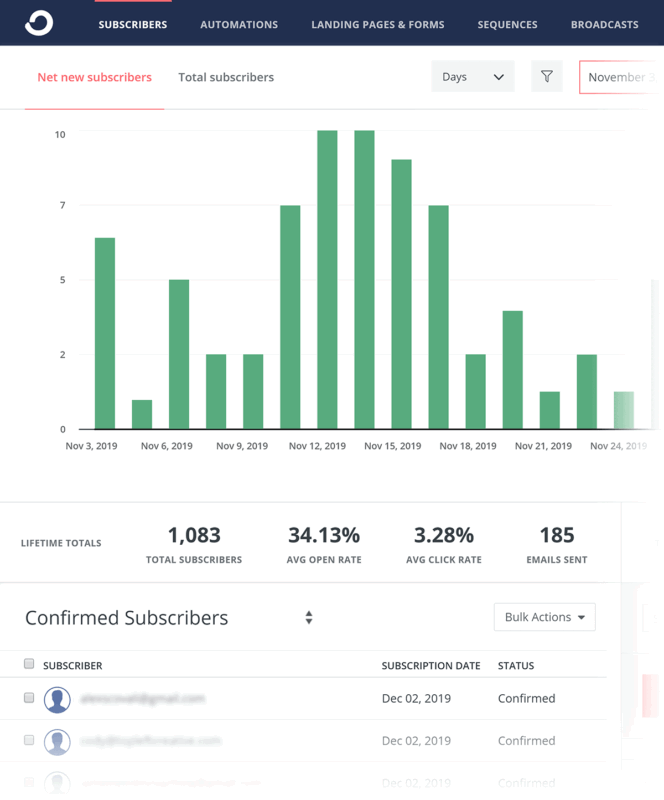
You Can Get Set Up In Under 10 Minutes
When I signed up, I created my first landing page and sent my first test email in less than ten minutes.
No long tutorials. No endless setup wizards.
You create a form, give it a name, and choose where you want new subscribers to go which is either a sequence, a tag, or a list.
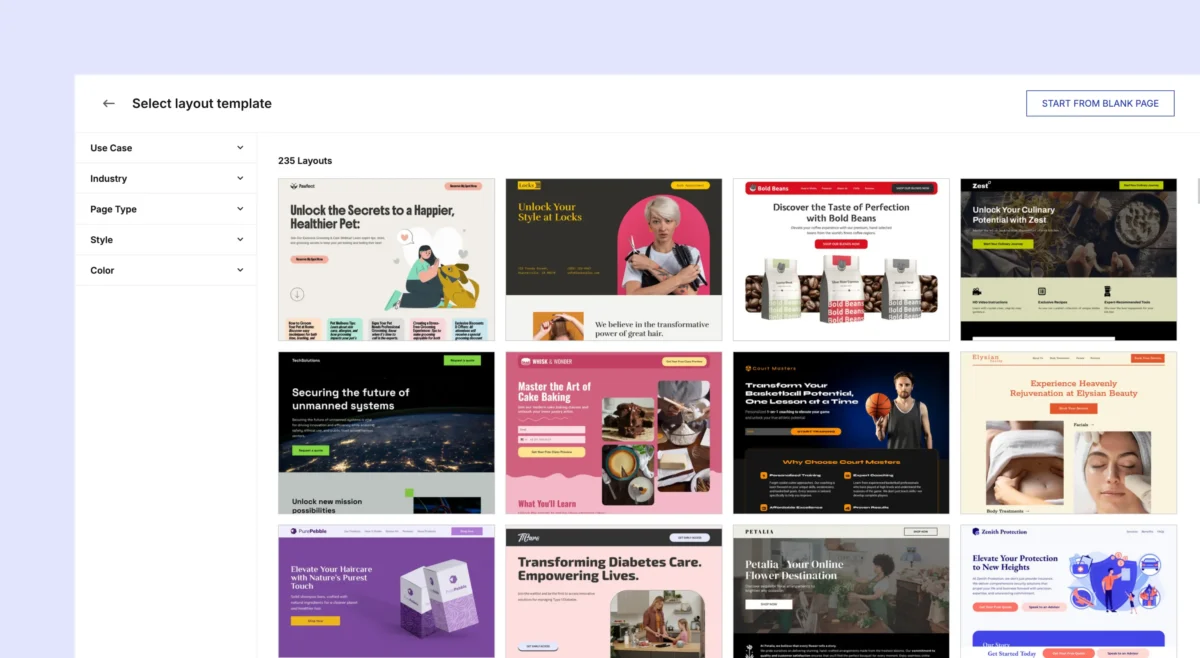
The landing page builder gives you clean, mobile-ready templates.
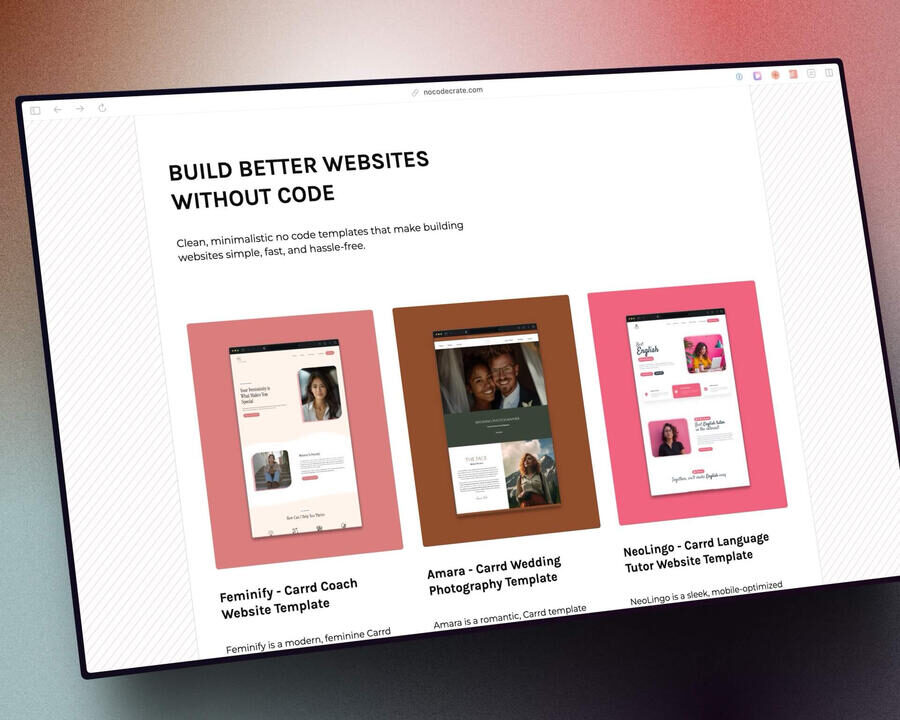
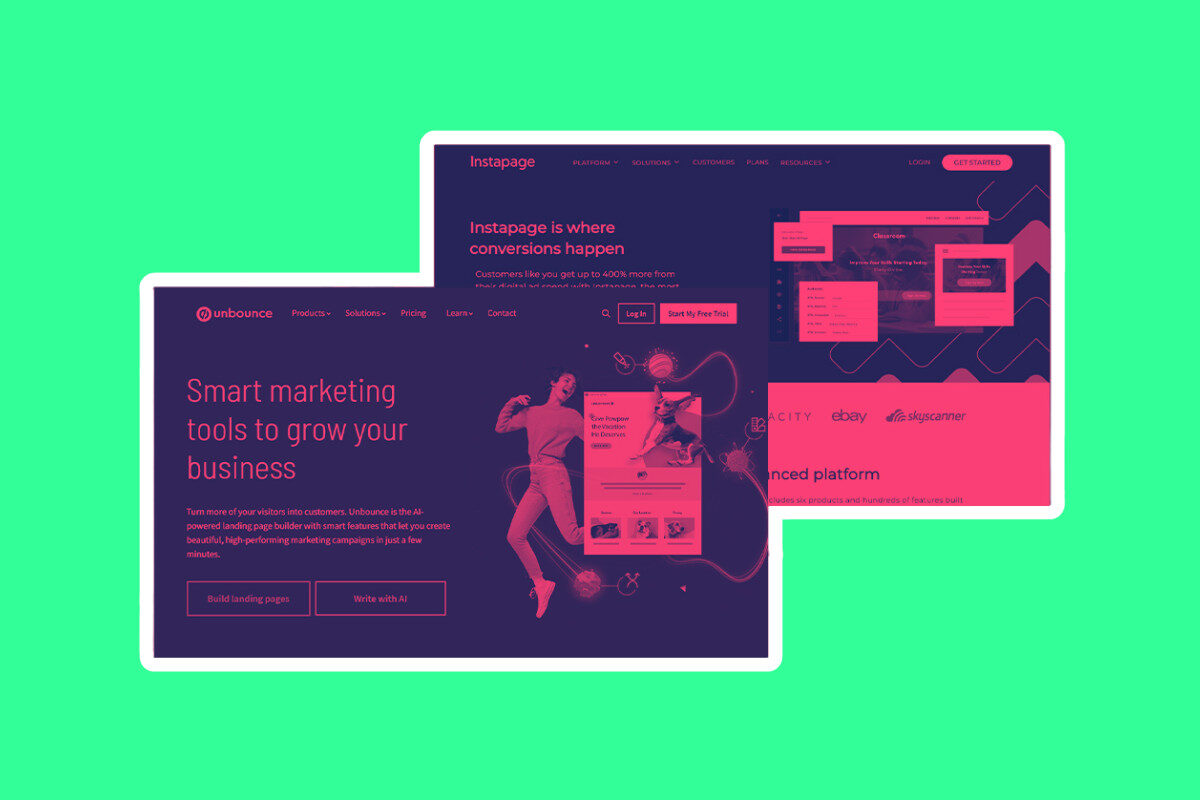
You add a headline, tweak the colors, and publish. It’s not perfect by any stretch but it is free and means you don’t have to shell out for something like Unbounce (which is what I use nowadays).
You don’t need a website either, so it’s great for social-first creators.
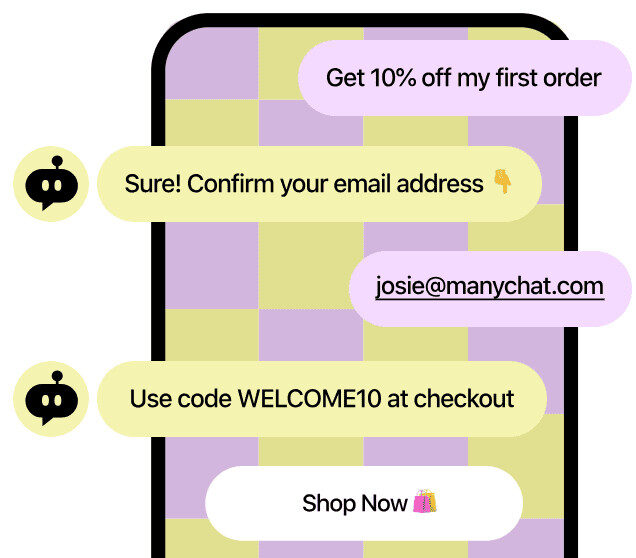
You can use tools like Manychat to quickly turn your followers into subscribers. This works on YouTube, Instagram, and TikTok as well.
I started collecting email signups just by sharing Kit-hosted links on social media.
The interface doesn’t try to do everything at once.
There’s a tab for emails, one for forms, one for automations, and one for products.
Everything is labeled clearly, and it’s obvious what to do next.
The Automation Tools Are Actually Usable
Most platforms make automation feel like programming. Kit uses a visual editor that’s built around plain English.
You click “Add Subscriber to Sequence,” and it does exactly that.
Want to tag someone when they click a link? Click “Add Tag,” choose the tag, done.
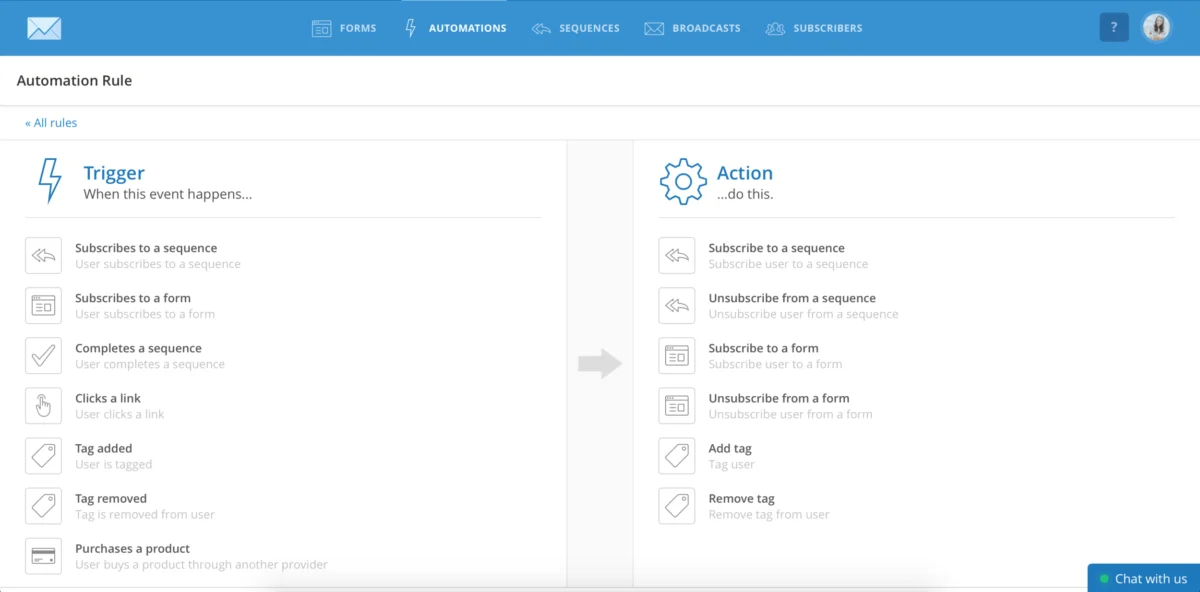
I built a basic welcome sequence in under 15 minutes.
The visual layout helped me see exactly where subscribers were going and what they were getting at each step.
And when I wanted to change something, I didn’t need to start over—I just clicked into the step and edited it.
You don’t need to understand workflows or branching logic. You set up your emails, connect them with simple steps, and launch.
Email Creation Is Fast and Focused
Kit’s email builder gives you a clean, straightforward editor that focuses on content, not clutter.
You build emails using simple blocks—text, images, buttons, and basic columns—without messing around with heavy drag-and-drop tools.
Fonts, spacing, and colors are easy to tweak, and everything is mobile-friendly by default, so you’re not wasting time fixing layouts for different screens.
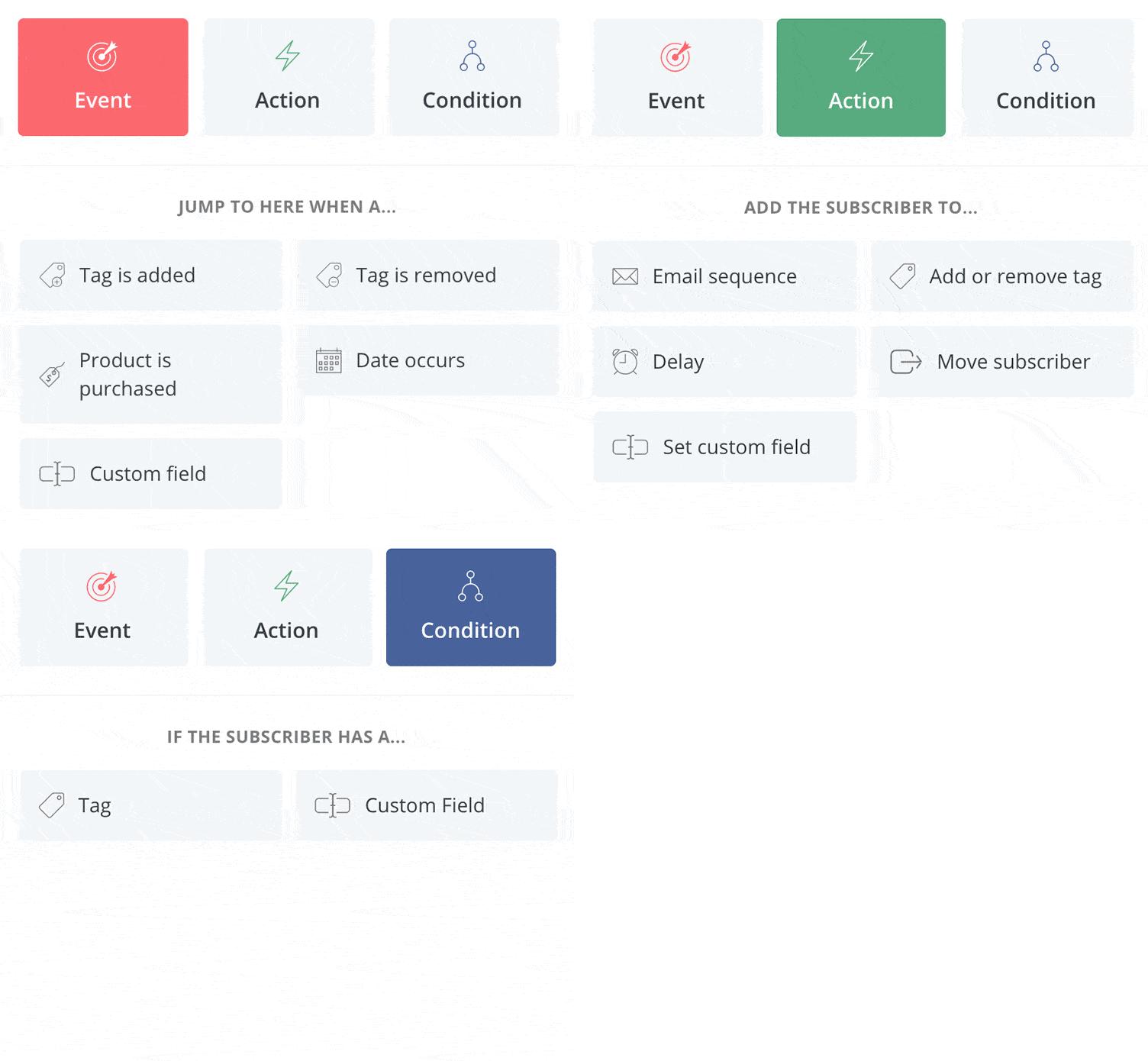
You start with lightweight templates that already look good, then just adjust the parts you care about.
If you prefer a plain text look, you can dial it back and keep things minimal while still using features like buttons or personalized content when it makes sense.
Personally, I build my core templates once, save them, and reuse them.
It saves me time and avoids the usual headaches like broken rows, off-center elements, or weird formatting.
I just open a template, write the email, and send.
Built-In Tools That Help You Make Money
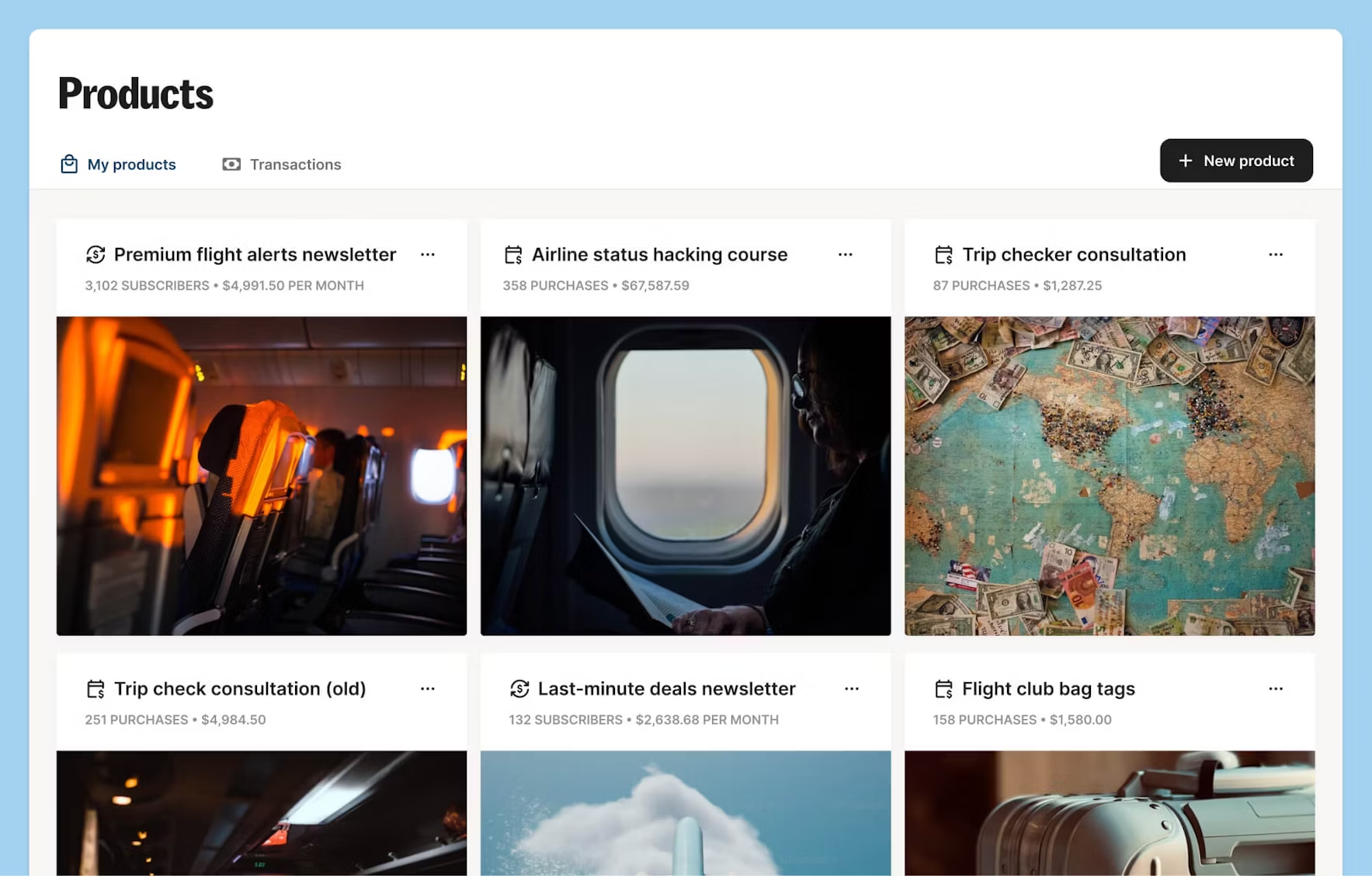
One of the reasons I stuck with Kit is the built-in support for selling digital products.
You can create a product, set a price, and start selling without adding a third-party tool.
I’ve sold ebooks and templates directly through Kit. Payments go through Stripe, and the setup takes under ten minutes.
It’s not a full ecommerce system, but it covers what most creators need: one-off products, subscriptions, or a tip jar.
If you’re just starting out and don’t want to set up a full store, Kit handles it for you.
And it connects directly to your email list, so buyers can be tagged automatically and added to follow-up sequences.
What’s Not Great About ConvertKit
Kit isn’t perfect, and it’s worth pointing out a few areas where it falls short.
The free plan only includes community support. If you want live chat or email help, you’ll need to pay.
That’s fine for most users, but if you hit a roadblock, it can slow you down.
Design flexibility is limited. You can’t heavily customize landing pages or emails.
That’s by design, but if you want full creative control or brand-heavy layouts, you’ll feel restricted.
Pricing goes up as your list grows.
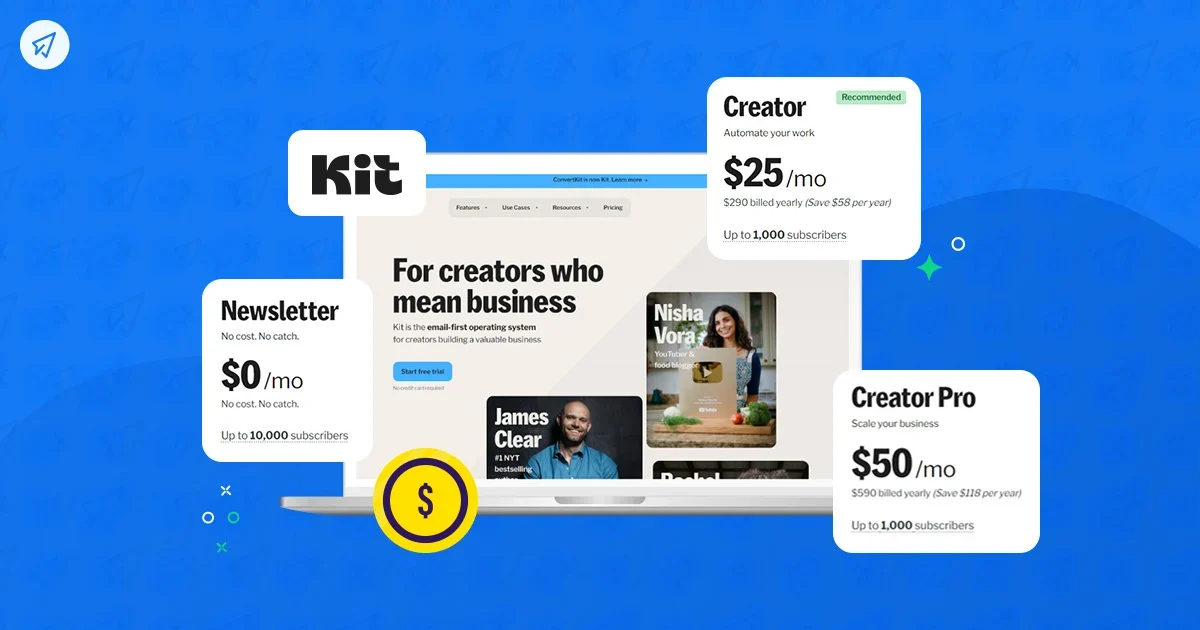
The free plan covers up to 10,000 subscribers which sounds great for it is super limited with functionality and there’s Kit branding over everything.
To use the platform as it is designed to be used, you need to pay.
It starts at $33 per month for the Creator plan (this is the one to go for), and the price goes up based on how many subscribers you have.
Overall, it’s competitive but not the cheapest option out there.
Final Verdict
Kit is easy to use because it does less, and it does it better. The interface is clean without being barebones.
The automation tools are powerful without being confusing. And the features are built around real use cases: sending emails, building a list, and selling products.
If you’re new to email marketing, it’s probably the fastest platform to learn.
If you’re more experienced, it has the features you need without the clutter.
I’ve used other platforms like Mailchimp, Flodesk, and ActiveCampaign, and none of them gave me the same mix of clarity and control.
Kit does what it says it does, and it’s made for creators who want to spend more time creating and less time clicking around.