What’s the difference between the free version of Motion and the paid version? I’ve used both, here’s all the main differences and why the paid version of Motion is better…
Is the Motion app’s free version just not cutting it for you anymore? Are you on the fence about going premium? As someone who has walked this road, let me give you a candid breakdown of why taking the plunge into Motion’s premium features is worth every cent.
Free Version vs Paid Version: At a Glance
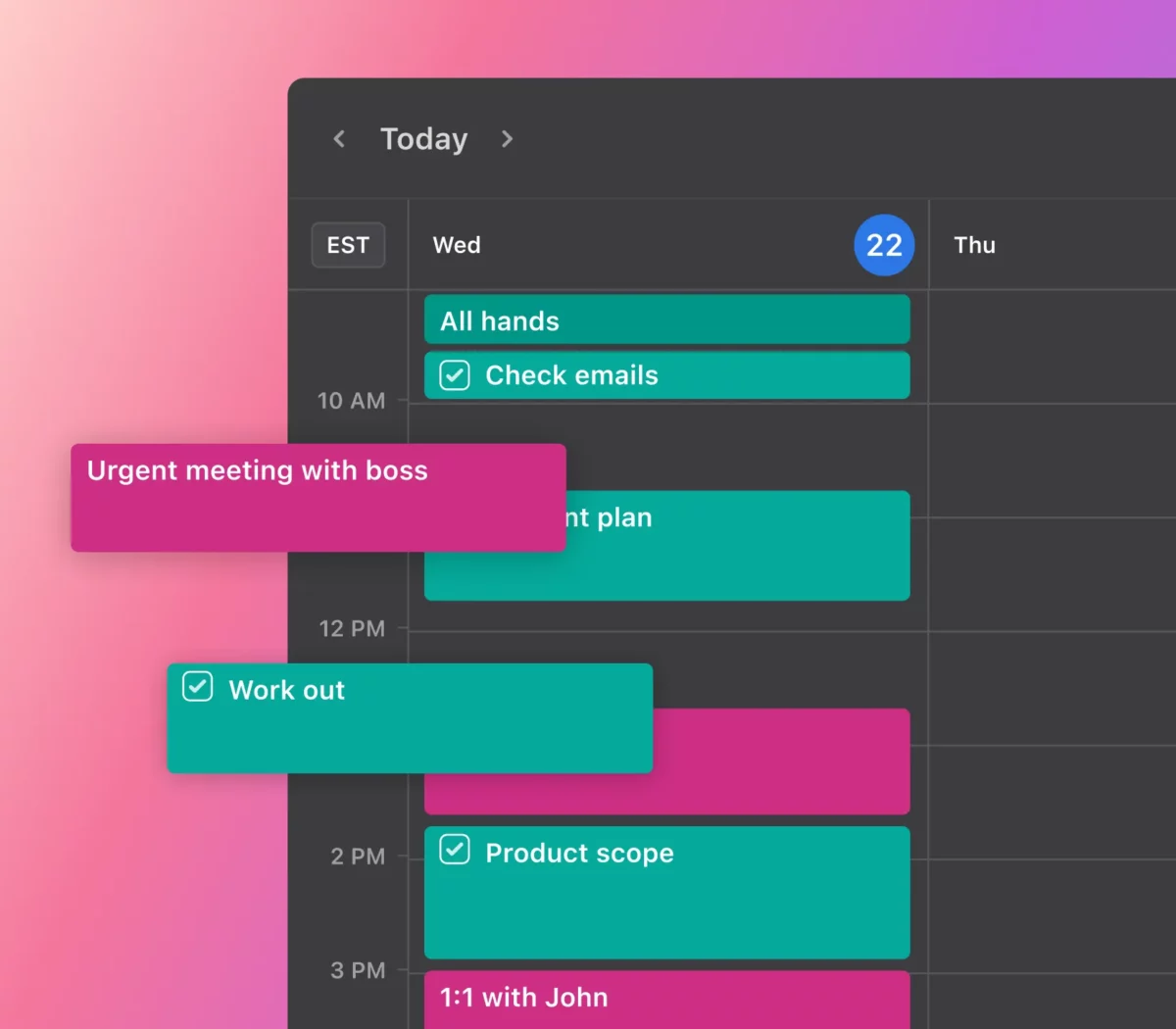
What You Get with the Free Version:
- Task and Event Creation: Basic, but functional.
- Calendar Syncing: Partial sync capabilities with standard calendars.
- Basic Smart Scheduling: Helpful, yet limited.
- Mobile App: Manage tasks on the go.
- Reminders: Stay on top of things, to some extent.
- Project Organization: Basic project categorization.
- Data Insights: Limited analytics.
- Collaboration: Share calendars with limited permissions.
Sounds adequate, right? It is, but only until you realize what you’re missing.
What Premium Unlocks:
- All Free Features: Naturally, but better.
- Advanced Smart Scheduling: Your virtual assistant for task timing.
- Enhanced Syncing: Seamless sync with various platforms.
- Robust Project Management: For the serious project handlers.
- Team Collaboration: Real-time task lists and team-specific calendars.
- Data Analytics: Understand your productivity DNA.
- Integration: Works with your favorite productivity tools.
- Customer Support: VIP treatment for any issues.
- Customization: Make the app truly yours.
The Pro Plan costs $30 per month, while the Basic Plan is $10. Now let’s dissect why premium is the real MVP.
Motion Premium & Free Features Compared
1️⃣ Advanced Smart Scheduling: No More Guesswork
- Free: The free version suggests when to slot tasks, but it’s like taking shots in the dark.
- Premium: The AI takes multiple factors into account, scheduling tasks when you’re most likely to complete them.
👉 Real-World Example: As a blogger, my days are chaotic. Motion Premium doesn’t just tell me when to write; it knows when I write best. My afternoon slumps are now a thing of the past.
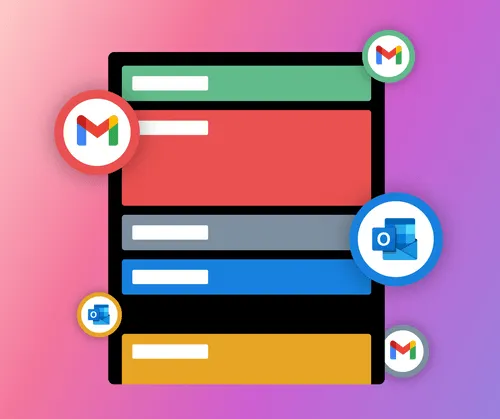
2️⃣ Enhanced Syncing: Your Life, Streamlined
- Free: Syncs occasionally with Google Calendar or Apple Calendar.
- Premium: Real-time syncing with a broader range of services.
👉 Real-World Example: I juggle between Google Calendar for personal tasks and Outlook for work. Premium’s seamless syncing means my entire life is in harmony.
3️⃣ Robust Project Management: Control the Chaos
- Free: Basic categorization of projects.
- Premium: Set dependencies, track milestones, manage resources.
👉 Real-World Example: I manage a team of freelance writers. With Premium, I assign tasks based on individual strengths and deadlines. I’m not just organizing; I’m optimizing.
4️⃣ Team Collaboration: A Symphony of Productivity
- Free: Share calendars but with limited control.
- Premium: Real-time shared task lists and project-specific calendars.
👉 Real-World Example: My editorial team used to struggle with task delegation. Now, with shared lists and calendars, we’re a well-oiled machine.
🤑 Is Going Premium Cost-Effective? Absolutely.
When it comes to pricing, remember this: your time is invaluable. With Motion’s ROI calculator, you can measure just how much of it you’re saving. And while the lifetime deal is no longer available, trust me, the monthly or yearly plans are worth it.
Ready to Take the Leap?
You’ve got the breakdown, the firsthand experience, and the incentives. Now, the question isn’t if you should go premium. It’s when.
Don’t hesitate. Unlock the secrets of Motion App’s premium features today and turbocharge your productivity to heights you didn’t think possible.
Liked what you read? Share this eye-opener with your circle. Stay productive, and remember, your potential is only as good as the knowledge you have acquired. This is why, while investing in Motion to boost my overall output, I also invested plenty of my time into reading and understanding these productivity books.
And that’s a wrap! Are you ready to make the leap and maximize your productivity with Motion App’s premium features?
Buying tools
Not Sure Which Phone Wins?
Move from the article into the comparison tool and put real prices, specs, and savings side by side.
Recommended for this article