
| Platform | 1,000 Subs | 10,000 Subs | 100,000 Subs |
|---|---|---|---|
| beehiiv | Free–$49 | $99 | $299–$399 |
| ConvertKit | $29–$39 | $119 | $566–$733 |
| Substack | Free* | Free* | Free* |
| Mailchimp | $13–$39 | $100–$130 | $700–$970 |
| MailerLite | $10–$15 | $50 | $300–$450 |
| Omnisend | Free–$20 | $90 | ~$600 |
| Flodesk | $38 | $38 | $38 |
| Ghost | $9–$11** | $11–$19** | $19–$35** |
| Mailmodo | $39 | $129 | $549 |
| AWeber | $20 | $70 | $899 |
Email is important. It’s where your real audience lives, not the one you rent off of Big Tech on social media platforms.
The cost of running a mailing list varies from free to close to $1000 per month, depending on the size of your list.
Knowing how much each newsletter platform costs upfront, before you commit is the simplest way to avoid headaches farther down the road.
This data study covers the 10 most popular newsletter platforms used by creators in 2025.
Here’s what to expect when your audience hits five figures.
The 2025 Email Marketing Price Breakdown (at 10K Subs)
| Platform | Monthly Cost at 10K Subs |
|---|---|
| beehiiv | $99 |
| ConvertKit | $119 |
| Substack | Free* |
| Mailchimp | $100–$130 |
| MailerLite | $50 |
| Omnisend | $90 |
| Flodesk | $38 |
| Ghost | $11–$19** |
| Mailmodo | $129 |
| AWeber | $70 |
*Substack takes 10% of paid newsletter revenue
**Ghost’s cost excludes email delivery and hosting fees
The Outliers: Free, Flat, or Freakishly Expensive
Let’s start with the extremes.
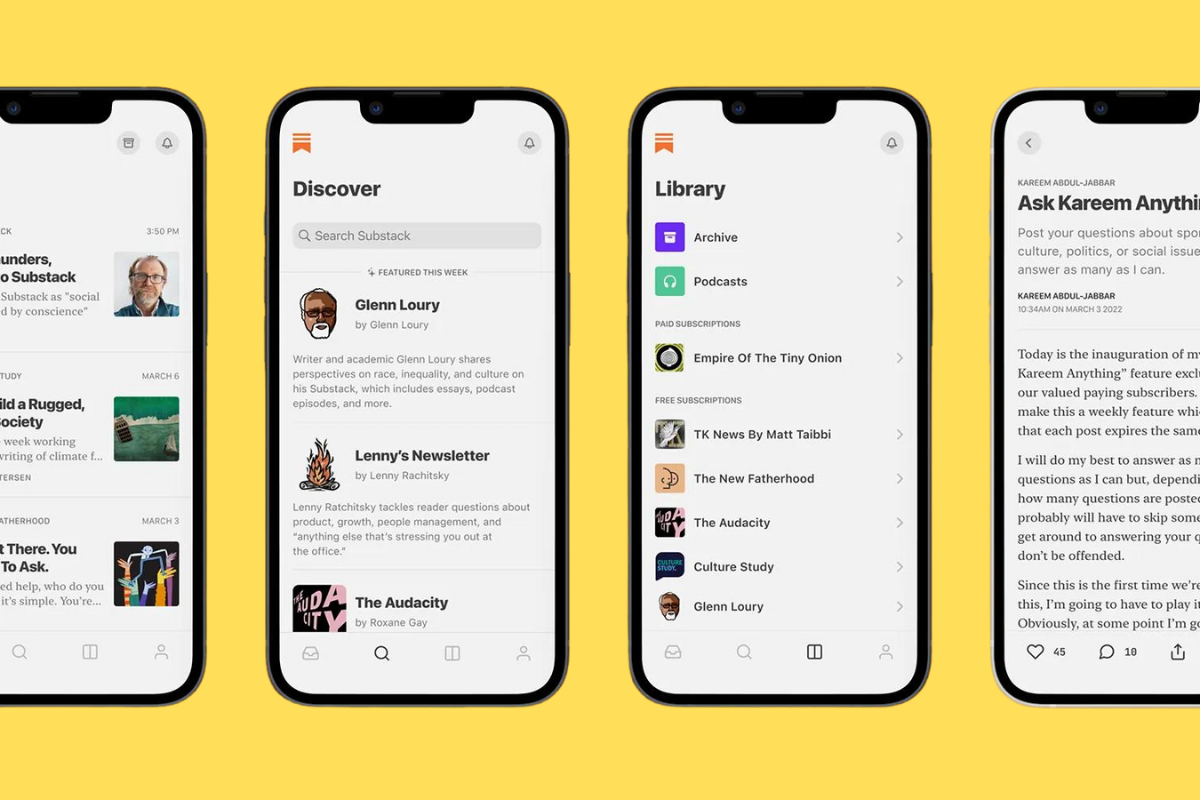
- Substack is still free to send no matter how big your list gets — but only if you’re okay with giving them a 10% cut of your paid subscriptions.
- Flodesk charges $38 flat, whether you’ve got 1,000 subscribers or 100,000. If you’re scaling fast and don’t need advanced segmentation, that flat rate is a steal.
- On the other end: ConvertKit hits $119/month for 10K subs, and Mailmodo is close behind at $129. These platforms offer powerful automations, but the price jump reflects it.
Another thing to keep in mind is that once you hit 10,000 subscribers your monthly revenue generated by that list should be at least 5x the cost of running the platform.
As a general rule of thumb, your mailing list should pay for itself. If it’s not, you need to start asking questions about what you’re doing.

And you’ll also want to prune it down often as well, removing subscribers that don’t open or engage with your emails.
They’re dead weight. They’re costing you money, so get rid of them.
I like to audit my mailing list at least once per quarter. I always find a few hundred people to remove.
You don’t have to pay $1,000+ for a new phone. Buying refurbished saves you, on average, 40% to 50%.
Which means you skip the inflationary price hikes, side-step the 2026 memory cost crisis, and still get the flagship performance and specs you want.
Recommended Options For 2026The Middle Ground: Value vs. Features
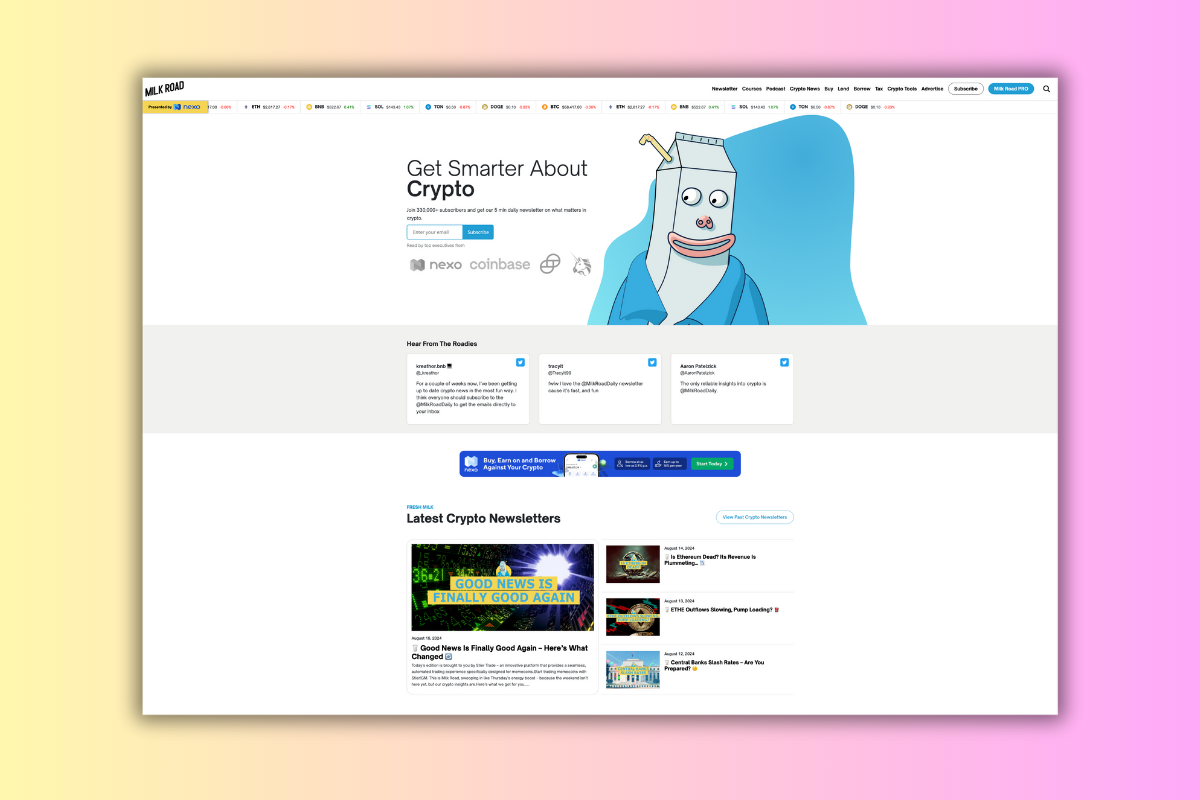
- beehiiv lands at $99, making it competitive for creators who want a clean UI, built-in monetization tools, and referral tracking.
- Mailchimp, once the go-to, now charges $100–$130, depending on which plan tier you choose. Be ready for feature limits unless you pay top dollar.
- MailerLite stays light at $50 — solid if you want basic automation without the premium price.
- Omnisend charges $90, with strong eCommerce features baked in. It’s aimed more at online stores than solo creators.
Low-Cost, But Know The Catch
- Ghost technically costs $11–$19/month, but it doesn’t include email delivery out of the box. You’ll need to pay for a separate SMTP service (like Mailgun), and you’ll need your own hosting. Not for beginners.
- AWeber sits at $70, and while it has solid deliverability, it’s not the best to work with. The UX looks super-dated and the templates compared to what you get with Kit and OmniSend.
If you’re going to do this seriously, it’s worth just accepting that running a newsletter is going to cost you money.
If you try and do things on the cheap, you’ll run into roadblocks.
Or, find that you have to migrate to a new platform (and this is not a fun process).
Real-World Costs of Running A 10,000 Subscriber Newsletter
The best approach is to pick a platform that has a price you can handle once you get up into the big leagues.
I don’t have 100,000 subscribers on any of my mailing lists, but I’m close to 10K for this site and my newsletter platform of choice (ConvertKit), while not the cheapest is fine for my budget right now.
Plus, I’ve got things set up just how I like them, funnels that have been running for years, so moving would probably end up costing me more in the short term even if I found a cheaper alternative.
Sometimes the grass really isn’t greener on the other side, not when you factor in migration headaches, redoing all your funnels, and retagging everybody.
You’re paying too much for data. Way too much.
Visible+ gives you unlimited premium data on Verizon’s 5G Ultra Wideband network, plus hotspot data and travel perks.
Compare top-ranked plansVisible+ includes
- Unlimited premium dataVerizon 5G Ultra Wideband
- Unlimited hotspot dataSpeeds up to 15 Mbps
- Travel extrasCanada and Mexico coverage, plus 2 days of Global Pass each month
So… What Should You Actually Use?
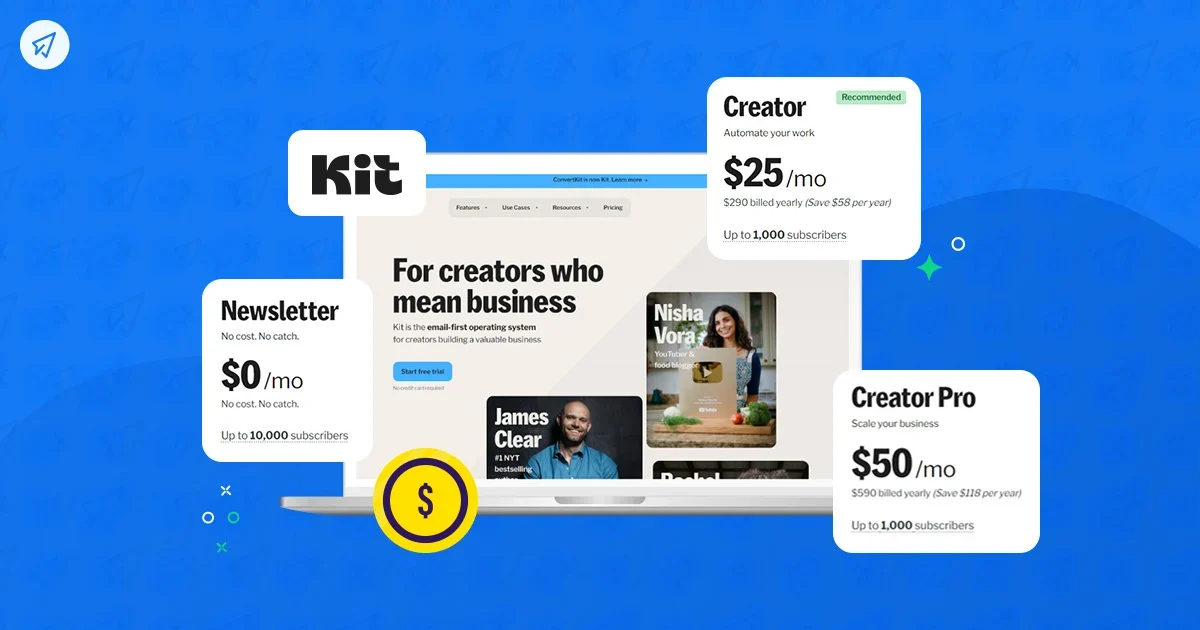
If you’re trying to stretch every dollar, Substack and Flodesk are the clear budget picks, just know what you’re trading off.
If you’re building a business and want modern features, beehiiv, ConvertKit, and MailerLite are all decent, feature-rich options that you can scale with.
ConvertKit is what I use and while it is a little more on the expensive side, it is a bloody great platform for creators.
It supports digital product sales, comes with landing page functionality, and its sequences and automations are powerful and easy to use.
I’ve used most in the past decade (even newer ones like beehiiv) and I always end up coming back to Kit.
I switched another project over to beehiiv last year, for instance, after being suckered by all the marketing hype around it, and I ended up switching back to Kit a few months later.
Beehiiv is great for certain types of newsletters, but I found the backend and general configuration options way too fiddly.
The developers also tend to rollout new features way before they’re ready for prime time.
ConvertKit is simpler to work with and has rock-solid performance and customer support.
If you’re focused on eCommerce, Omnisend and Mailmodo are also well worth a look, both platforms are great for selling.
Or, if you want to kill three birds with one stone, don’t write-off Squarespace; it’s a website + newsletter platform and it’s great for selling digital products and running paid communities and courses on.

And if you love full control and don’t mind piecing it together yourself, Ghost is a brilliant option.
You can do anything with it but you’ll need to be comfortable getting your hands dirty with code to get the most from it.
And the creators that do use Ghost all have heavily customized builds which were done by developers. And that means lots of additional cost.
If you have the cashflow, this is fine. But if you’re just getting started, you’ll want to keep your costs nice and low and the simplest way to do this is to stay clear of developers!
Keep reading
More useful guides from this section of KnowYourMobile.
