Refurbished Phones: Buy Certified Pre-Owned iPhones, Samsung Galaxy & More
Refurbished phones are professionally inspected, repaired, and reset used devices sold at 20–60% below new retail price. When purchased from a certified seller, they deliver the same core performance as a new handset — the only real difference is who paid the depreciation hit on day one.
Browse our full inventory of quality used mobile devices above — every listing is sourced from vetted sellers and covers everything from entry-level workhorses to premium flagships.
Why Buy a Refurbished Phone?
The case for going refurbished isn't just about saving money, though that's hard to ignore. A device that cost £1,000 new can clear the refurbished market for £400–£600, yet it runs the same apps, shoots the same photos, and connects to the same 5G networks.
Here's what actually matters at the component level:
- Logic board & processor: The SoC (System-on-Chip) doesn't degrade with use under normal conditions. An A16 Bionic or Snapdragon 8 Gen 2 in a refurbished handset performs identically to a new one.
- Flash storage: NAND flash has a write-cycle limit counted in the tens of thousands — standard consumer use barely dents it. A two-year-old phone has typically consumed less than 1% of its storage lifespan.
- Display & chassis: These are the components most likely to show cosmetic wear, which is why condition grading (Grade A/B/C) matters. Grade A devices have minimal to no visible marks.
- Lithium-ion battery: The one component that genuinely degrades. Always check battery health — aim for 80%+ on iPhones (visible under Settings > Battery) or ask for a health report on Android devices.
For a deeper dive into what to look for before you commit, our refurbished phone guide covers every pre-purchase check in detail.
iPhone vs Android: Which Refurbished Phone Is Right for You?
Refurbished iPhones
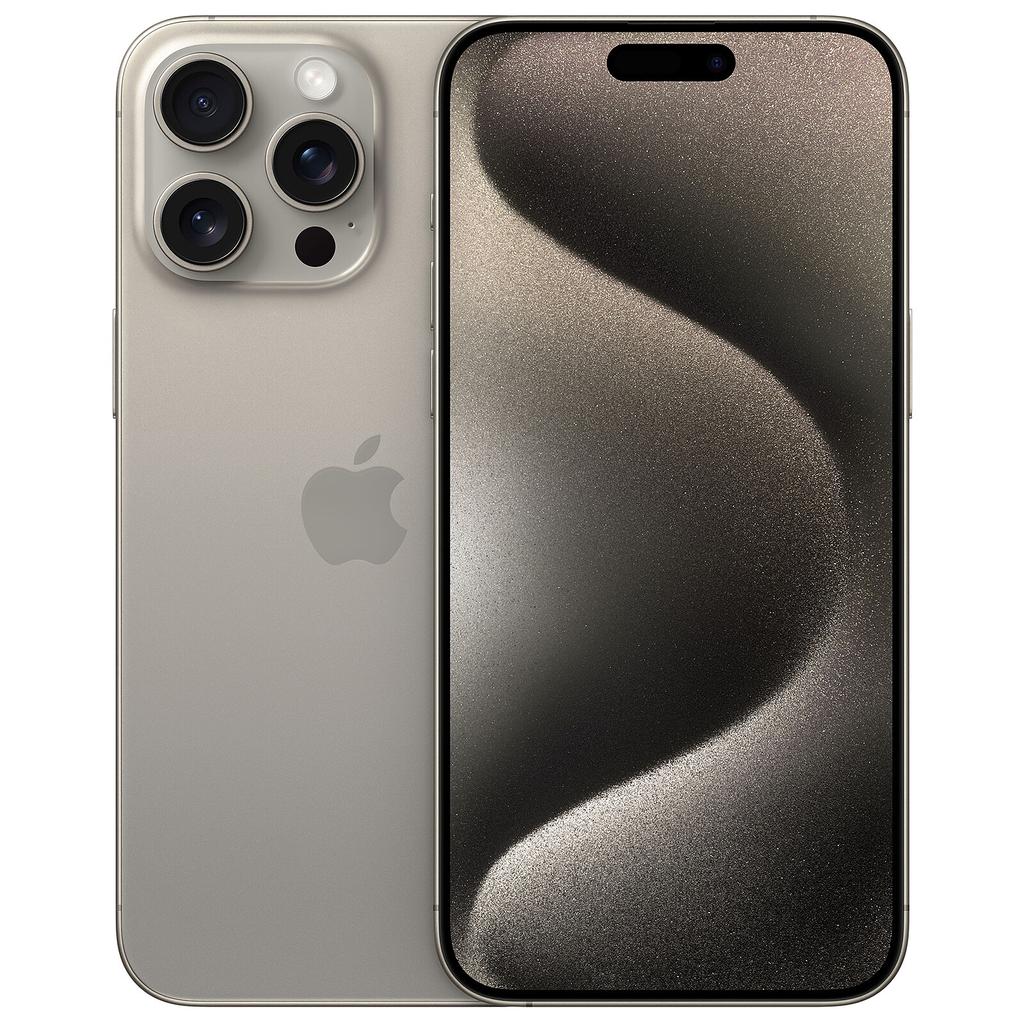
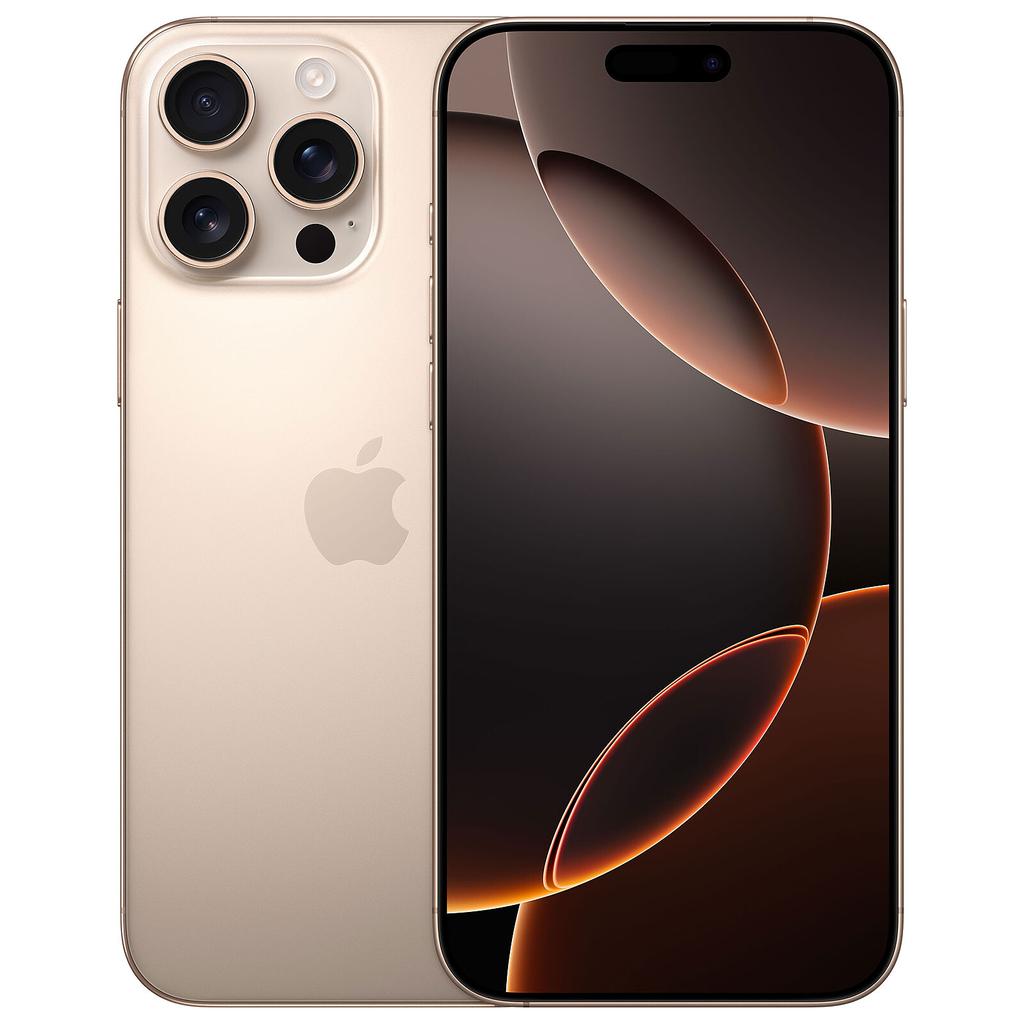
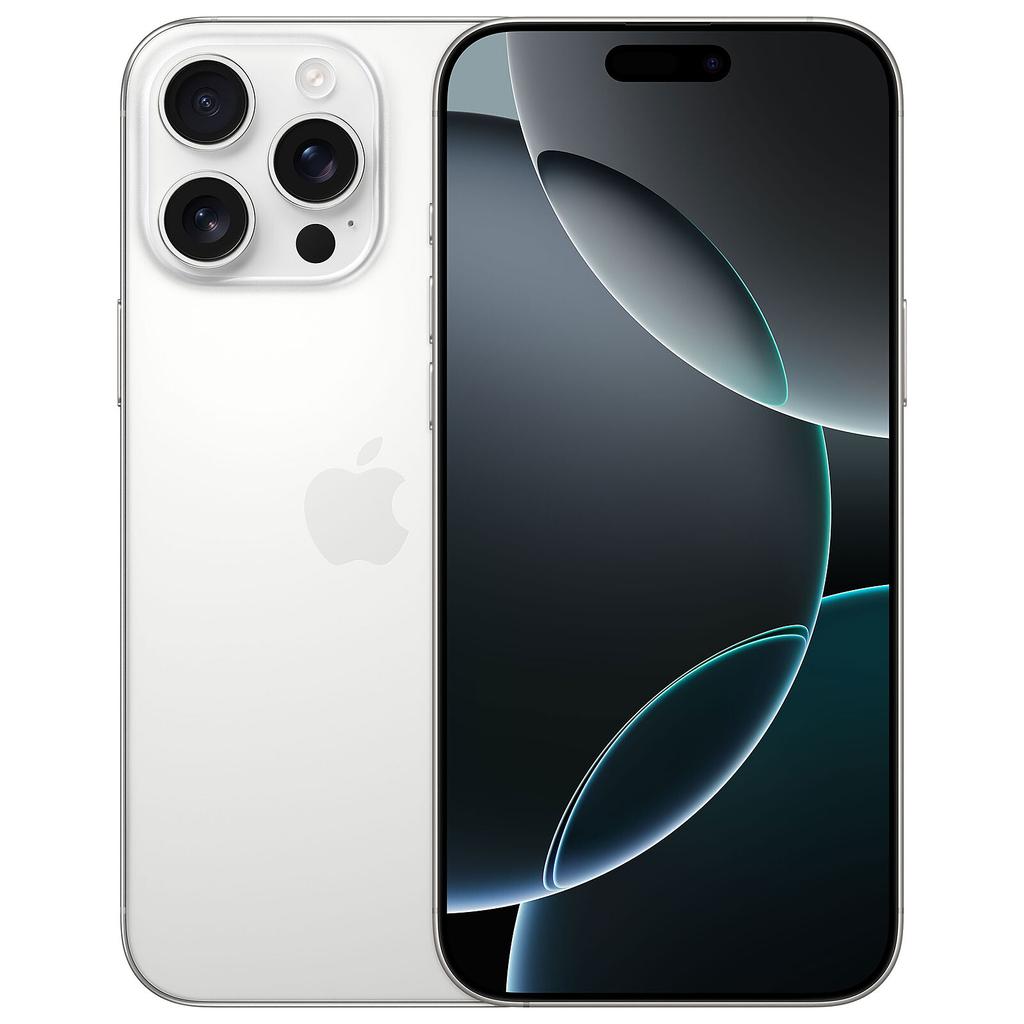
iPhones dominate the refurbished market for one reason above all others: software longevity. Apple supports its devices with iOS updates for five to seven years from launch — meaning a refurbished iPhone 15 Pro Max or iPhone 16 Pro still has years of guaranteed security patches ahead of it at the point of purchase.
The Secure Enclave — Apple's dedicated hardware security chip — also operates independently of the main processor, meaning it's unaffected by refurbishment. Face ID and Apple Pay security architecture remain intact on any properly reset device.
Top iPhone picks in our current inventory:
For everything you need to know about iOS update support lifespan on pre-owned Apple handsets, including which models are approaching end-of-life, we've broken it all down.
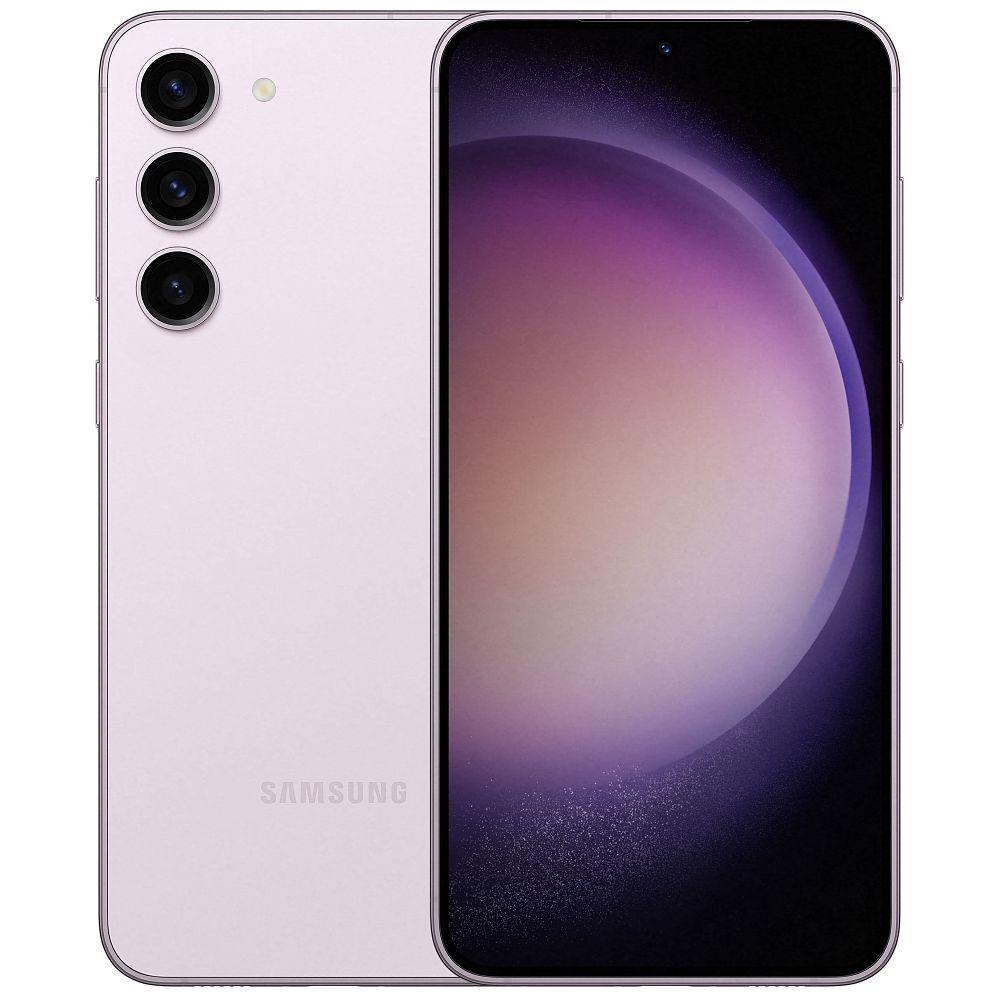
Refurbished Samsung Galaxy
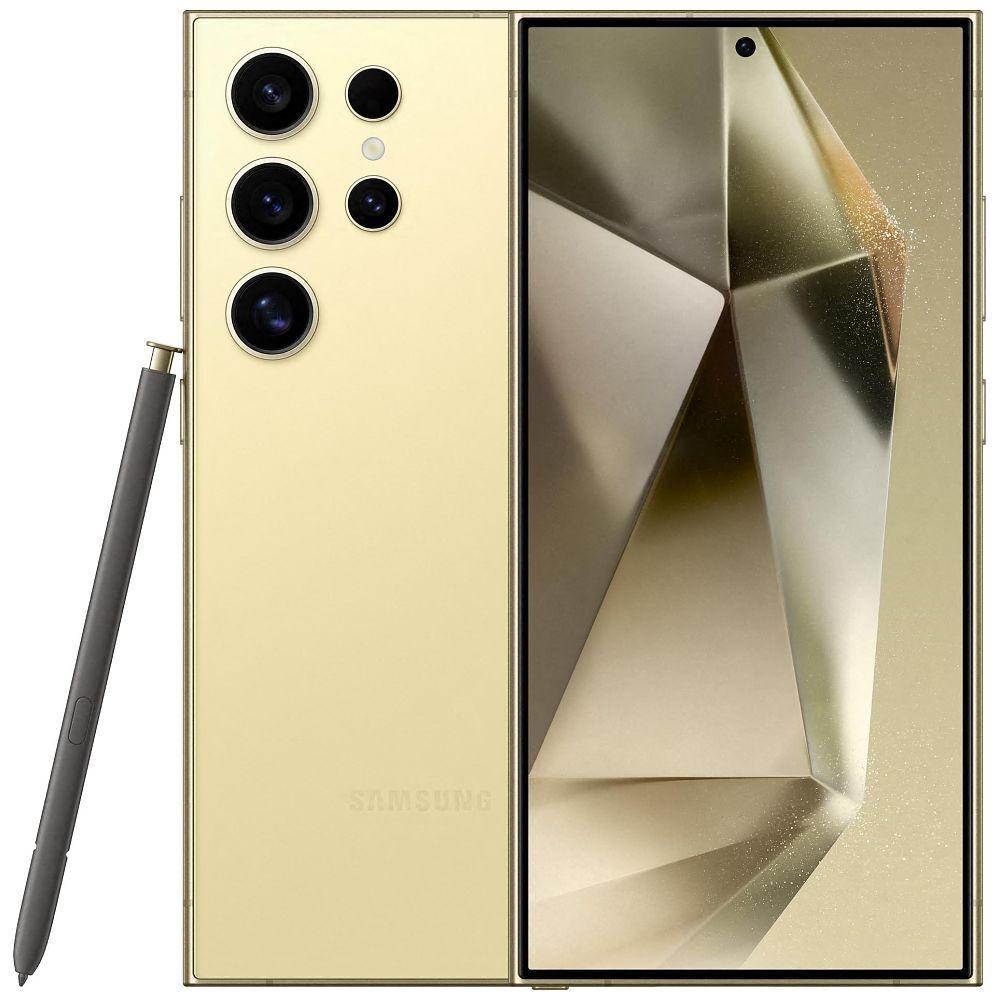
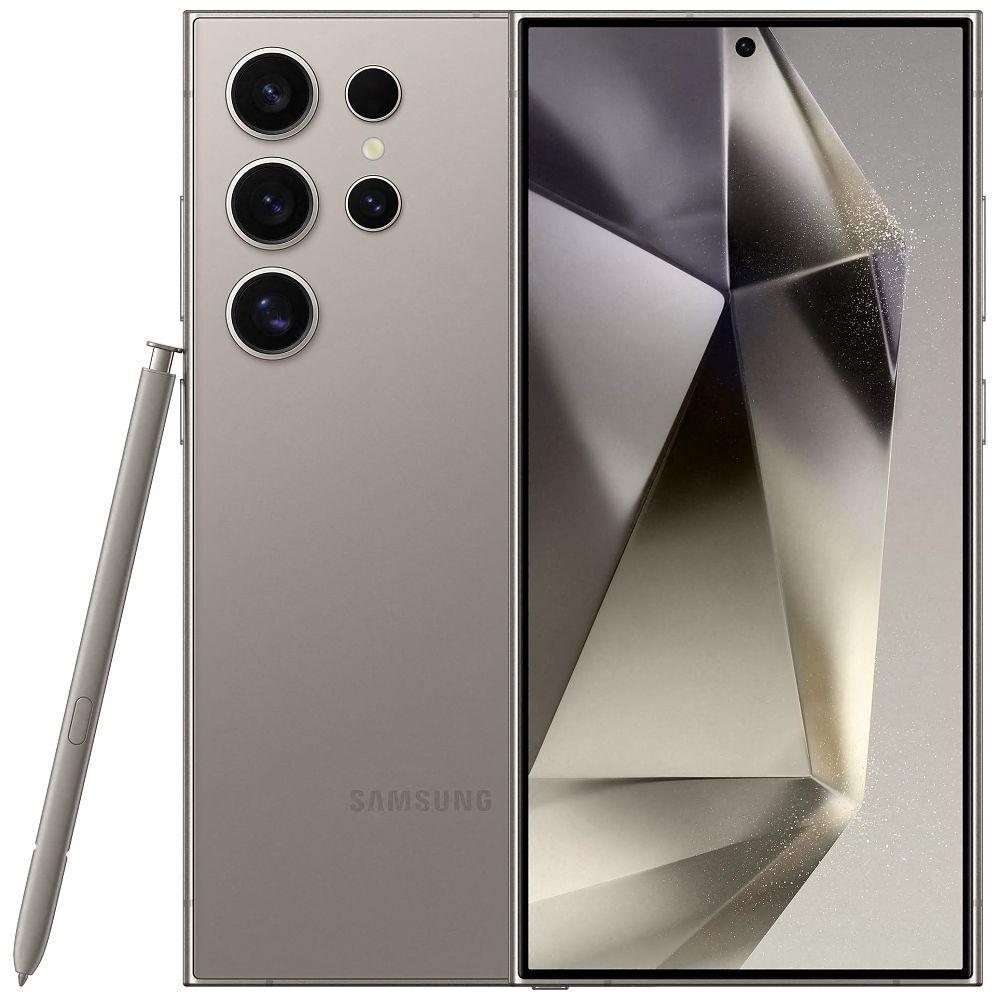
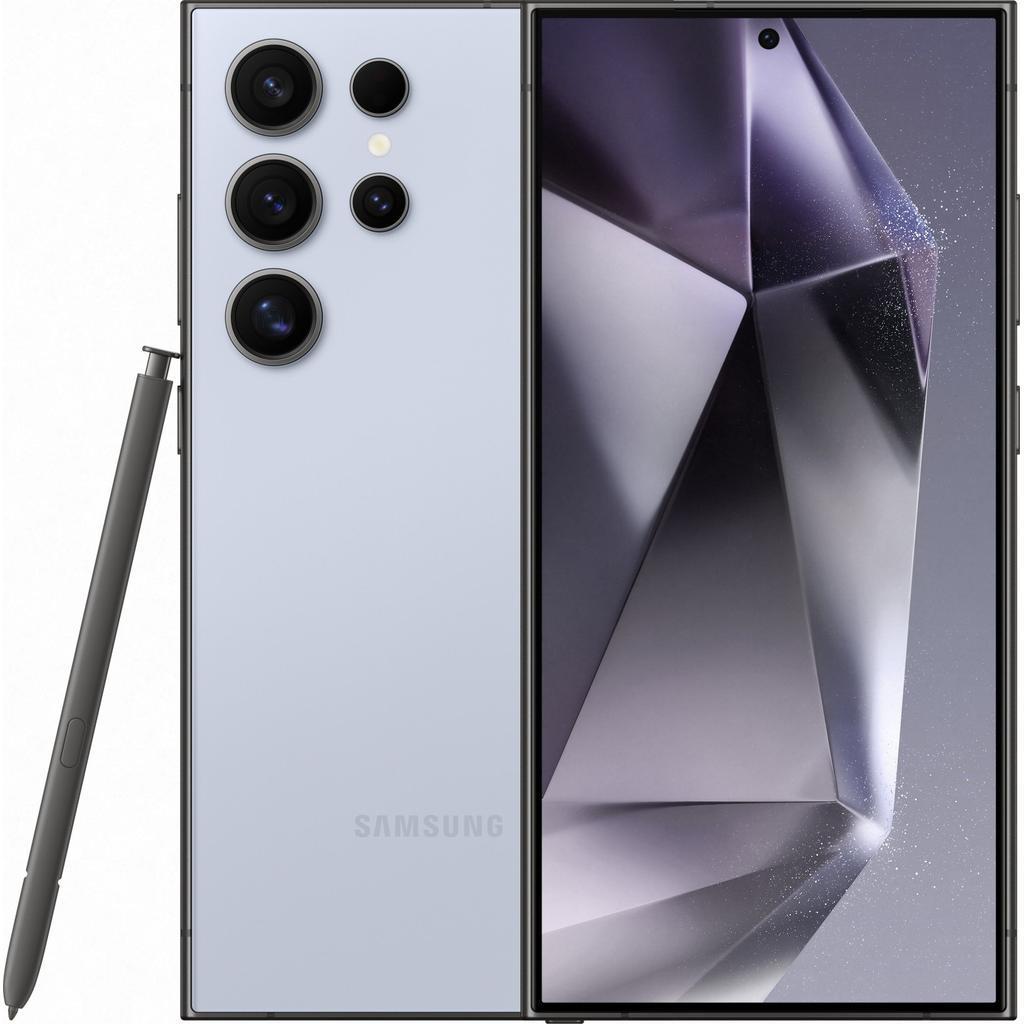
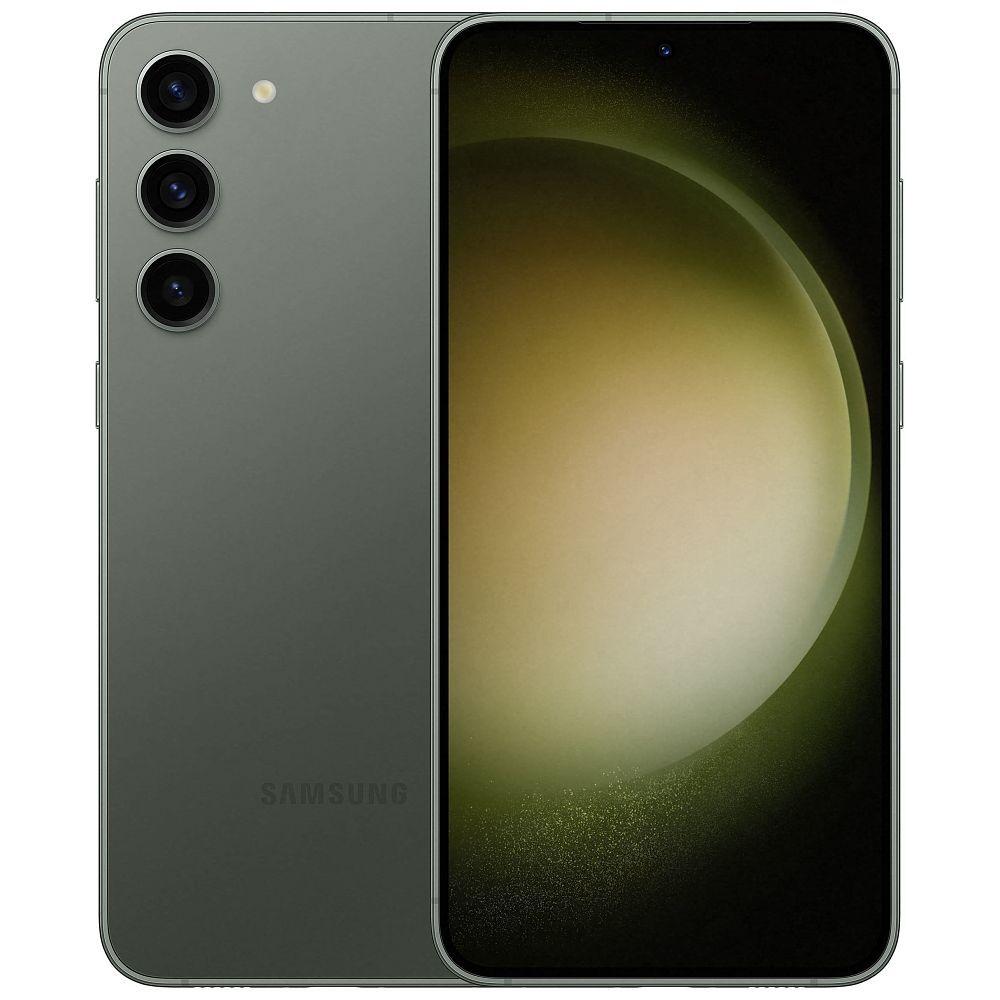
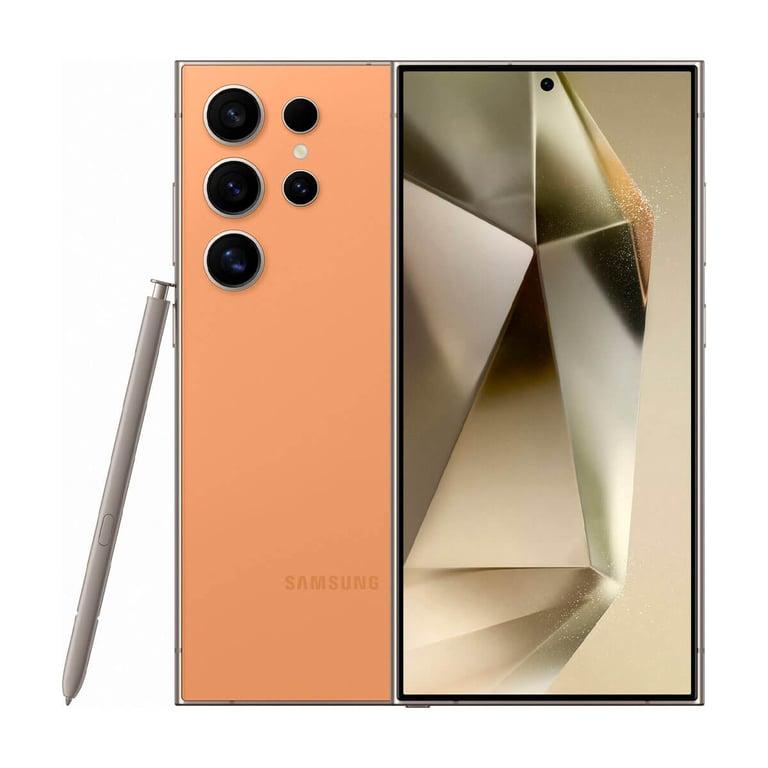
Samsung's Galaxy S and Z series offer the most direct competition to iPhone in the refurbished space. The Galaxy S24 series introduced Galaxy AI features baked into One UI, while the foldable Z Fold and Z Flip lines give you form factors simply unavailable in new mid-range territory.
Samsung commits to seven years of OS and security updates on Galaxy S24 and later — solid longevity for a refurbished purchase.
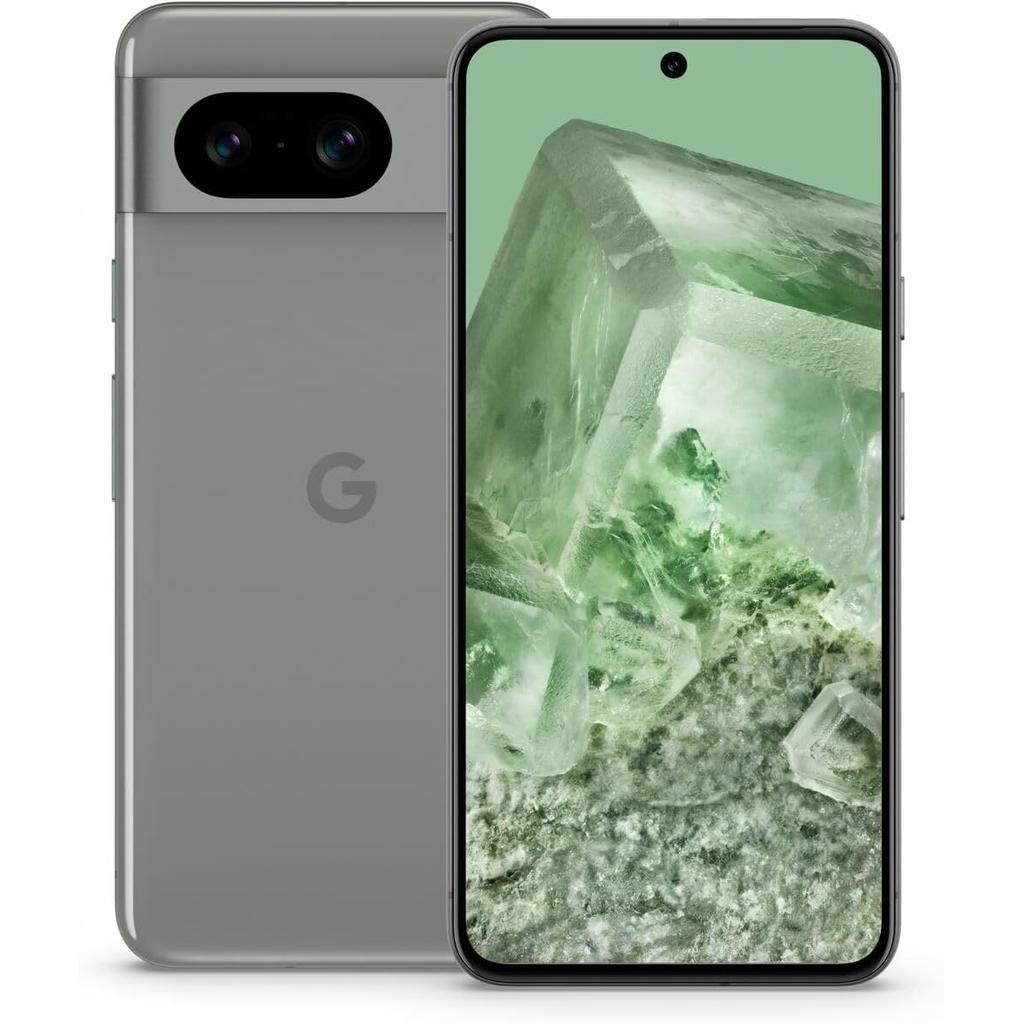
Refurbished Google Pixel
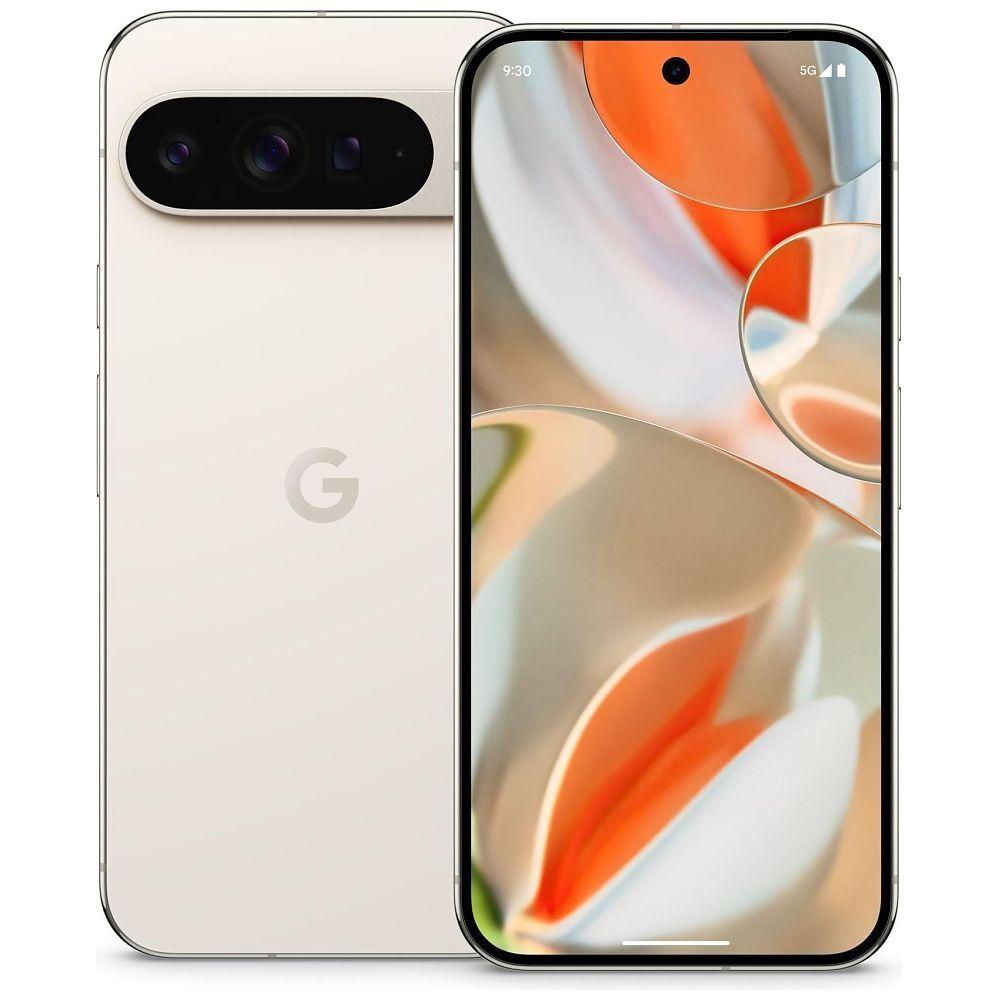
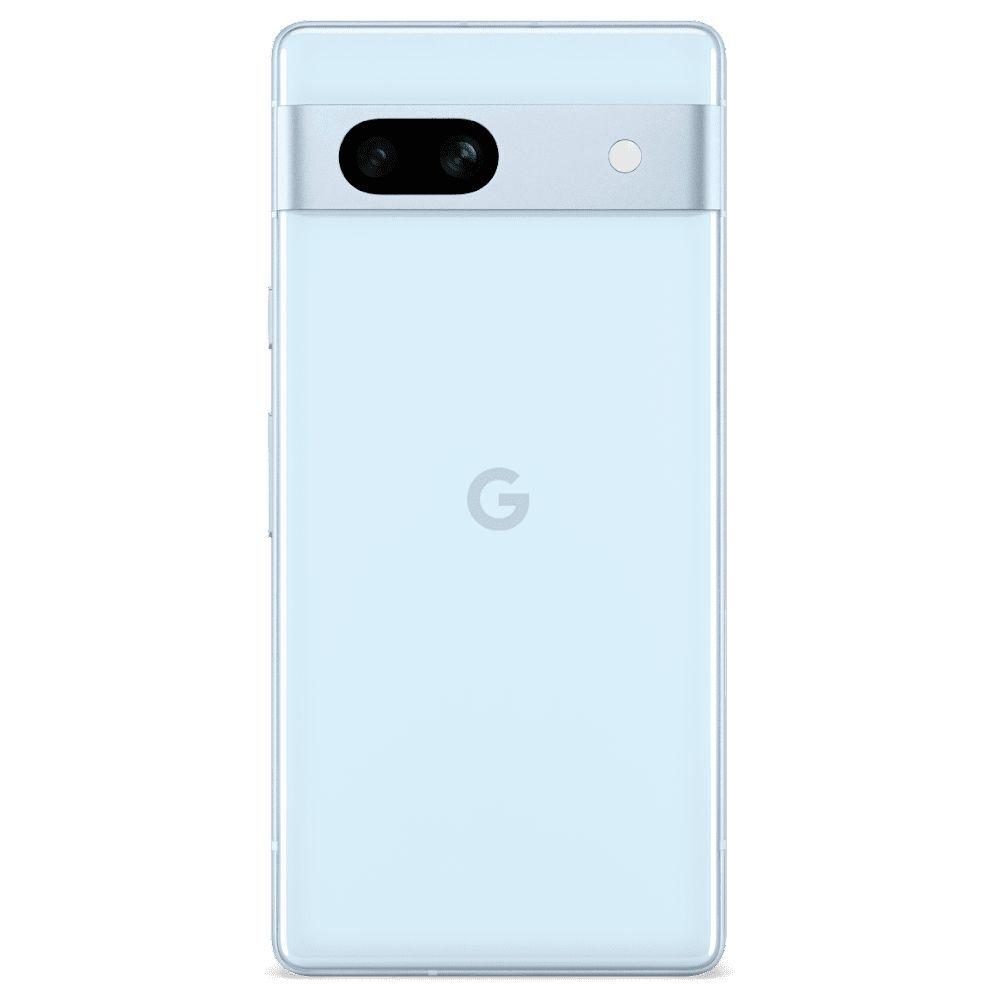
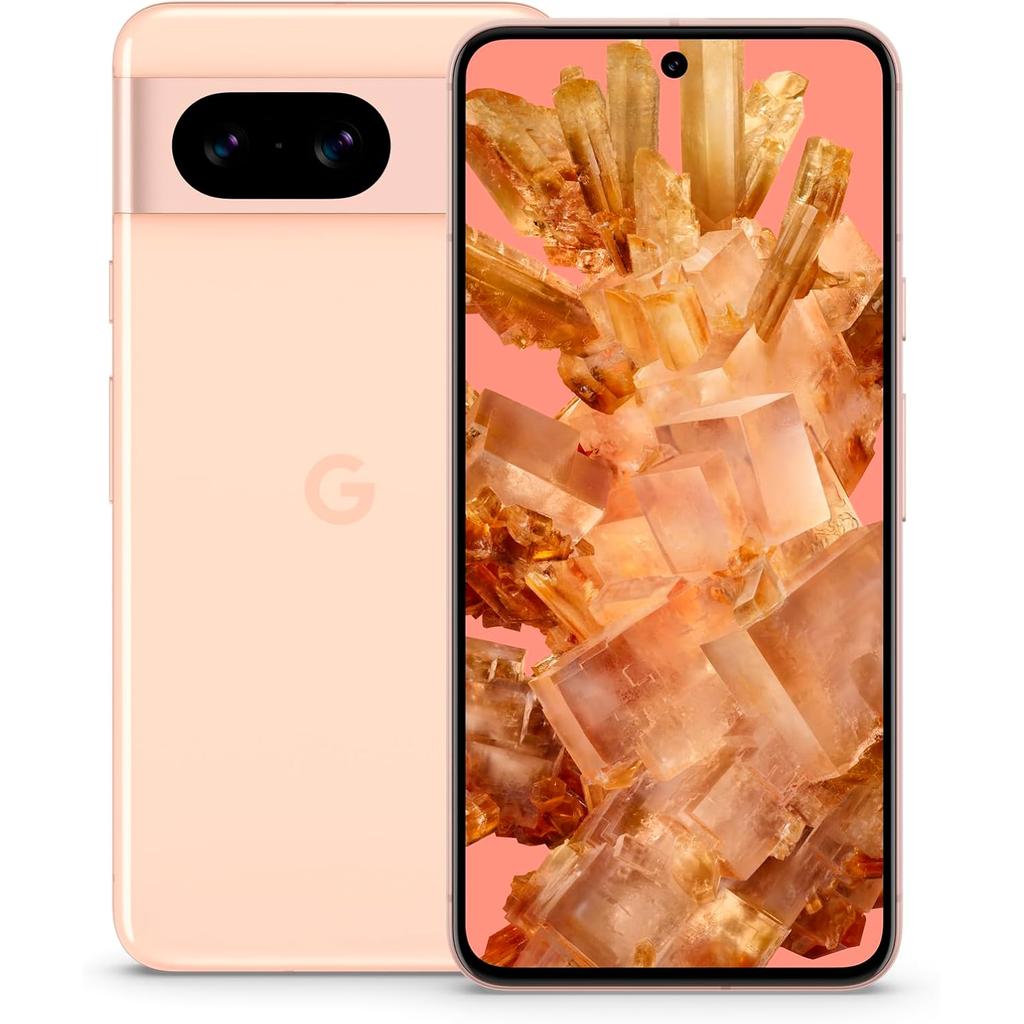
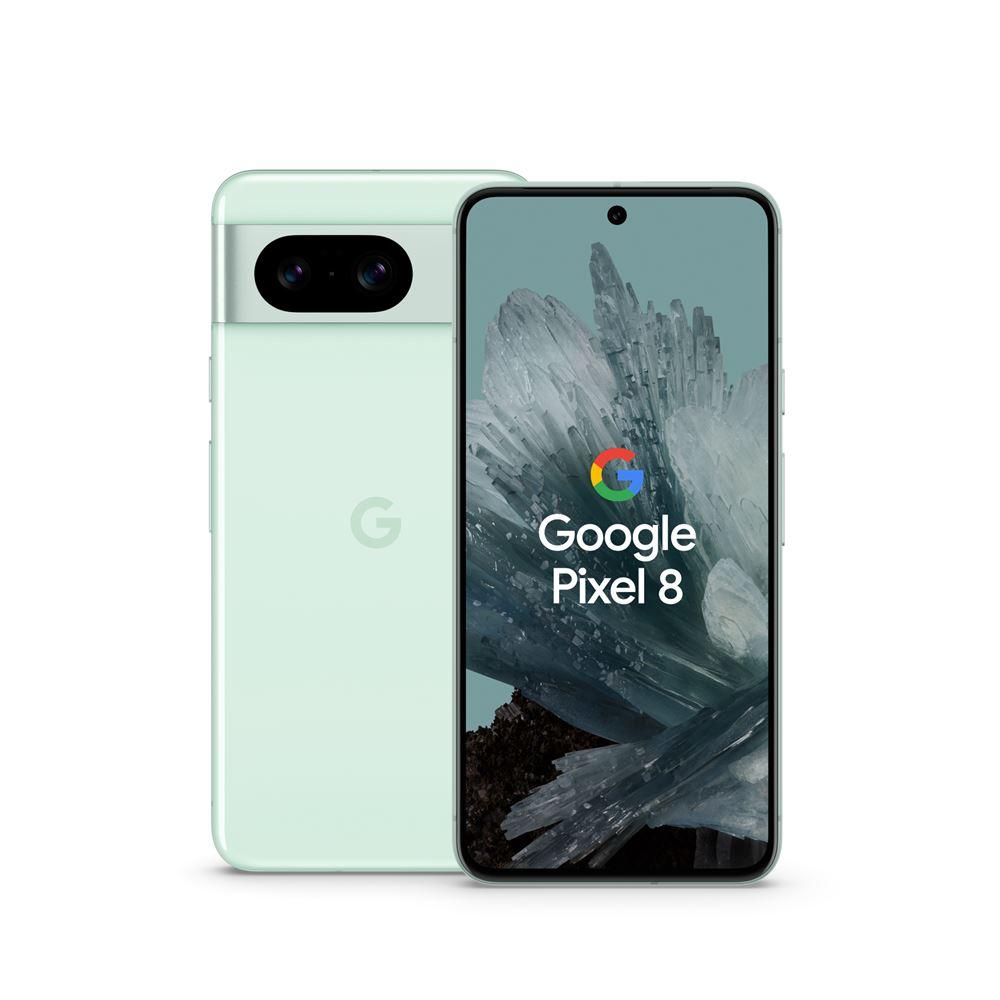
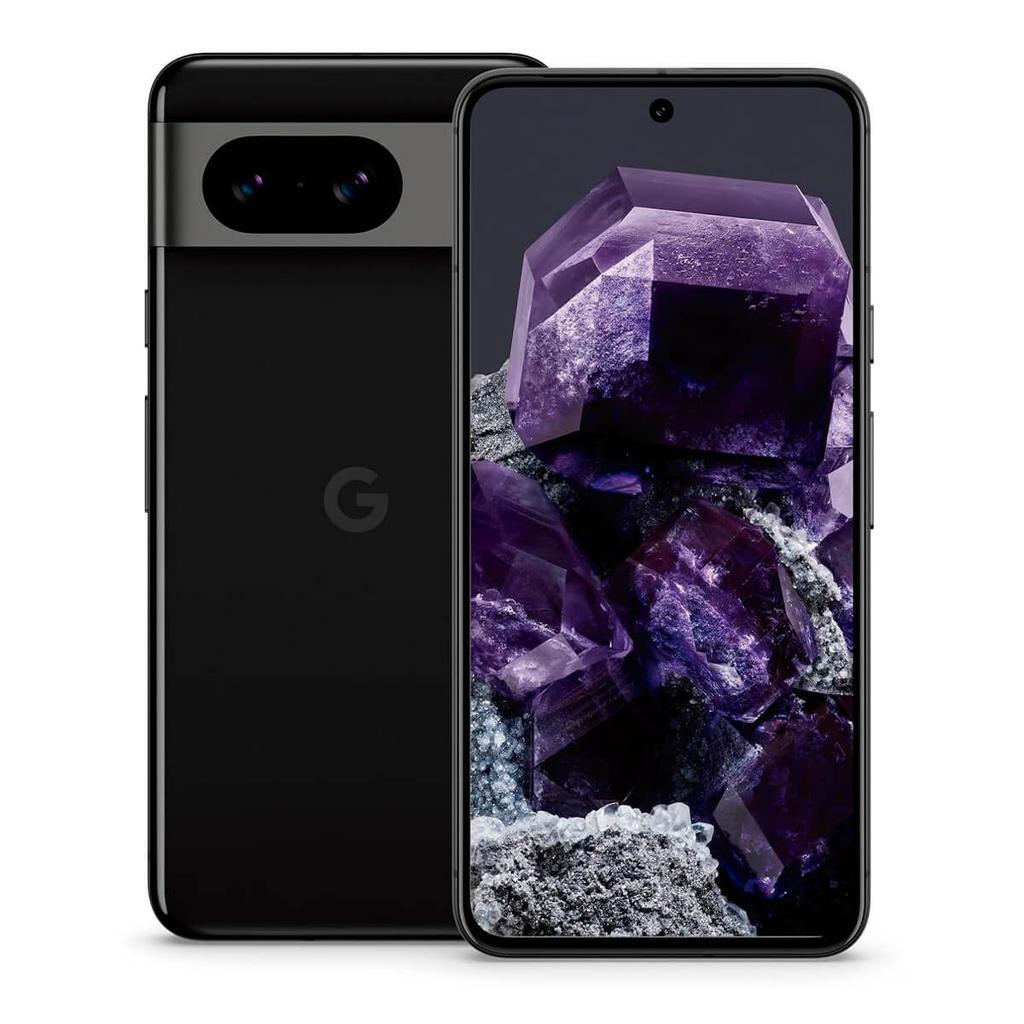
Google Pixel devices offer clean Android, fast OS updates direct from Google, and some of the best computational photography available. The Pixel 9 Pro XL in particular is an exceptional camera phone for the price refurbished.
Worth noting: real-world Pixel hardware — particularly display and battery — tends to show more wear by the three-year mark than comparable iPhones or Samsung flagships. Factor this into your buying decision, especially on older models.
Understanding Condition Grades
Not all refurbished phones are equal. Here's how to read the grading system before you buy:
| Grade |
Condition |
Best For |
| Grade A / Like New |
Minimal or no cosmetic marks, fully functional |
Main device, daily driver |
| Grade B / Good |
Light scratches on body or screen, all functions intact |
Secondary phone, value buy |
| Grade C / Fair |
Visible cosmetic wear, fully functional |
Budget buyers, temporary devices |
Every listing in our database clearly states the condition grade. If price is your primary driver, our affordable Android and iPhone deals roundup compares the best-value options across grades.
The Know Your Mobile Verdict
Pro-Tip: The best time to buy refurbished is 3–6 months after a new flagship launches. Trade-in waves from upgraders flood the secondary market, driving prices down 15–30% on the outgoing model — which is often only marginally different from the new one. The Samsung Galaxy S26 and iPhone 18 launch windows are your next prime buying opportunities.
The bottom line: refurbishment status itself is not the risk. Seller reputation, remaining software support window, and battery health are the three variables that actually determine whether your purchase lasts. Get those right, and you're buying a premium device for significantly less than its original retail price.
 KnowYourMobile
Find My Phone →
KnowYourMobile
Find My Phone →