Skip to content
The 6 Best iPhone Models You Can Buy Right Now – [2023]


The most expensive iPhone isn’t always the best option. In this guide, we’ll show you which is the best iPhone for your exact needs…
Table of Contents
What’s the best iPhone right now? Out of all the questions I get asked as a tech journalist, this is definitely one of the most common. It comes up on a weekly basis – and, since about 2019, answering it is a lot trickier.
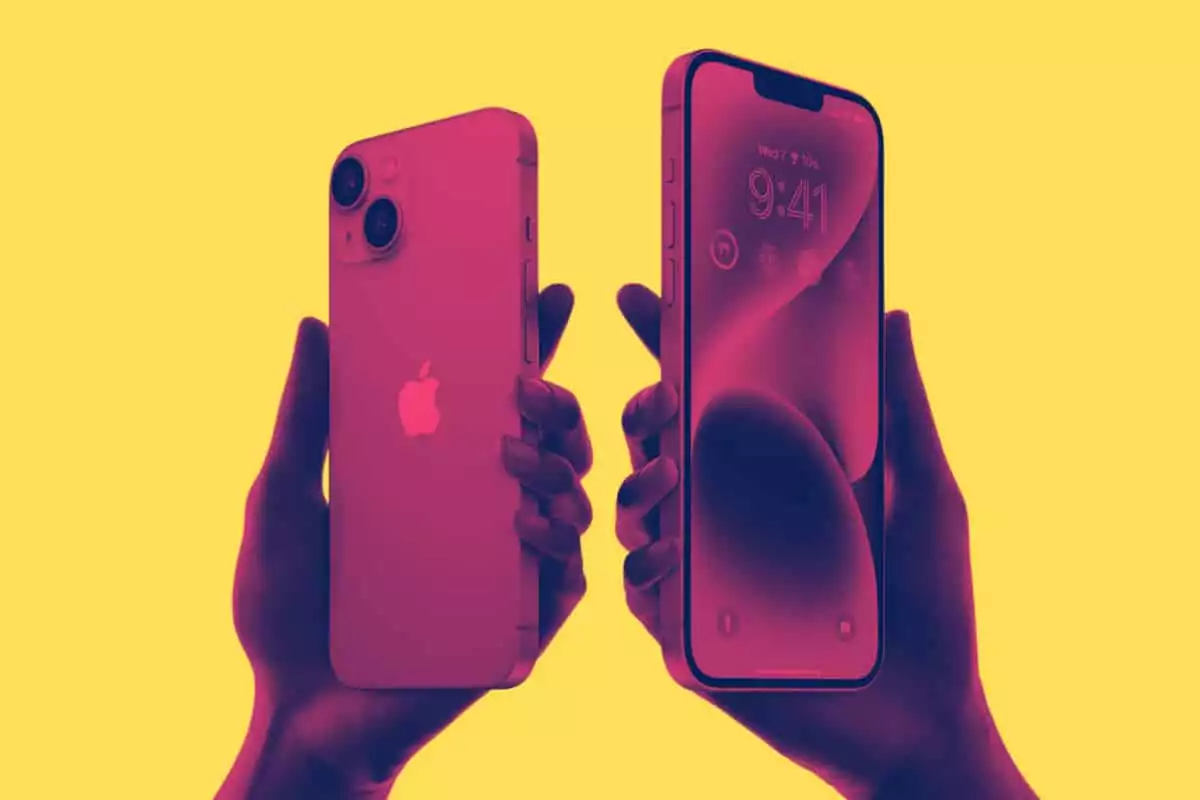
Apple used to just make two phones: a flagship and an entry-level model. But since 2019, it now makes several phones – two Pro models (the flagships) and two entry-level phones, with the new iPhone 14 Plus replacing the nixed Mini model in 2022.
In order to answer this question properly, we need to establish what you actually need from your next iPhone. And to do that, we need to ask and answer the following questions:
- Which iPhone Has The Best Camera?
- Which iPhone Has The Best Display?
- Which iPhone Has The Best Battery Life?
- Which iPhone Has The Best Features?
- And, Finally, Which iPhone is The Best Value For Money?
The iPhone 14 Pro Max is obviously the best iPhone you can buy; it has all the latest features, things like the Always-On Display and Apple’s new Dynamic Island. But it is also the most expensive (and not everybody wants to spend that much money).
And this means we have to look not only at Apple’s latest models – the iPhone 14 series – but also its outgoing one, the iPhone 13, if we’re to fully cover which iPhone represents the best value for money overall.
As I said, it’s trickier than it used to be.
But do not fret, we’ve tested them all, know how much they all cost, and have a broad understanding of their combined PROS and CONS. And it this, not their respective age and/or features, that acts as our ranking criteria for the best iPhone you can buy in 2022.
Best iPhone
| iPhone Model | Who’s It For? | More Information |
|---|---|---|
| iPhone 14 Pro Max | People That Want The Latest And Greatest Performance & Features | iPhone 14 Pro Max Review |
| iPhone 14 Pro | Same As Above, Just In A Smaller Package For Less Money | iPhone 14 Pro vs 14 Pro Max |
| iPhone 14 | The Cheapest “New” iPhone Model | iPhone 14 Review |
| iPhone 13 Pro Max | Flagship-Grade Specs & Camera For Less Money | iPhone 13 Pro Max Review |
| iPhone 13 Pro | Same as Above, Just Smaller and Cheaper | iPhone 13 Pro vs 13 Pro Max |
| iPhone 13 | The Best Value iPhone You Can Buy Right Now | iPhone 13 Review |
iPhone 14 Pro Max
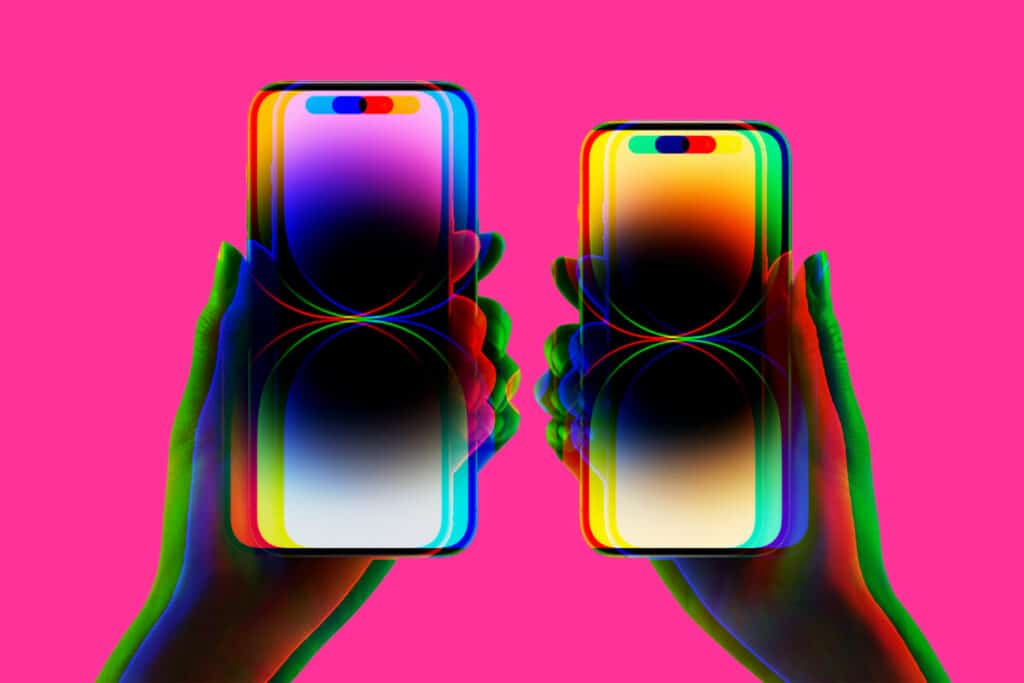
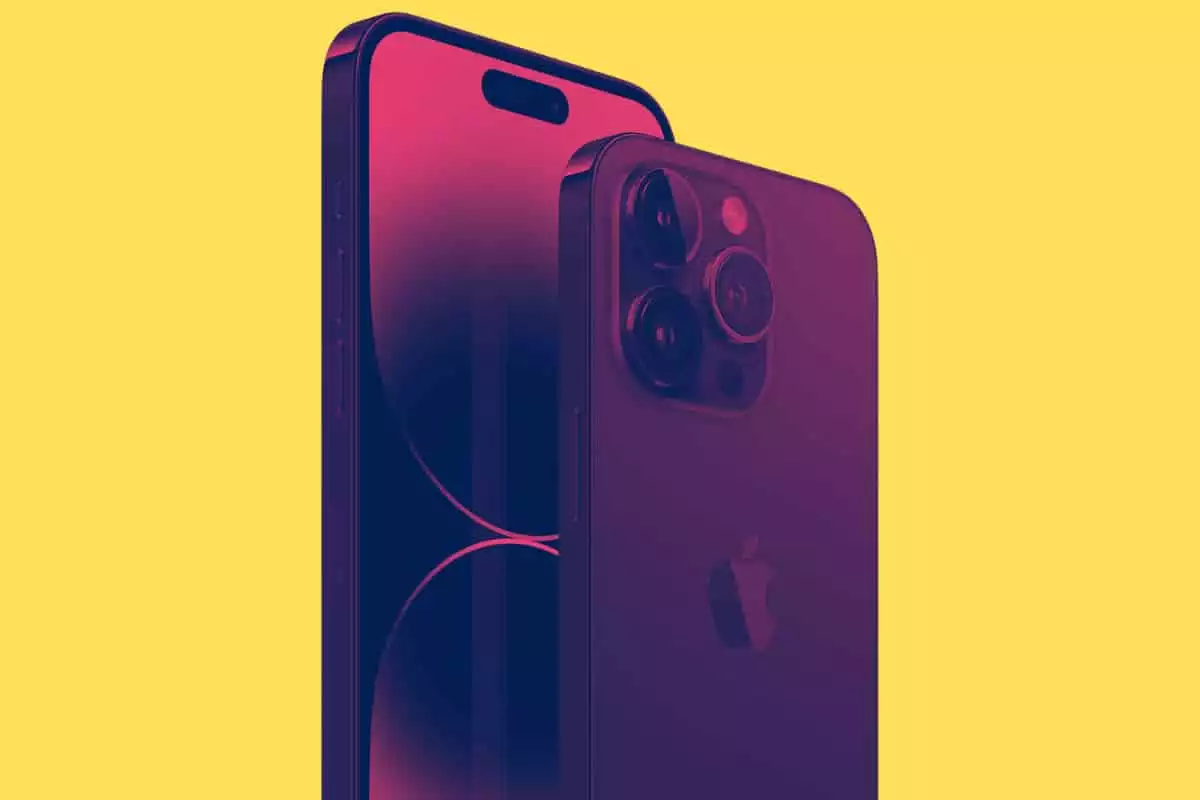
If you want all the latest features, the best camera, outstanding battery life, and access to the first design changes Apple has made in what feels like decades, the iPhone 14 Pro Max is the one to go for – it is an utterly brilliant power-house of a phone, as you can see inside our iPhone 14 Pro Max Review.
Why You’d Buy iPhone 14 Pro Max:
- It runs the latest A16 CPU, whereas the iPhone 14 runs the same CPU as the iPhone 13 Pro Max
- It has Apple’s new Dynamic Island feature
- It runs a 120Hz ProMotion OLED display
- New 48MP main camera – it’s brilliant even by Apple’s usual standards
- Battery life is still as good as ever
iPhone 14 Pro Max Deals
- Includes Unlimited Data
- Access To Verizon's Apple One Plan
- Free Apple TV, Apple Music, Apple Arcade & Free iCloud Storage
- Market-Leading Trade-in Rates
- Unlimited 5G Data
- $200 Gift Card Per Activation
- Free AirPods 3 (Worth $179)
- Outstanding 5G Coverage
- Runs on Verizon Network
- Simple, Cost-Effective Plan
- Early Birds Get Six Months Mint Mobile Services FREE
- Mint Runs on T-Mobile’s Network, So It’s Utterly Rapid
- 4GB to Unlimited Data Plans Available
- Cheapest Data Plans on The Market
- Save $1000 With Trade-In
- Simple Data Plan Structure
- Unlimited Data on All Plans
- Unlimited Data + iPhone 14 Pro Max For Just $190 p/m
- Excellent US Coverage & 5G Speeds

Additional Resources:
- iPhone 14 Pro Max Deals
- iPhone 14 Pro Max Review
- Dynamic Island: What It Is & How It Works
- Save $1000 on Apple’s iPhone 14 Pro Max
iPhone 14 Pro
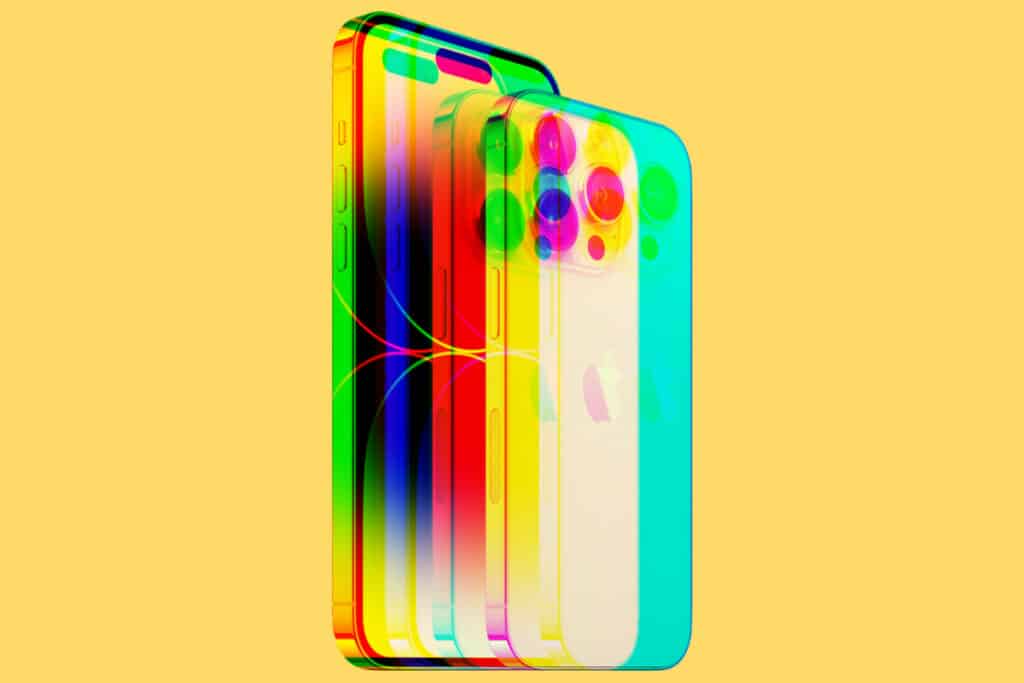
The iPhone 14 Pro is much the same deal as the iPhone 14 Pro Max, only it is smaller (it has a 6.1in display versus the Pro Max’s 6.8in) and it costs less. You get access to the same next-generation features and Apple’s brilliant camera which makes it an ideal choice for someone that doesn’t want a really big phone.
The only other differences between the 14 Pro and the 14 Pro Max relate to its battery size – the 14 Pro Max runs a slightly charger battery, so it does last slightly longer off a single charge. Everything else is more or less identical, though.
Why You’d Buy The iPhone 14 Pro:
- It costs less than the Pro Max version but packs much the same features
- You get access to Apple’s new 48MP main sensor
- It has LiDAR
- You get Dynamic Island and Always On Display
- It run Apple’s 120Hz ProMotion display
- Performance is outstanding, thanks to its A16 CPU
Additional Resources:
iPhone 14
If you’re looking to buy a new iPhone in 2022, and you’re not running the iPhone 13, then the iPhone 14 is an obvious choice. It is Apple’s entry-level iPhone, alongside the iPhone 14 Plus, and it packs in quite a few updates compared to older models like the iPhone 12 and iPhone 11.
Compared to the iPhone 13, though, there simply aren’t enough changes and/or updates to warrant an upgrade – you’re best waiting for the iPhone 15. I currently run the iPhone 13 and I will not be upgrading until the iPhone 15 comes out for this express reason.
But for those of you running older iPhones, the iPhone 14 is a very compelling proposition. It has a decently potent CPU in the form of Apple’s A15, the same as the one inside the iPhone 13 Pro Max, it has an updated camera with better low light performance, and the battery life is brilliant.
The only reason we wouldn’t recommend the iPhone 14 is if you’re currently running an iPhone 13. For everybody else – including those currently using Android phones – the iPhone 14 is a stellar option for 2022 and beyond.
Why You’d Buy The iPhone 14
- You want a new iPhone and you don’t want to spend loads of money
- You’re currently running the iPhone 11 or iPhone 12 (or older)
- You don’t want/need access to Apple’s most advanced camera
- You want solid battery life and a familiar design
- You want better low-light photography performance


- Includes Unlimited Data
- Access To Verizon's Apple One Plan
- Free Apple TV, Apple Music, Apple Arcade & Free iCloud Storage
- Market-Leading Trade-in Rates
- Simple, Cost-Effective Plan
- Early Birds Get Six Months Mint Mobile Services FREE
- Mint Runs on T-Mobile’s Network, So It’s Utterly Rapid
- 4GB to Unlimited Data Plans Available
- Cheapest Data Plans on The Market
- Get iPhone 14 For FREE With Trade-In
- Simple Data Plan Structure
- Unlimited Data on All Plans
- Unlimited Data + iPhone 14 For Just $85 p/m
- Excellent US Coverage & 5G Speeds
Additional Resources:
- iPhone 14: The Ultimate Buyer’s Guide
- iPhone 14 Review
- Best iPhone 14 Deals
- Why iPhone 13 Users Should AVOID iPhone 14
- Save $800 on iPhone 14
iPhone 13 Pro Max
In 2021, the iPhone 13 Pro Max Apple’s top-of-the-line iPhone and, while it has now been replaced by the iPhone 14 Pro Max, the 13 Pro Max still packs plenty of performance and bang for your buck in 2022.
It does miss things like Dynamic Island and Apple’s Always On Display but it does run a supremely fast CPU, pack in one of the most advanced camera modules on the market, and it does cost less than Apple’s newer 14 Pro Max which is important if you’re looking to save some dollars.
All things being equal, the iPhone 13 Pro Max is still a very good option for 2022. It has all the things you’ll need and more – stuff like Apple’s LiDAR sensor, fast 5G connectivity, a ProMotion display, and excellent battery life. If you want flagship-grade performance without the price tag, this would be the one to get.
Why You’d Buy The iPhone 13 Pro Max:
- Still extremely powerful phone, thanks to its A15 CPU
- The camera is excellent, even by 2022 standards, and it has a LiDAR sensor too
- Outstanding battery life
- ProMotion display is same as one in the iPhone 14 Pro Max, save for Dynamic Island
It has the best camera, the best battery, one of the best screens ever put in a production phone, and it has the fastest chip on the market. The iPhone 13 Pro Max is by far and away the best phone you can buy now. Yes, it is expensive. But keep in mind that you’ll be able to comfortably run this phone for at least the next six to seven years without issue.
- Amazing Camera
- ProMotion 120Hz Display
- Excellent Battery Life
- LiDAR Sensor
- Beautiful Design
- Fast 5G Support
Additional Resources:
iPhone 13 Pro
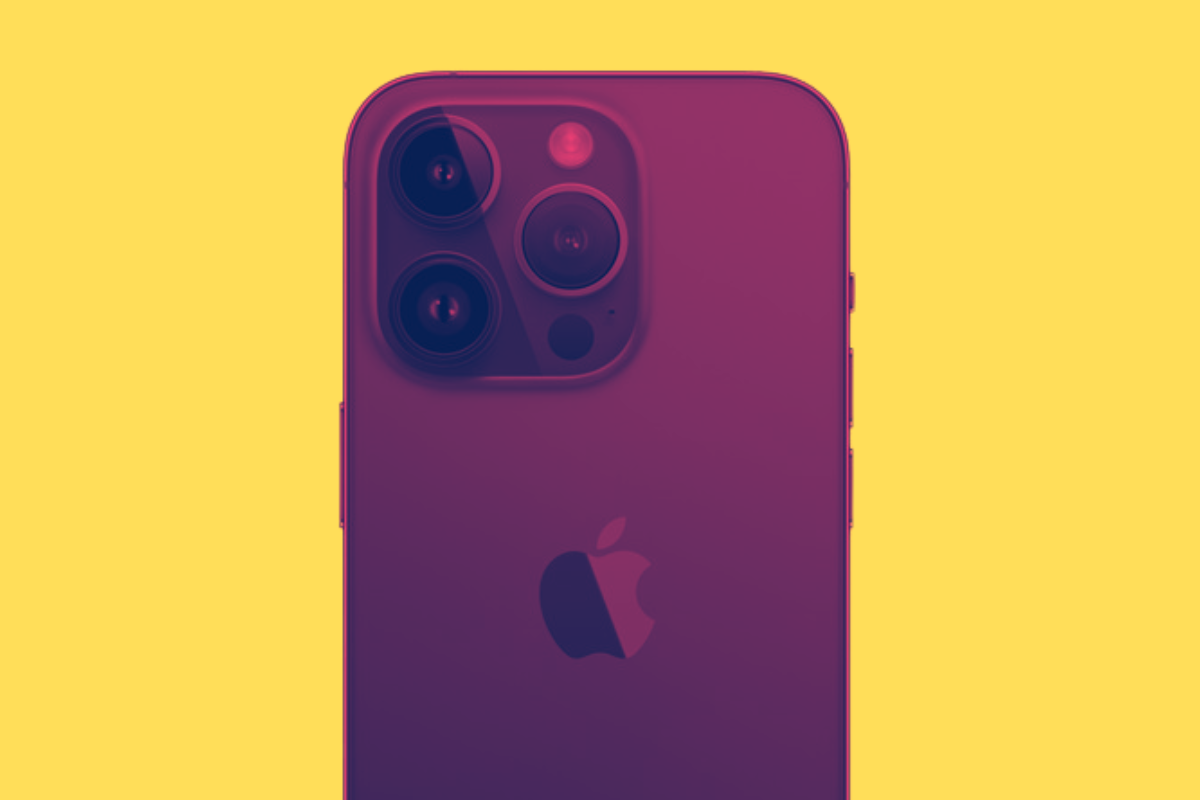
As with the iPhone 14 Pro, the iPhone 13 Pro is much the same as the iPhone 13 Pro Max – it has all the same features and abilities, just in a smaller chassis.
If you want a smaller, pro-grade iPhone, the iPhone 13 Pro is, again, cheaper than Pro Max and is still an excellent value, high-performance phone that is more than capable of holding its own in 2022’s market place.
Why You’d Buy iPhone 13 Pro
- It’s smaller but just as potent as the iPhone 13 Pro Max
- It comes with LiDAR sensor
- It has the same – just smaller – ProMotion display as the 13 Pro Max
- Battery life is solid
- It’s cheaper then the iPhone 14 Pro and iPhone 13 Pro Max
If you want more performance and improved imaging, the iPhone 13 Pro is what you should be looking at. Featuring the most advanced camera system on the market, Apple’s iPhone 13 Pro is the perfect phone for users that demand the absolute best from their phones.
- Solid Build, Easy To Use
- Great Battery Life
- OLED Screen
- Very Impressive Camera
- Smaller Than Pro Max
- Now More Affordable
Additional Resources:
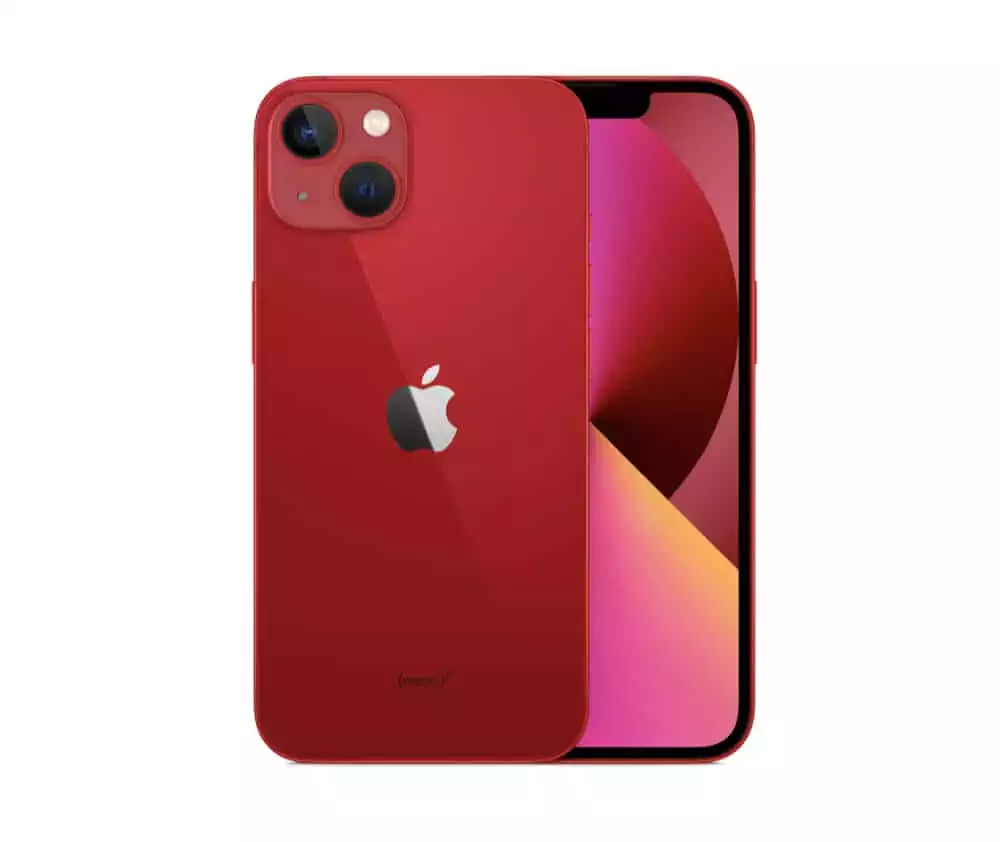
iPhone 13
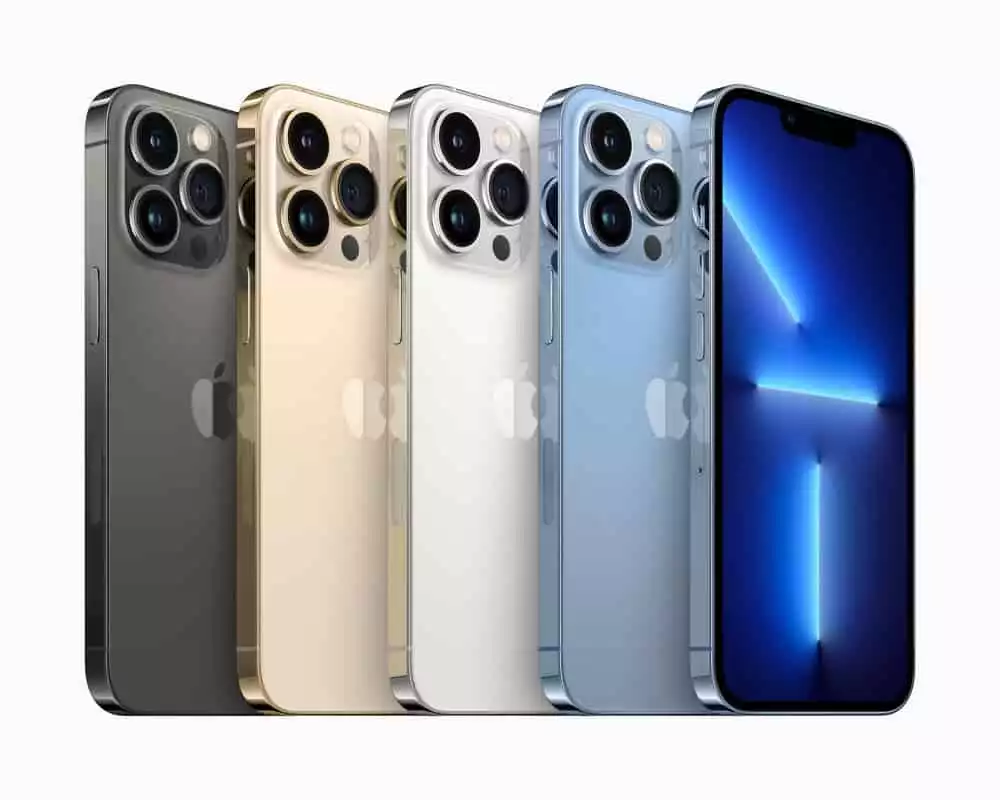
For those of you that want proper value for money, I honestly think you cannot go wrong with Apple’s iPhone 13. This is the phone I currently use as my daily driver and it is essentially flawless at what it does. The battery life is excellent, the camera is decent, and it looks great in its selection of color options.
Is it as good as a Pro model iPhone? Nope. But that’s not the point. The main USP of the iPhone 13 is value for money. You don’t get all the fancy camera hardware but the camera itself is still perfectly decent. If you’re not an avid photographer, the iPhone 13 is basically all you need.
It has 5G, is completely future-proofed, and will get iOS updates until the late-2020s. Add in the fact that it is now cheaper than ever, following the release of the iPhone 14, and you’re looking at one of the best value iPhones on the market right now.
Why You’d Buy The iPhone 13
- It’s cheaper than ever before, thanks to the iPhone 14’s release
- Performance is brilliant
- The camera is great for point-and-shoot users (meaning the non-pro photographers amongst us)
- It is built solidly and feels great in the hand
- It’ll get iOS updates until the late 2020s
The entry-level iPhone that is perfect for everybody. It has a great camera, a great display, market-leading performance, and 5G. If you want the most bang for your buck, this is the iPhone to go for.
- Solid Build, Easy To Use
- Great Battery Life
- OLED Screen
- Decent Camera Performance
- Smaller Than Pro Max
- The Most Affordable Option
Additional Resources:
Best iPhone FAQs
What is The Best iPhone?
The best iPhone you can buy right now is the iPhone 14 Pro Max which is Apple’s de facto flagship phone for 2022/23. It has the best display, the best camera, and the best overall performance, having the most RAM, the fastest CPU, and the most advanced camera sensors in the range.
Which iPhone is The Best Value For Money?
Apple’s entry-level iPhones – so, in 2022, the iPhone 14 – are usually the best value for money. But if you want more performance and a better camera, a great trick is to buy the previous year’s Pro or Pro Max model which in 2022 would be the iPhone 13 Pro or iPhone 13 Pro Max.
Which iPhone is The Biggest?
Apple’s iPhone 14 Pro Max and iPhone 14 Plus are the biggest phones Apple makes in 2022. Both run 6.8in OLED screens with the iPhone 14 Plus measuring in at 160.8 x 78.1 x 7.8 mm and the iPhone 14 Pro Max at 160.7 x 77.6 x 7.85mm.
Keep Reading
Explore more →