 Skip to content
Cheapest iPhone Deals

If you’re looking for the best possible iPhone deal, meaning the cheapest iPhone deal possible, we got you covered – this guide will show you exactly how to locate and buy the cheapest iPhone deals possible…
Buying a new iPhone isn’t as easy as you’d think. UK networks, locked in a fierce battle for your business, are constantly updating and augmenting their respective deals.
Each network, say, Three and EE, for instance, will have thousands of potential offers for the iPhone 11. And these offers will change on a weekly basis which makes finding and choosing the best possible deal for that particular phone kind of tricky.
Add on to this the fact that most networkse looking for cheap tend to hide their best (meaning cheapest) deals under their more lucrative (meaning expensive) ones. For consumers, this can mean hours of unnecessary research. And nobody wants to do that.
When you begin looking for a new iPhone, say, the iPhone 11, most people wonder: who has the best iPhone 11 deals?
Well, that’s the exact reason we built this tool – it answers this question in a single, easy-to-use panel that pulls in ALL current deals for Apple’s iPhone range from all of the UK’s biggest networks.
How To Find The Cheapest iPhone Deals In The UK
As someone that’s worked in the mobile industry for over a decade, I know just how annoying finding a great deal for an iPhone can be.
For this reason, we developed a tool that does it all for you – it sifts through thousands of deals from the best UK phone networks in order to always show you the most up to date deal for Apple’s iPhones.
And it doesn’t matter whether you’re looking for cheap iPhone 11 Pro deals or cheap iPhone 11 deals, the tool (you can use it just below) pulls them all in. All you have to do is select the iPhone model you’re after and it’ll pull in all the best deals based on the monthly cost for your viewing pleasure.
Simple, right?
iPhone Deals Finder Tool

How To Use The iPhone Deals Finder Tool
The tool itself is designed to be simple to use; you select the iPhone model you want to buy and it will pull in all the latest deals for that iPhone. The feed is updated hourly too, so you’re always getting the most up to date iPhone deals.
Using the filters, located on the left side, you can alter your deal by changing how much data you want, how long you want the contract for, and how much you want to spend a month.
This gives you complete control over your iPhone contract. And best of all the filter controls will pull in deals from all major UK networks – that means EE, Vodafone, Three, O2, and Vodafone – allowing you to compare which network has the best offers.
And if you cannot be bothered to use the table, I’ve included deals for the iPhone 11 and iPhone 11 Pro from some of the UK’s best networks below.
Latest iPhone 11 Deals From The UK’s #1 Mobile Networks
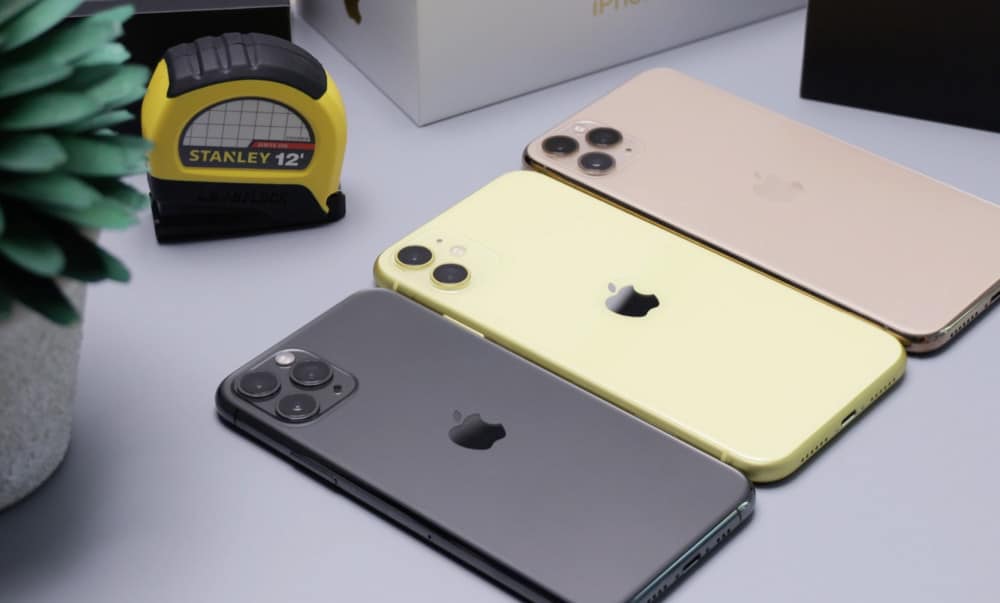
Apple’s latest iPhone models are the iPhone 11, the iPhone 11 Pro, and the iPhone 11 Pro Max. Below are the current cheapest deals for each of these phones from the UK’s biggest and best networks.
If you cannot find what you’re looking for below, or you want a deal with more data, I would advise you to use the table at the top of this post.
Inside the iPhone Deals Tool, you can customize what kind of deals and offers are pulled in based on monthly cost, data, and upfront cost.
The iPhone deals listed below are simply the current cheapest deals from each network. Also: our deals feed automatically update every few hours, so if you just arrived on this page, you’re looking at the best and latest deals for each iPhone model.
Cheapest iPhone 11 Deals Three
Cheapest iPhone 11 Deals EE
Cheapest iPhone 11 Deals Vodafone
Cheapest iPhone 11 Deals O2
Latest iPhone 11 Pro Deals
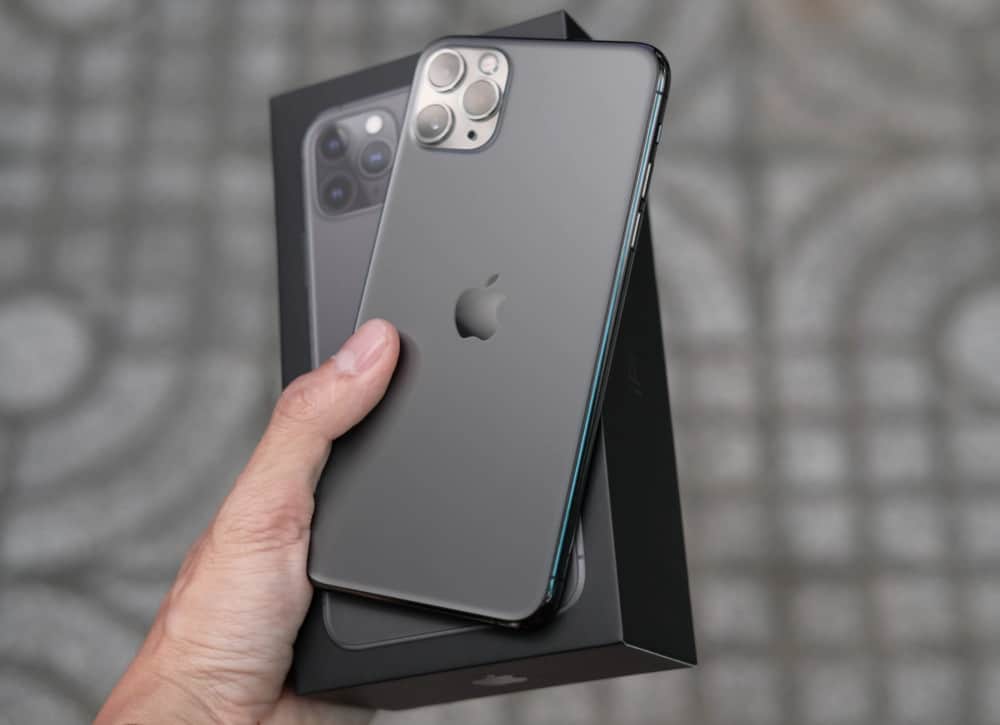
The iPhone 11 Pro is Apple’s current flagship; it packs in the latest specs and hardware. It also has the best camera performance, thanks to its three-lens array on the rear (the iPhone 11 only has two).
The iPhone 11 Pro is more expensive, however, so if you do choose to go with the iPhone 11 Pro over the iPhone 11, you can expect to pay quite a bit more upfront and also on your monthly costs, whereas the iPhone 11 can be bought without any upfront costs as you can see in the iPhone Deals Finder Tool.
Cheapest iPhone 11 Pro Deals Three
Cheapest iPhone 11 Pro Deals EE
Cheapest iPhone 11 Pro Deals Vodafone
Cheapest iPhone 11 Pro Deals O2
Want to build your own iPhone deal? Use the iPhone Deals Generator Tool.