 Skip to content
Reviews
All the latest mobile phone reviews, written by experts, covering the latest releases from OPPO, Huawei, Samsung, Apple, and MORE. If you’re interested in finding out what the best iPhone is for your exact needs, we’ve got you covered. But we also test and review a wide range of other phones too – from flagship Android phones to budget and mid-range Android handsets from Chinese brands like VIVO, RealMe, and Xiaomi.
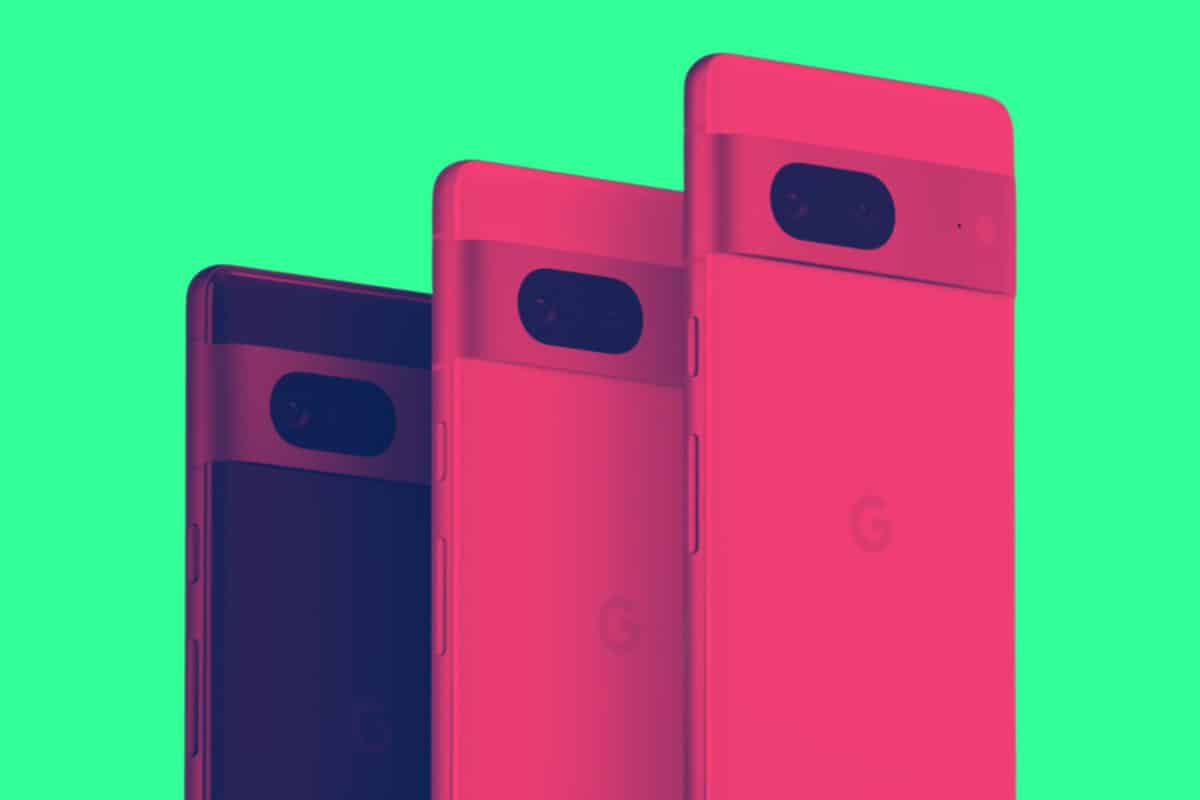
Google Pixel 7a Review: Don’t Fold, Get This…
Is the Google Pixel 7a a worthy update? Is it worth buying? Let’s take a look at what the Google Pixel 7a reviews say… In a world where...

OnePlus Watch 2 Reviews: The Tech Industry Reacts
Is the OnePlus Watch 2 worth buying? Here’s everything you need to know about its performance, design, specs, and battery life… OnePlus...
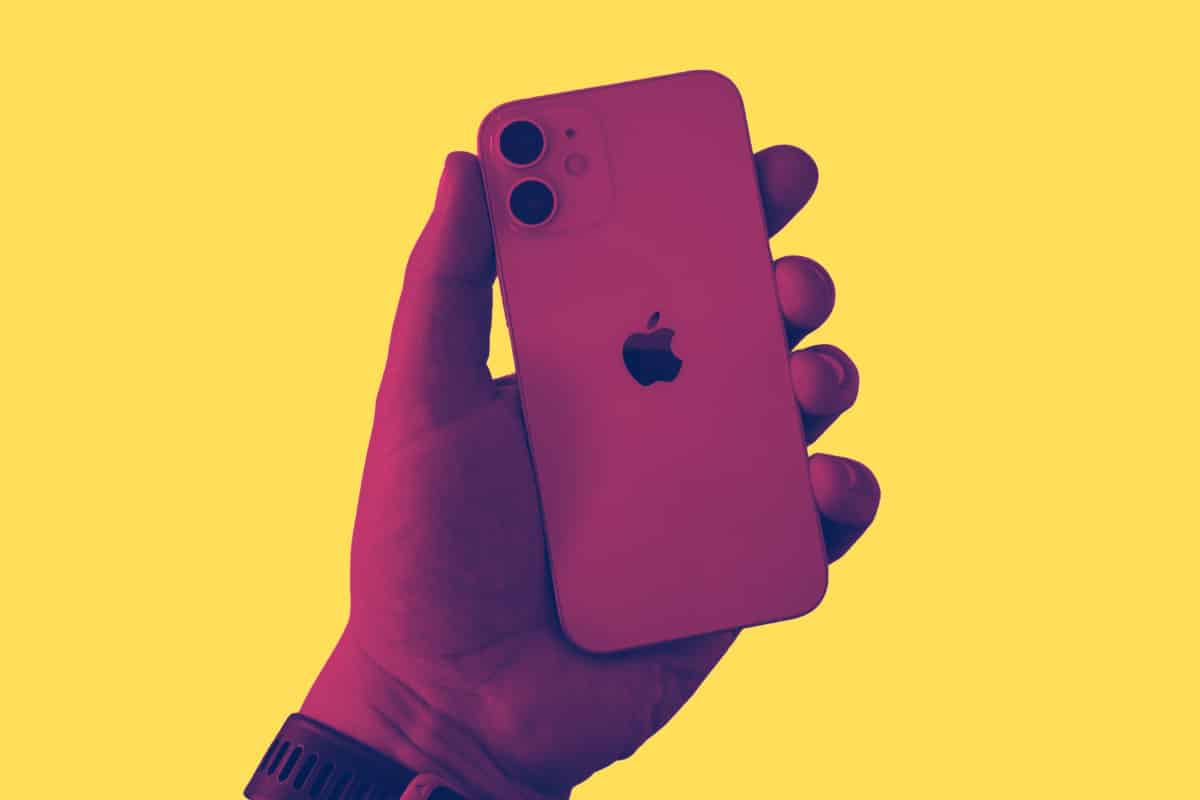
Reboxed Review: Is It 100% Legit? Let’s Find…
Reboxed is a UK-based refurbished phone and tech specialist, promising savings of up to 40% on iPhone and Samsung phones. But is it legit? Let’s ...
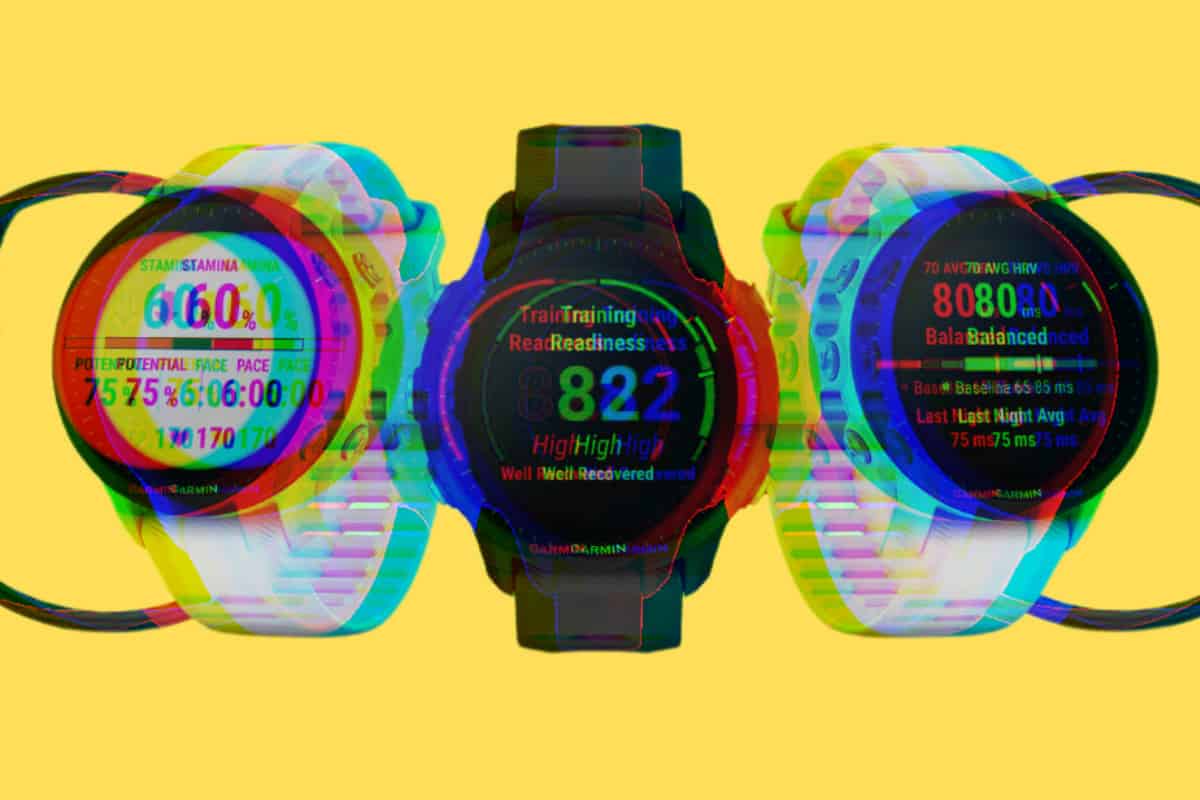
Garmin Forerunner 955 Reviews: New & Improved?
The Garmin Forerunner 955 is the latest addition to Garmin’s brilliant Forerunner series. But is it any good and what kind of updates does it hav...
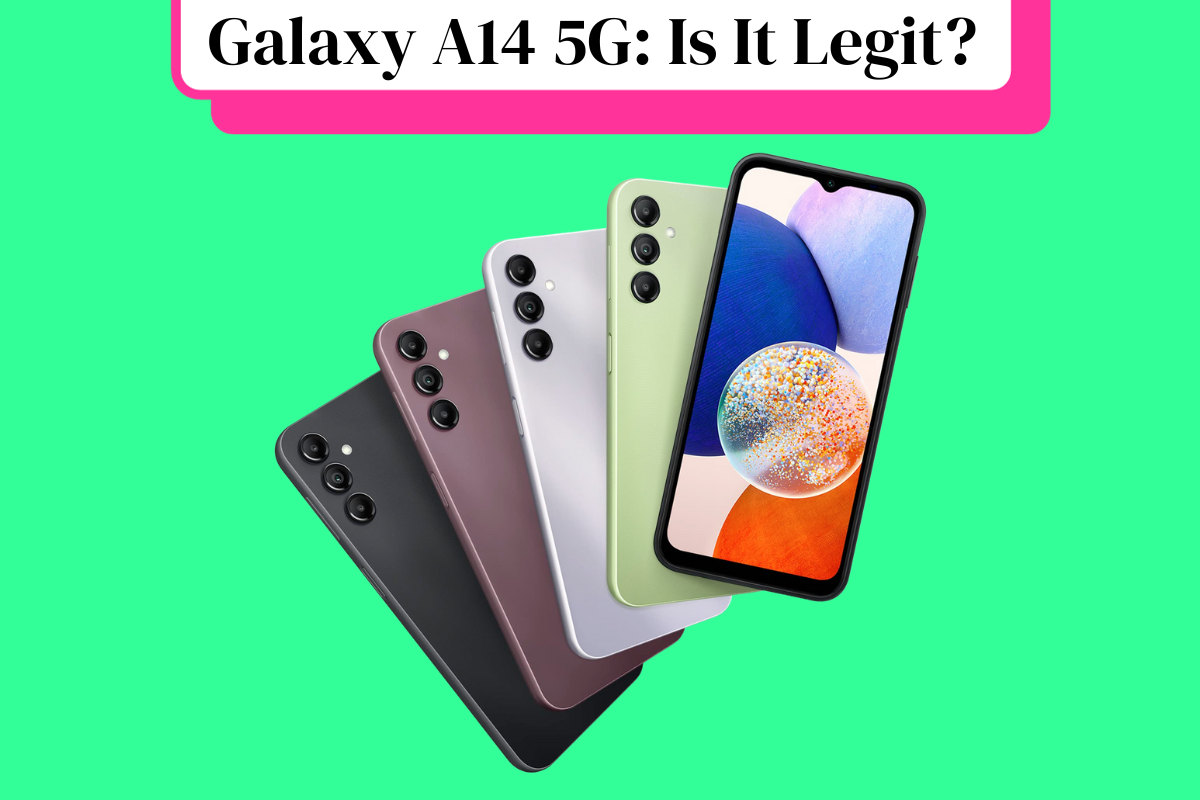
Samsung Galaxy A14 5G Reviews: What You Need…
Here’s your complete overview of all the latest Samsung Galaxy A14 reviews from around the web. If you’re thinking about buying this phone,...
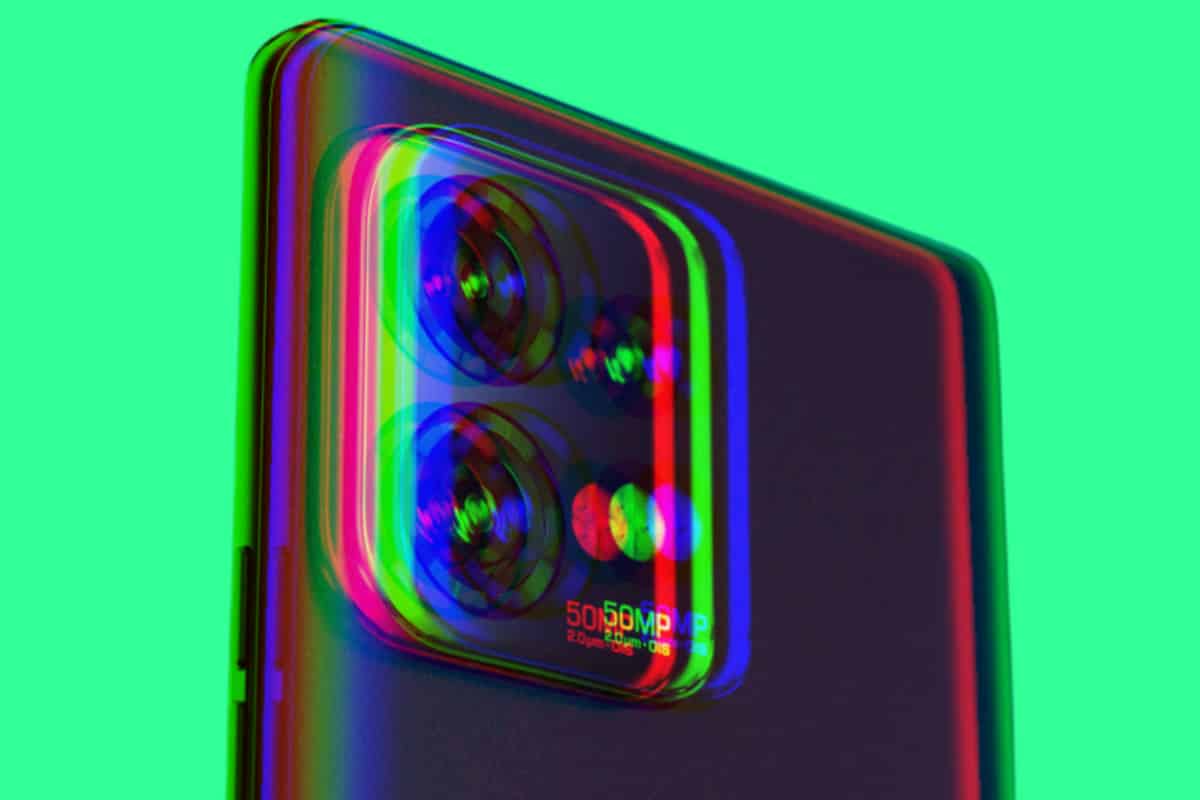
Motorola Edge Plus 2023 Review: Moto’s BACK, Baby!
The Motorola Edge Plus 2023 is one of the best phones Motorola has designed in years, packing in bleeding-edge specs, a killer 165Hz OLED display, ...
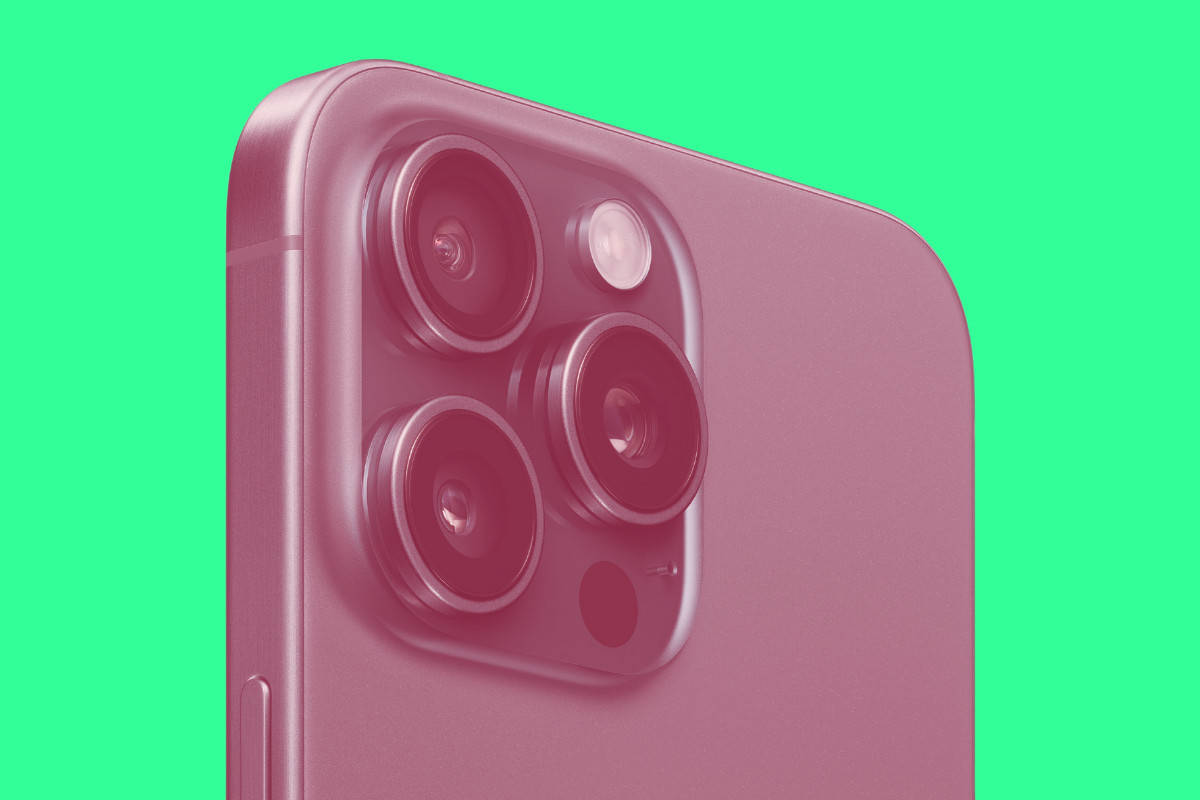
iPhone 15 Pro Max Review Round-Up: Apple’s Best…
Apple’s iPhone 15 Pro Max is an absolute beast of an iPhone, packing in not only the iPhone’s most powerful chipset ever, but its best ...

iOS 16 Review: Apple’s Best iPhone Update In…
Apple’s iOS 16 is now available and it is one of the company’s best iPhone updates in years – here’s why… iOS 16 is now rolling ...
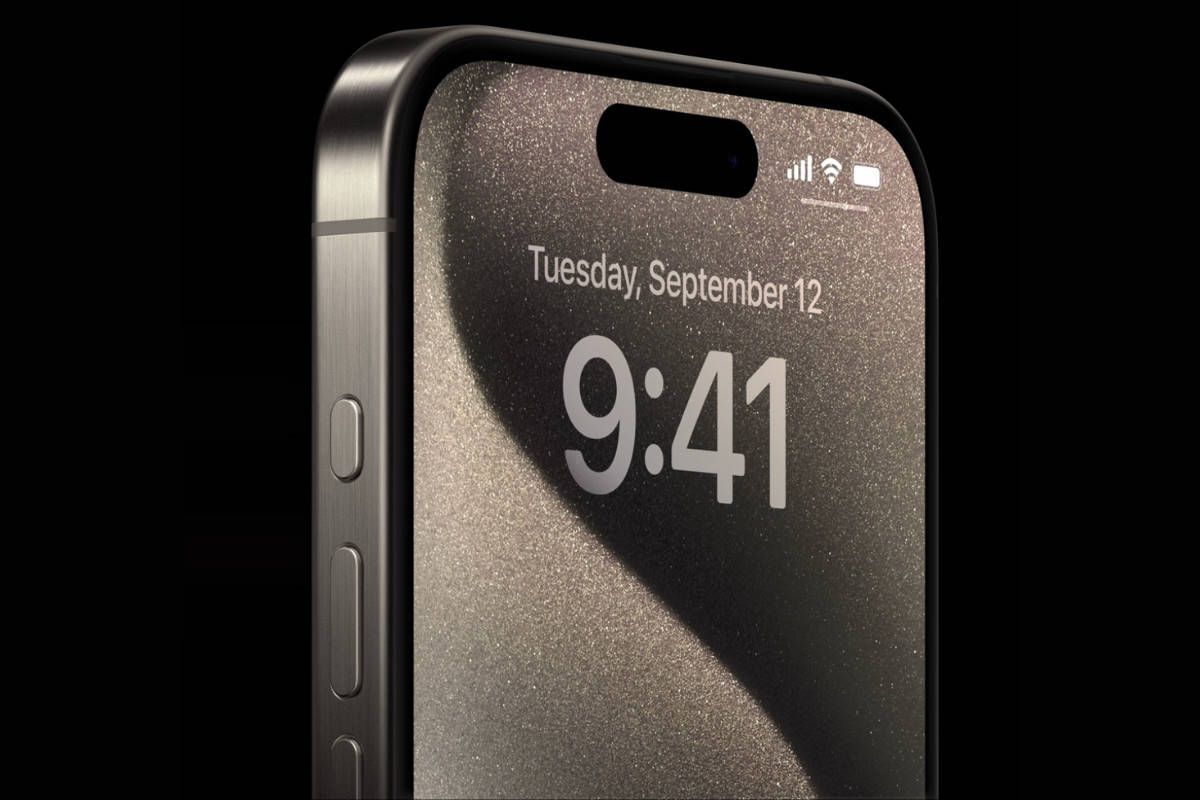
iPhone 15 Pro Review Round-Up: Apple’s Pro Model…
Apple’s iPhone 15 Pro has gotten some major upgrades including a new titanium frame, a USB-C port, and camera improvements. But what are the ...
iPhone XR Review: Still Worth Buying In 2023?…
The iPhone XR was Apple’s best-selling phone to date for 2018 to 2020. But is the iPhone XR worth buying in 2023? Here’s what you need to know?...
iPhone 15 Review Round-Up: Apple’s Base Model Gets…
The iPhone 15 is now official, and the first batch of reviews are in. So what’s the verdict? Is the iPhone 15 a legit update or not? Let’s find...

Sky Glass Reviews: Is It Better Than Sky…
Sky Glass represents the biggest shake up to how Sky TV works in the company’s history. But is Sky Glass worth getting or are you better off with...
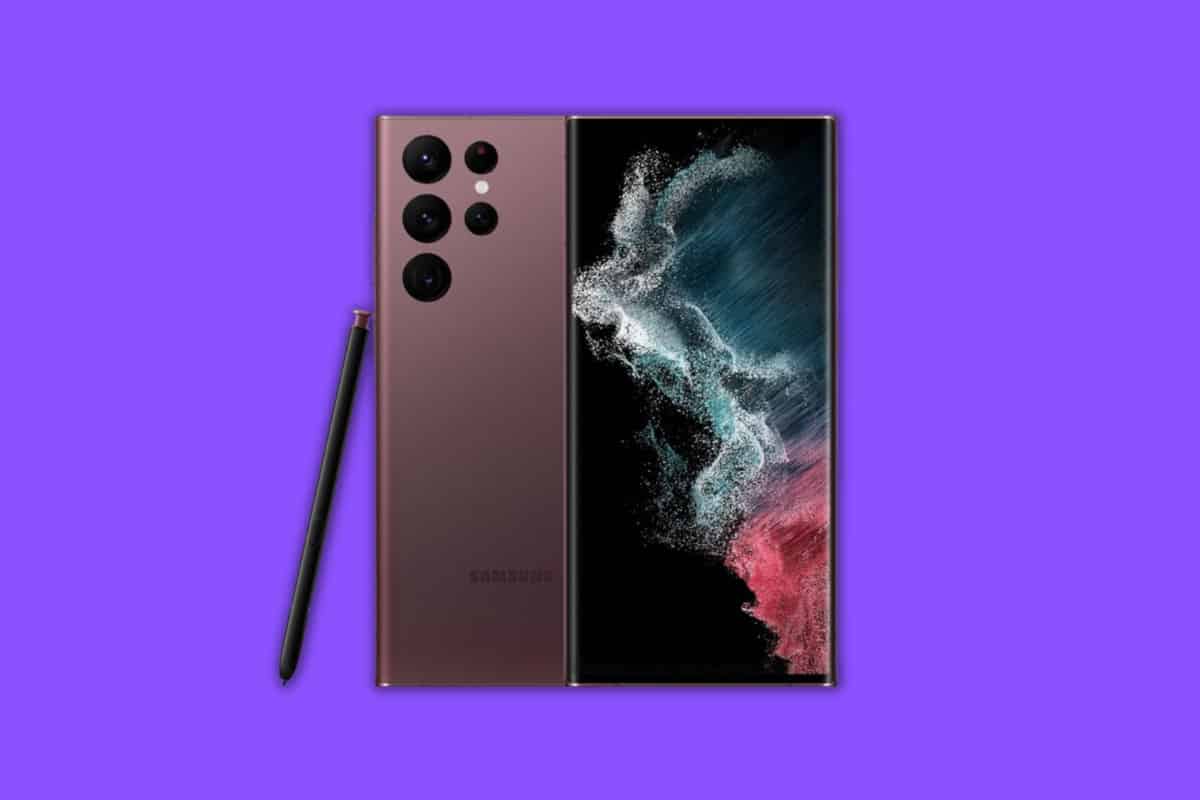
Samsung Galaxy S22 Ultra Review: Still Worth A…
The Samsung Galaxy S22 Ultra is one of the most well-known phones on the market right now. But is it the best Android phone money can buy? Let’s ...
OnePlus 11 Review: The “Flagship Killer” is BACK
The OnePlus 11 is a bit of a mixed bag when it comes to most things, making it a tough sell over something like the Pixel 7 or Galaxy S23 – ...
Bose Solo 5 Reviews: Is It Worth A…
The Bose Solo 5 is a well-priced, ultra-compact soundbar for your TV. But is it worth buying one, or are you better off looking elsewhere? Let’s ...
iPhone X Review: Still Worth A Buy In…
Is the iPhone X worth buying in 2023? Let’s investigate, shall we? Add in the fact that the phone can now be picked up for less than $2...
iPhone XS Max Review: Still Worth A Buy…
I recently dusted off my old iPhone XS Max, and you know what? It’s still a damn good phone – even by 2023 standards. Here’s why… The ...

Apple Studio Display Reviews: Is This Monitor 100%…
The Apple Studio Display is designed for use with Apple’s ever-growing number of Mac systems. It is a 5K monitor too. And it is very expensive. B...
Is Audible Worth It? Yes – But It Depends…
In this Audible review, we’ll take a look at the pros and cons of Amazon’s audiobook service in order to find out whether it’s wo...
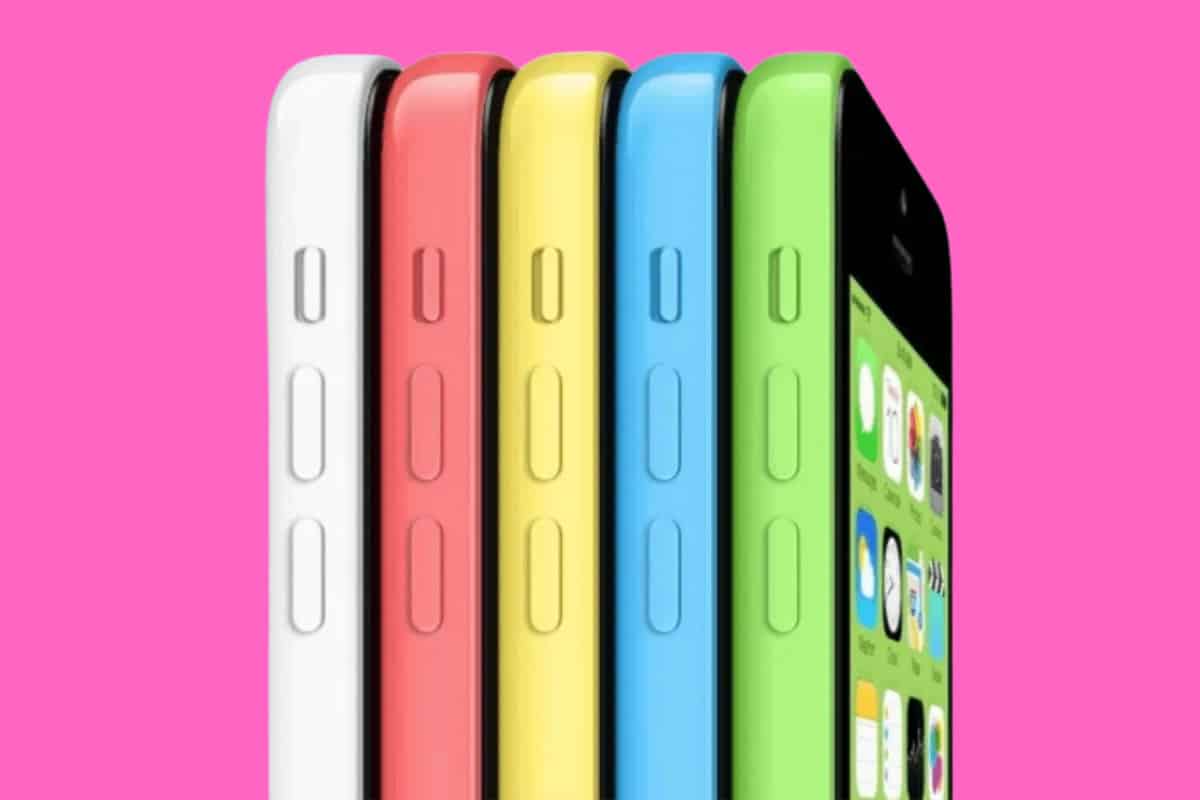
iPhone 5c Review: Is It Worth Buying In…
The iPhone 5c is now a rather old iPhone and not really worth buying in 2020 – even second hand. If you want a small iPhone, you need to look els...
Best iPhone 14 Cases: 6 KILLER Options For…
What’s the best iPhone 14 case you can buy right now? Here’s our picks of the top-rated iPhone 14 cases for stylish, protection, and MagSafe in...
Best iPhone 14 Pro Max Cases: 8 Killer…
We’ve compiled a list of the best iPhone 14 Pro Max cases to help you find the ideal balance between style, functionality, and protection. Pr...

Samsung Galaxy S23 Ultra Review: The Best Android…
Is it worth spending ALL that extra cash on the Samsung Galaxy S23 Ultra? Let’s find out… For those seeking the best possible performance and s...

Apple Watch Ultra Review: Is it 100% Worth…
Apple’s Apple Watch Ultra is the most advanced wearable the company has ever made. But it’s not for everyone. Here’s why… Rumors persisted ...

Microsoft Surface Duo 2 in 2023: Is It…
It’s a foldable phone and it runs a special version of Android. But is the Microsoft Surface Duo 2 any good and, more importantly, is it wort...

Samsung Galaxy A53 5G Reviews: Is It Worth…
In a world of $1000+ phones, the Samsung Galaxy A53 5G is pitched as the antidote to your woes, a phone that does everything you need and more with...
Best Webcam For Twitch: Pro, Intermediate & Beginner…
What’s the best webcam for Twitch? This question is Googled A LOT. In this guide, we’ll detail all the best current options for pro, intermedia...
iPhone 14 Pro Max Review: 100% Worthy of…
Apple’s iPhone 14 Pro Max isn’t only the best iPhone Apple’s ever made, but it also features the company’s best upgrades in years. iPhone 1...
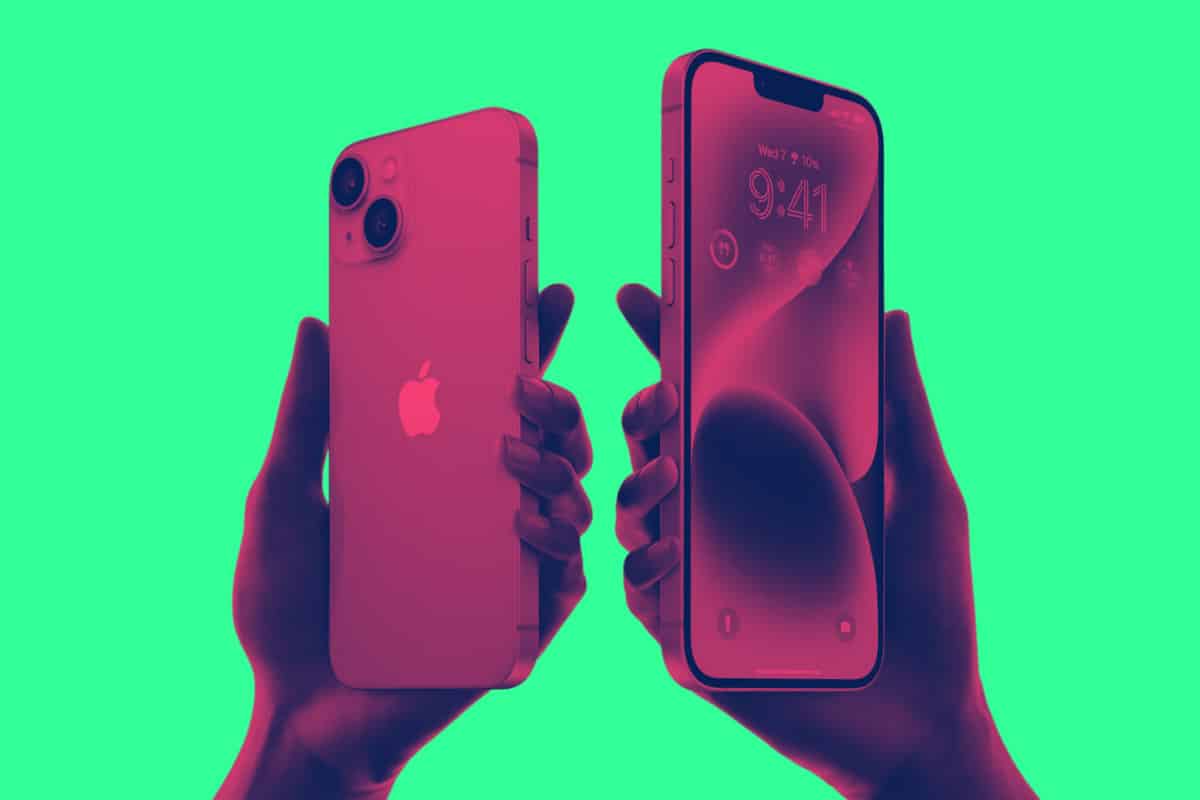
iPhone 14 Review: PROS & CONS – Is It…
If you’re running an older iPhone, say, the iPhone 11 or 12, the iPhone 14 is the update you’ve been waiting for. Here’s why… If you d...
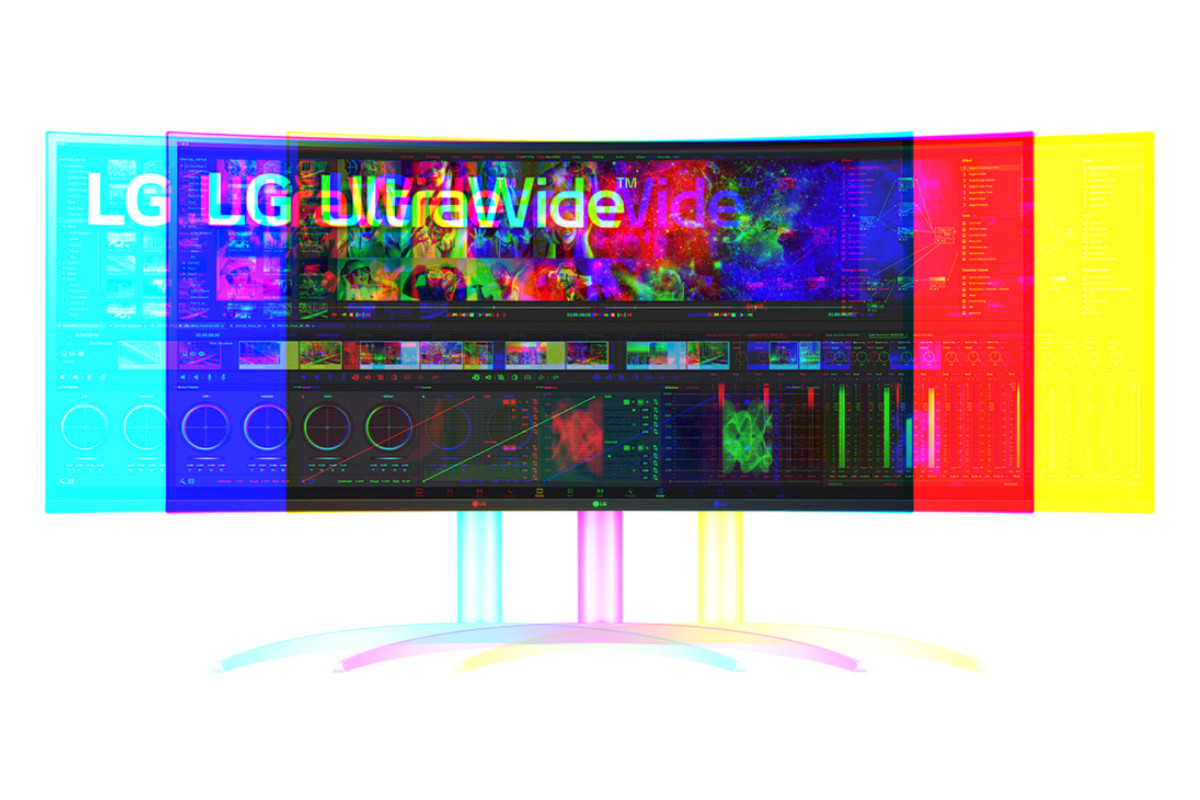
LG Ultrawide 40WP95C-W Reviews: The Ultimate 5K Workhorse?
Is the LG Ultrawide 40WP95C-W 2023’s best 5K monitor? Let’s take a quick look at some LG 40WP95C-W reviews to find out… I have a conf...

Paramount Plus Review: Is It Worth Subscribing?
Is Paramount Plus worth it? Here’s our hot-take on CBS’ new film and TV streaming platform. Is it as good as Netflix and Amazon? Let’s find o...
I Bought An Apple Studio Display – Any Regrets?
Do I regret buying the Apple Studio Display? No. But I also didn’t enjoy how much it cost either… I had my last iMac for almost 10 years; it wa...
iPhone 13 Pro Max Reviews: What’s The Verdict?
The iPhone 13 Pro Max is Apple’s bonafide flagship, the phone with ALL the bells and whistles. But is it worth buying? Let’s find out… The iP...

DuckDuckGo Review: A Viable Google Alternative?
Is DuckDuckGo as good as Google for search? Should you switch? Here’s everything you need to know in our complete review of DuckDuckGo… Establi...

Xfinity Mobile Reviews: Is It Worth Switching Over?
Xfinity Mobile has all the latest phones, great 5G data plans, and very decent coverage. But is it worth switching over to Xfinity Mobile? Let’s ...

AirPods Pro Review: Are They Still Worth Buying?
With the AirPods Pro 2 now officially released, is there still a case for buying Apple’s now-cheaper AirPods Pro? Let’s find out…...

Google Pixel Buds Pro Reviews: Are They Worth…
Google’s got a brand new pair of wireless buds available to buy. But are they better than Apple’s AirPods Pro? Let’s take a look at some Goog...
Pixel 6a Reviews: Is It Worth Buying Over…
The Pixel 6a is officially here. But at just $150 less than the Pixel 6, has Google’s budget Pixel lost its appeal? Let’s find out by looking a...
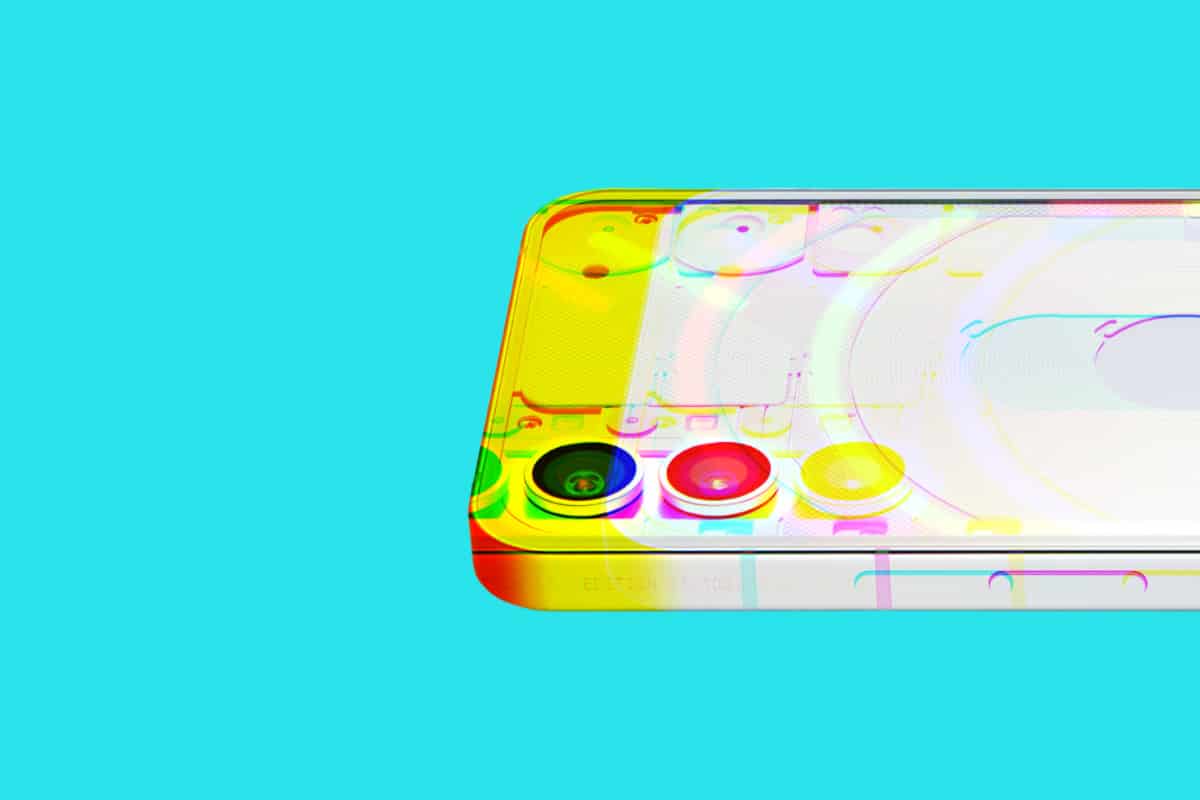
Nothing Phone 1 Reviews: Is This Phone 100%…
The Nothing Phone 1 is now official and the first Nothing Phone 1 reviews are landing. But is the Nothing Phone 1 legit? Let’s find out… Enteri...
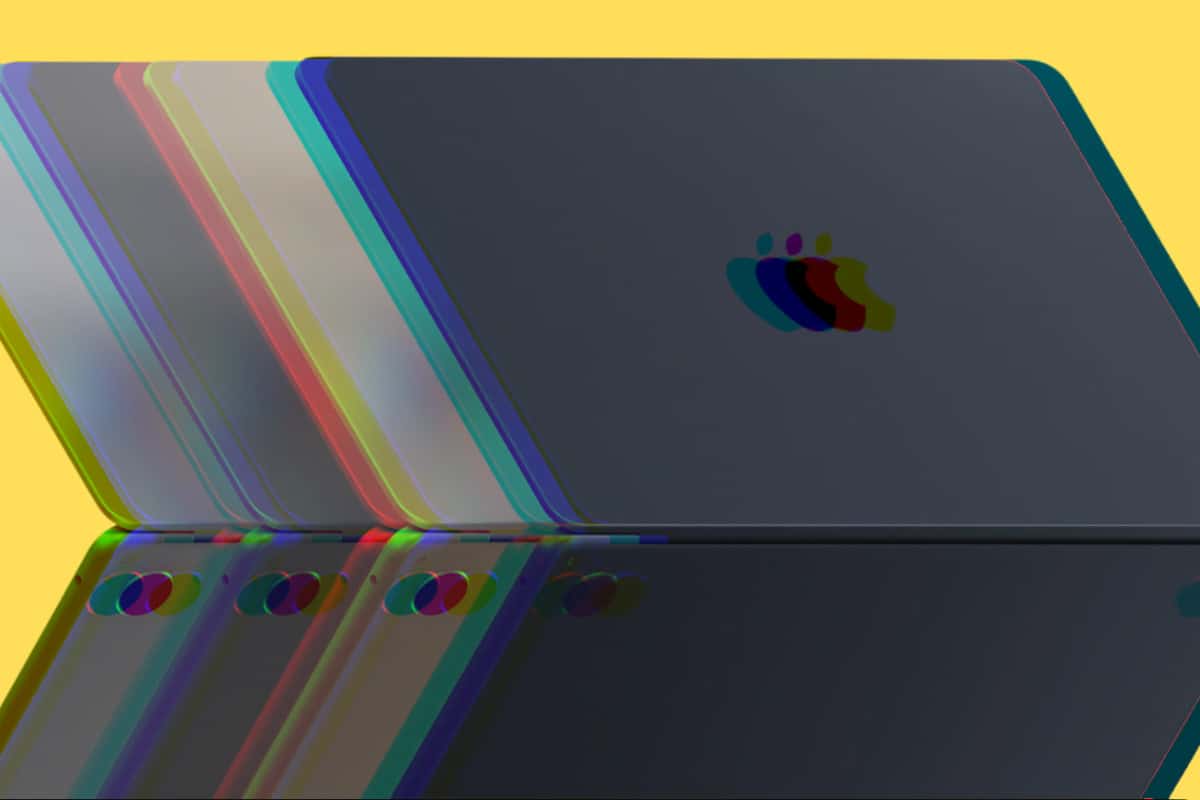
MacBook Air M2 Review: Is It 100% Worth…
Apple’s new MacBook Air M2 is now official and the first slew of reviews are in – but is the MacBook Air M2 worth buying? Let’s find out...
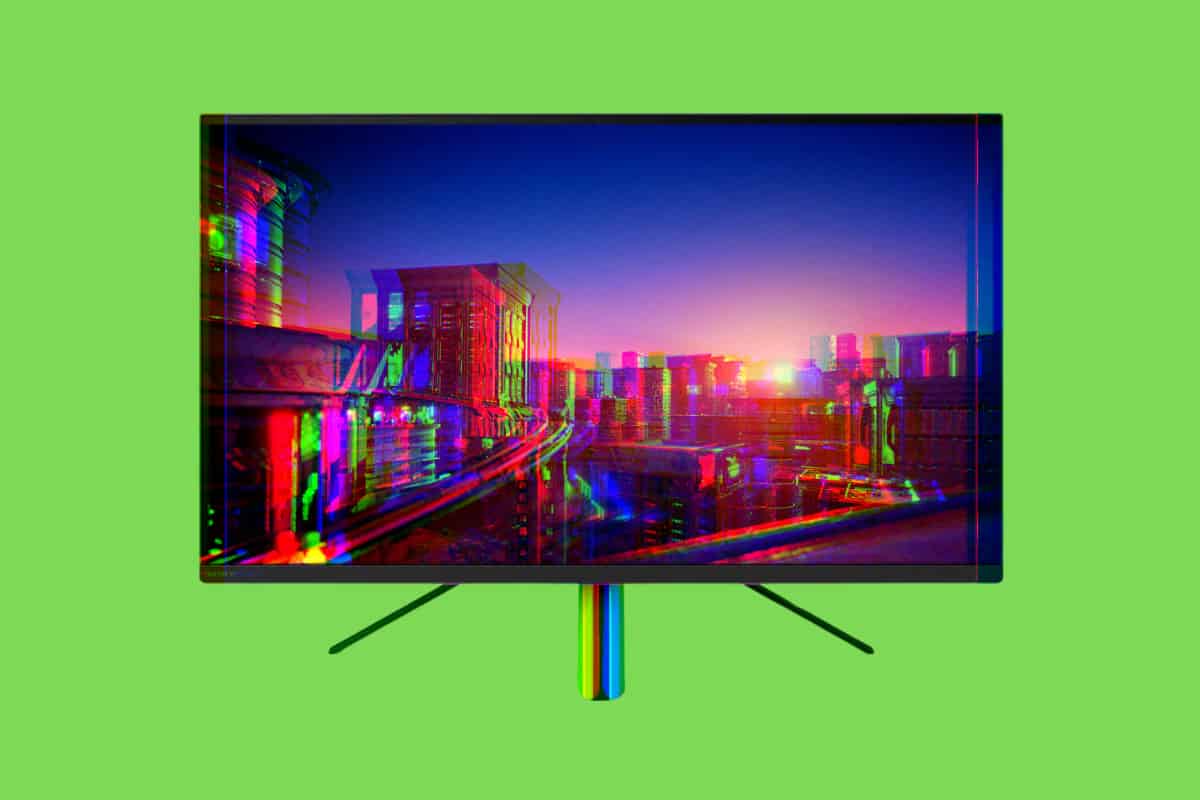
Sony InZone M9 Monitor Reviews: Is It 100%…
Sony’s InZone M9 Monitor is tipped to be the best 4K HDR gaming monitor you can buy for less than $1000. But is it all that? Let’s find out by ...
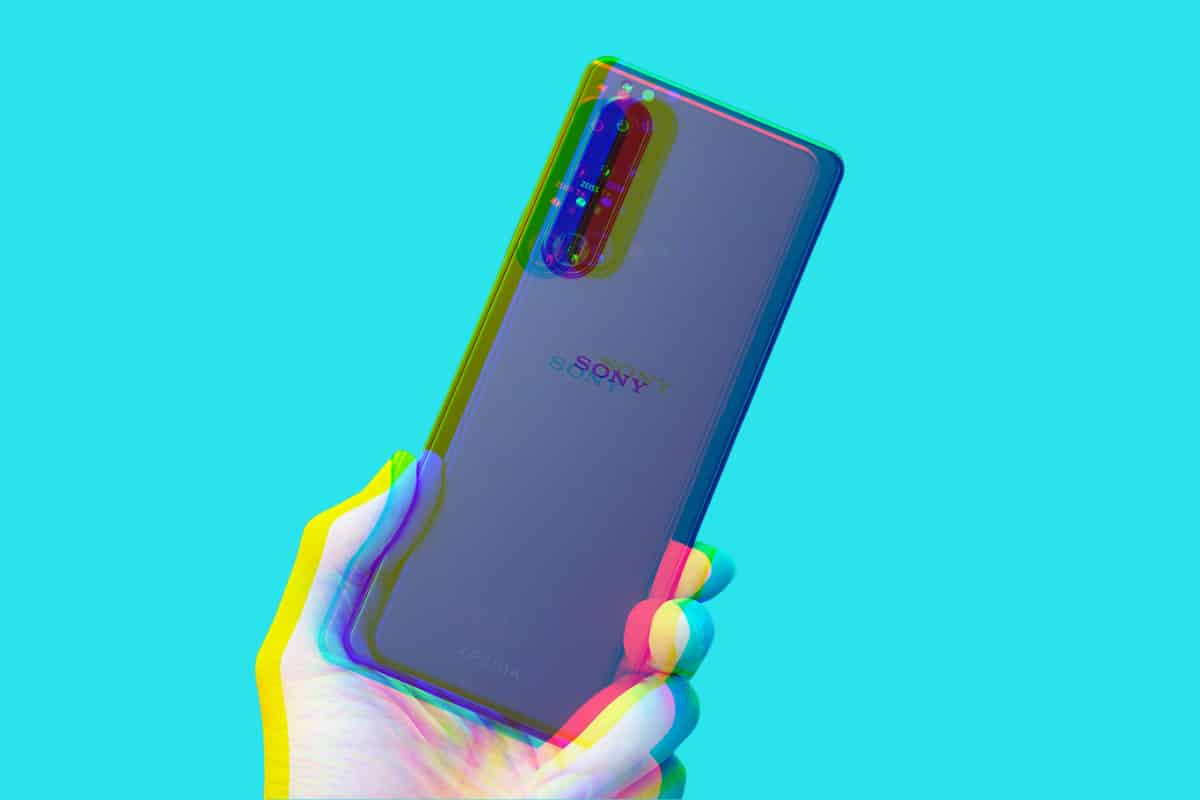
Sony Xperia 1 III Reviews: Is It Worth…
The Sony Xperia 1 III has one of the best cameras on the market and a beautiful 4K display. But is it worth buying instead of the iPhone 13 Pro Max...
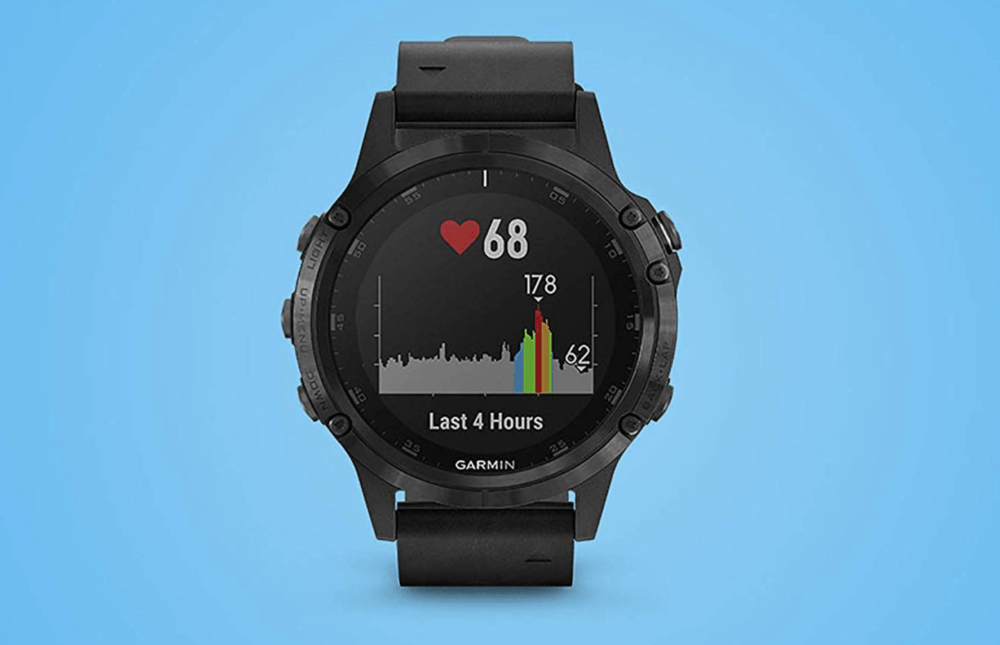
Garmin Fenix 7 Reviews: Is It Worth ALL…
If you’re a runner, cyclist, swimmer, or all three, is the Garmin Fenix 7 the best smartwatch for you right now? Let’s find out… If you run o...
Samsung Galaxy Watch 4 Reviews: Better Than Apple…
The Samsung Galaxy Watch 4 is official with a new operating system, a 40-hour battery life, and plenty of fitness tracking features. Is it better t...
13in MacBook Pro M2 Reviews: Worth An Upgrade?
Apple’s new 13in MacBook Pro M2 is now out but is it worth buying or should you be waiting for the redesigned M2-powered MacBook Air? Let’s fin...
Google Workspace Review: Better Than Microsoft 365?
Google Workspace is a powerful suite of collaborative productivity tools designed for teams both large and small. But is it a better option than Mi...
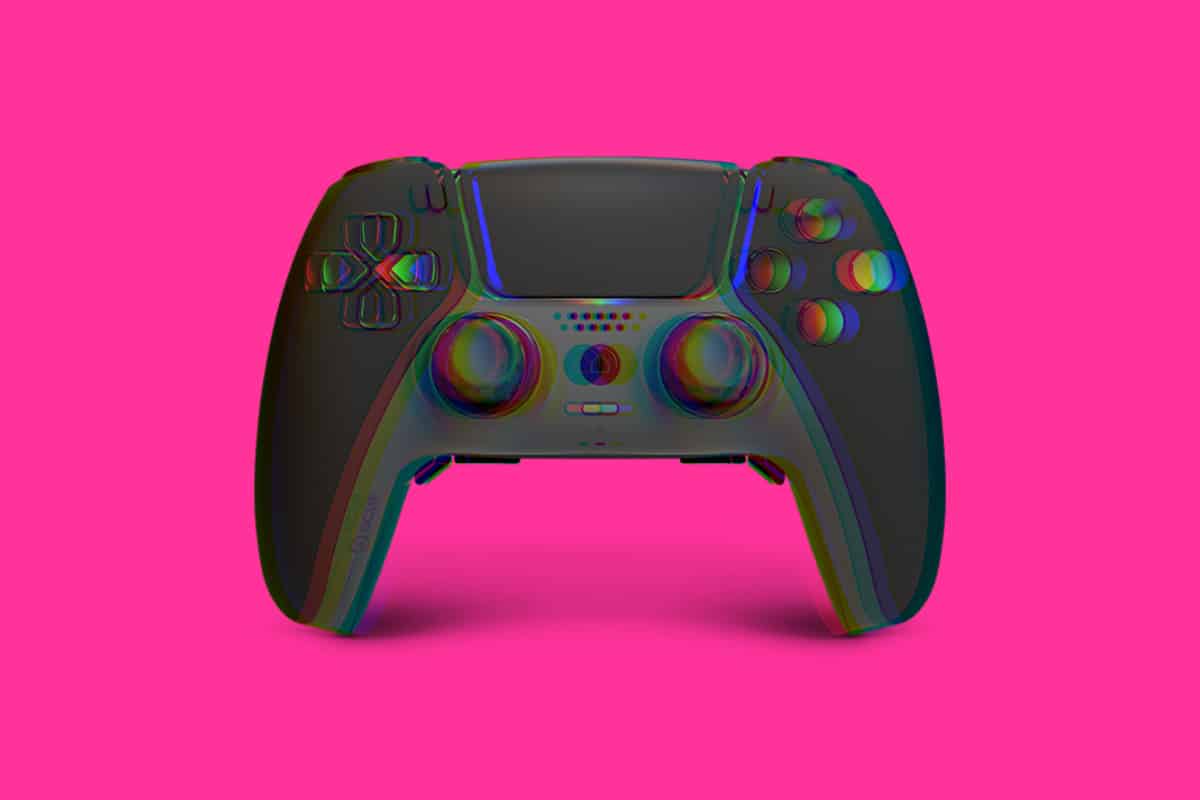
Scuf Reflex Reviews: Better Than DualSense?
One of the best things about the PS5 is Sony’s new DualSense controller, it is truly brilliant. But is the new Scuf Reflex a worthy replacement? ...
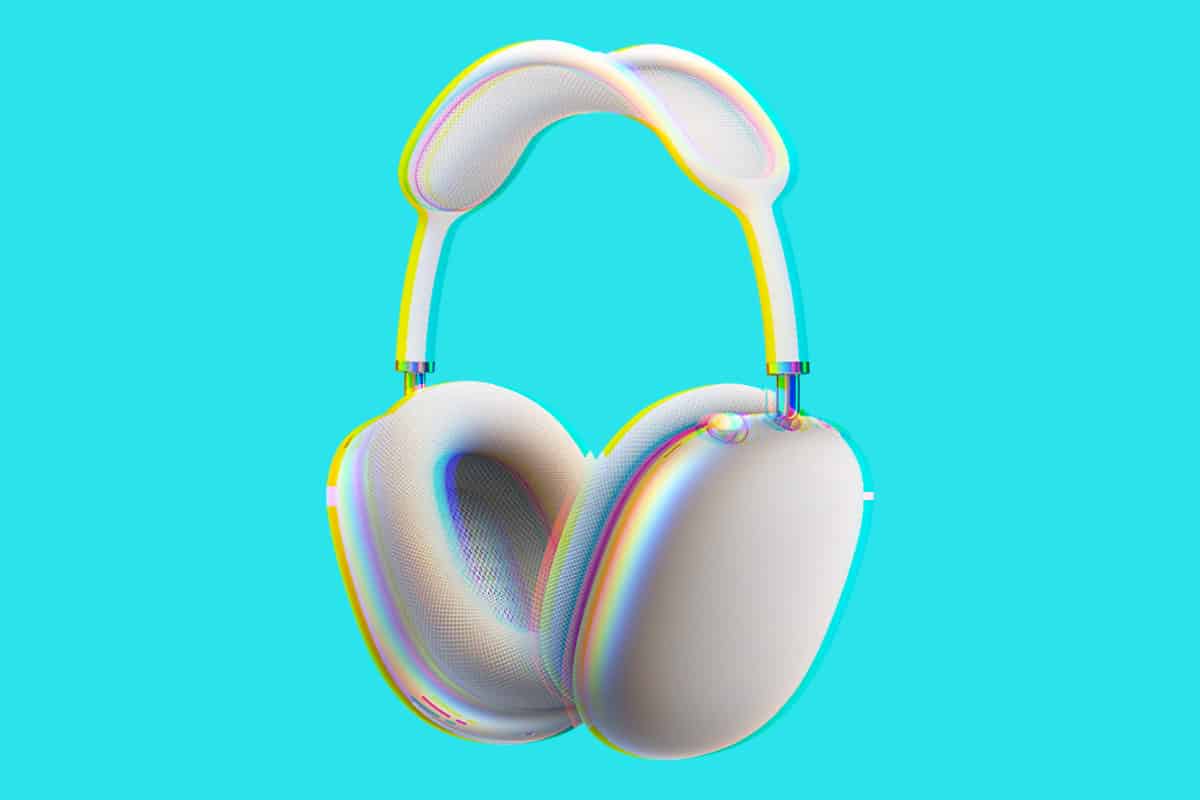
Apple AirPods Max Reviews: Are They Worth The…
Going up against Sony and Bose, Apple’s AirPods Max are lauded as some of the best noise cancelling headphones on the market. But are they worth ...

HBO Max Reviews: Is It Worth Subscribing?
HBO Max is a huge, new streaming platform with more than enough content to rival Disney, Apple, and Netflix. But is it worth the cost? Let’s inve...
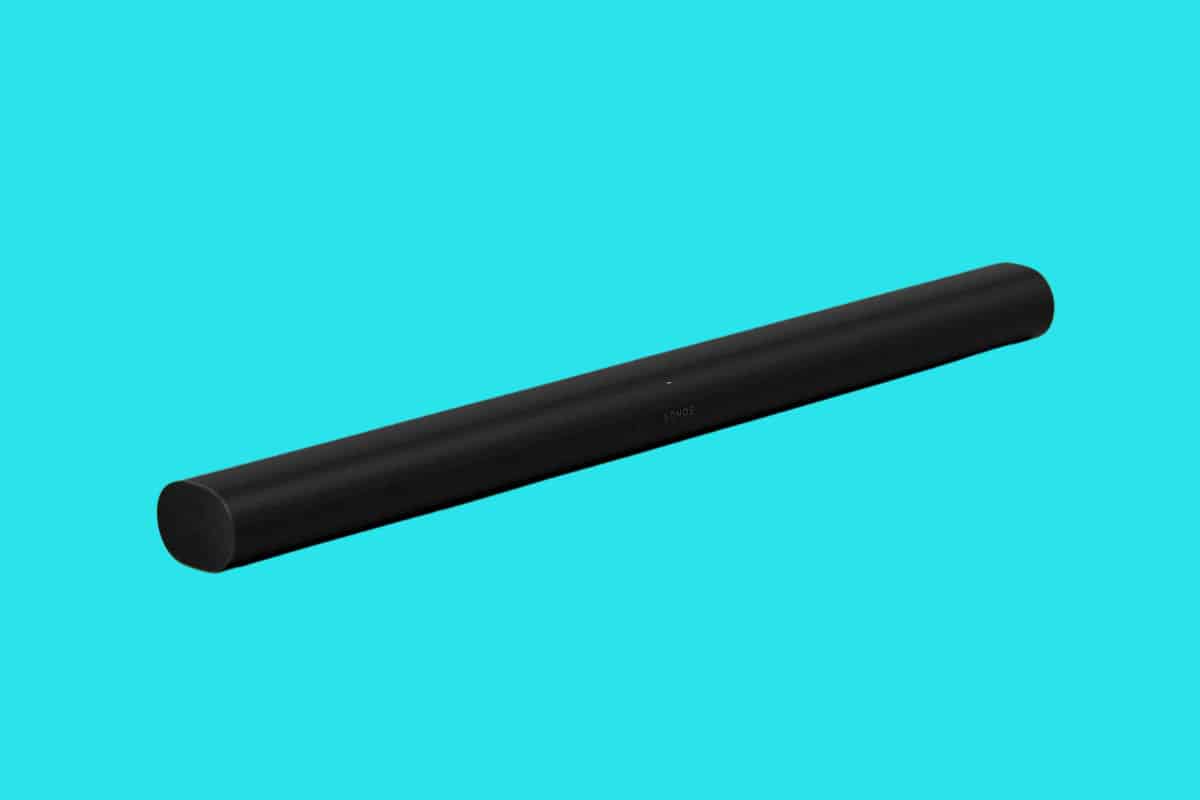
SONOS Arc Reviews: Is It Worth Buying?
The SONOS Arc is a massively powerful soundbar from one of the biggest audio brands in the business. But is the SONOS Arc worth the asking price? L...
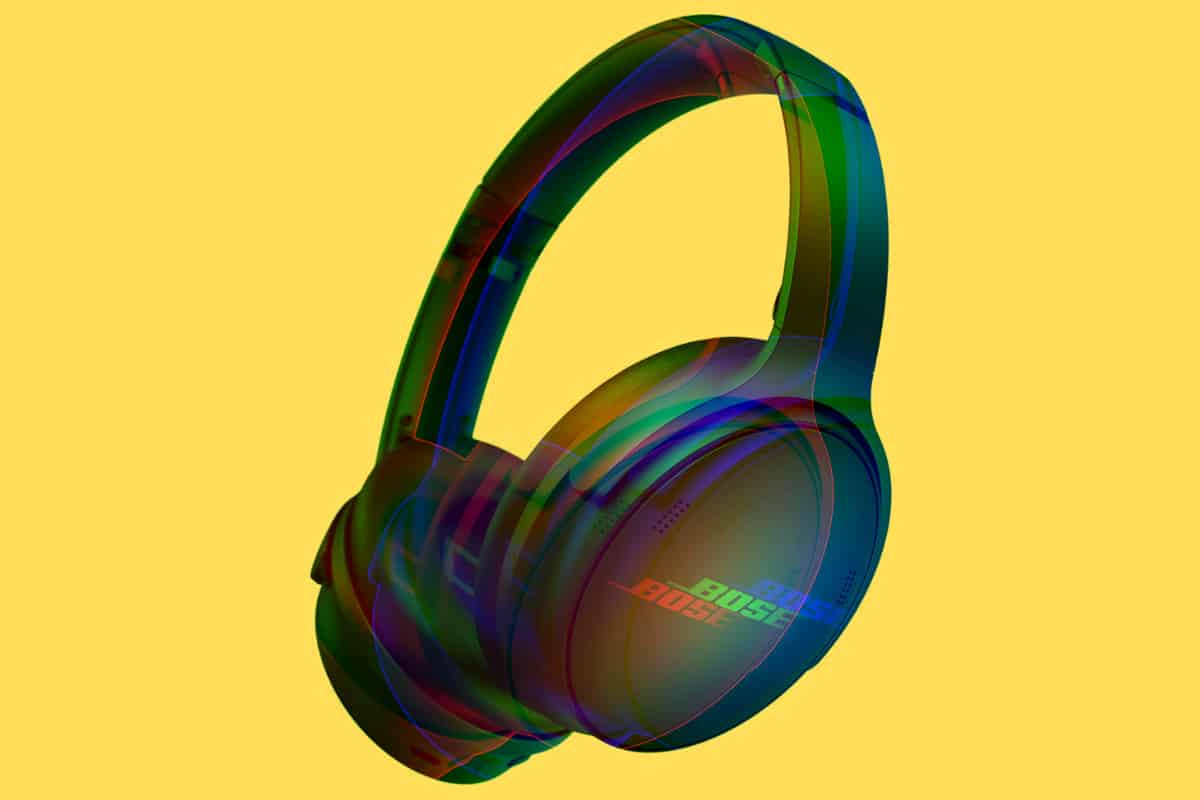
Bose QuietComfort 45 Review: Better Than The 700?
Bose returns with its classically designed Bose QuietComfort 45 wireless headphones. But are they a better option than the Bose Noise Cancelling He...
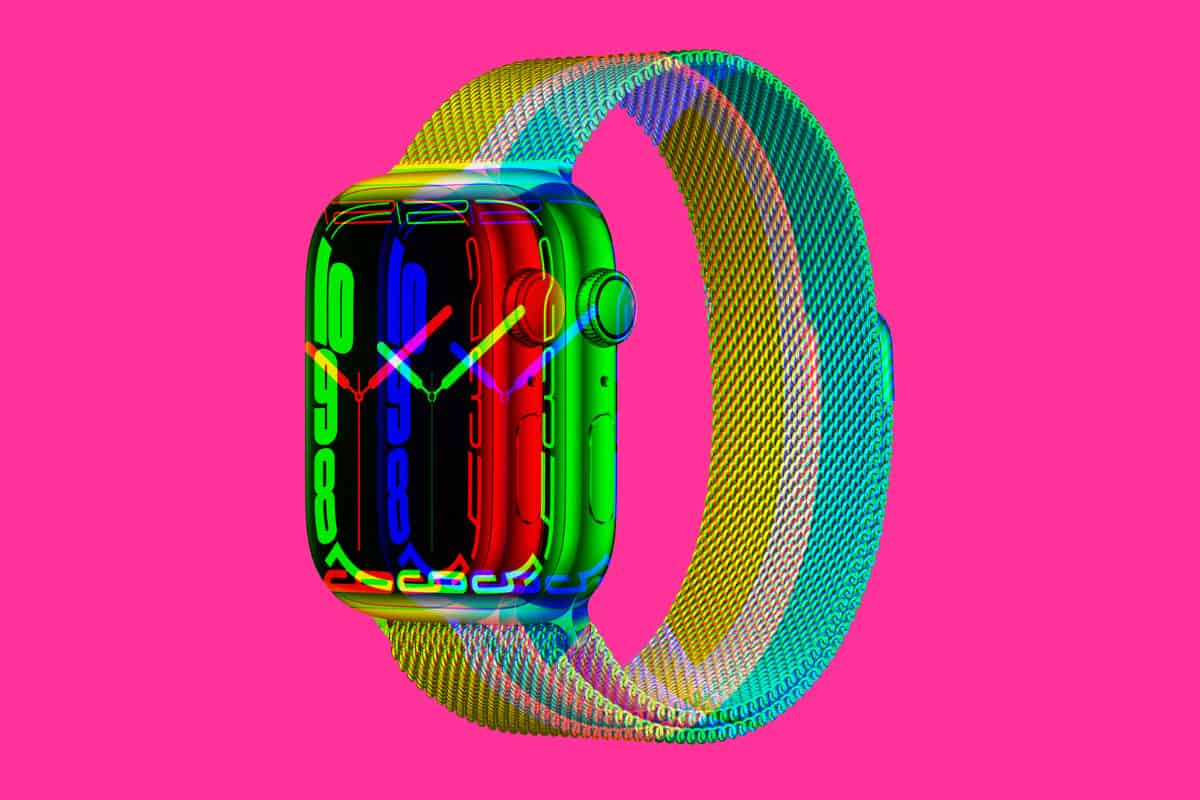
Apple Watch Series 7 Reviews: Is It Worth…
If you have an iPhone, the Apple Watch Series 7 is still the best smartwatch you can buy right now – here’s why… The Apple Watch i...
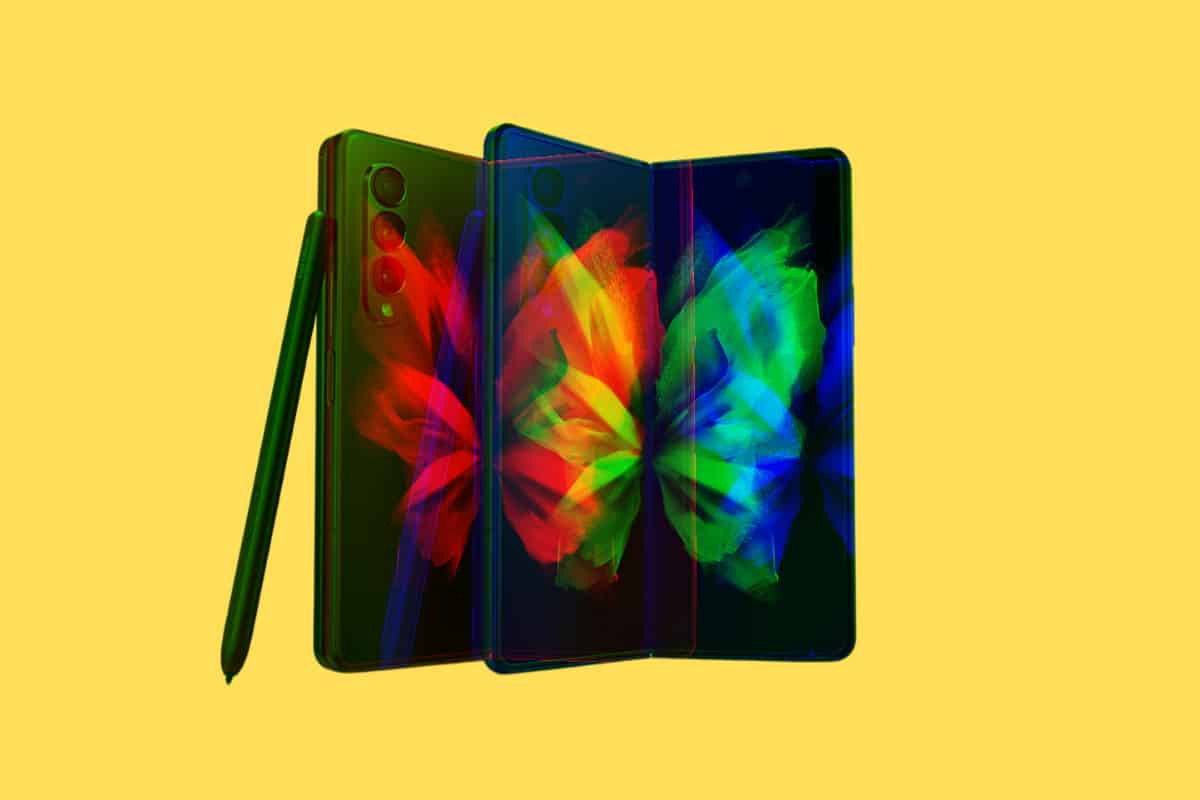
Samsung Galaxy Z Fold 3 Reviews: Worth Buying…
The Samsung Galaxy Z Fold 3 is arguably the most well-known foldable on the market. But is it any good? Let’s find out by checking out all the la...
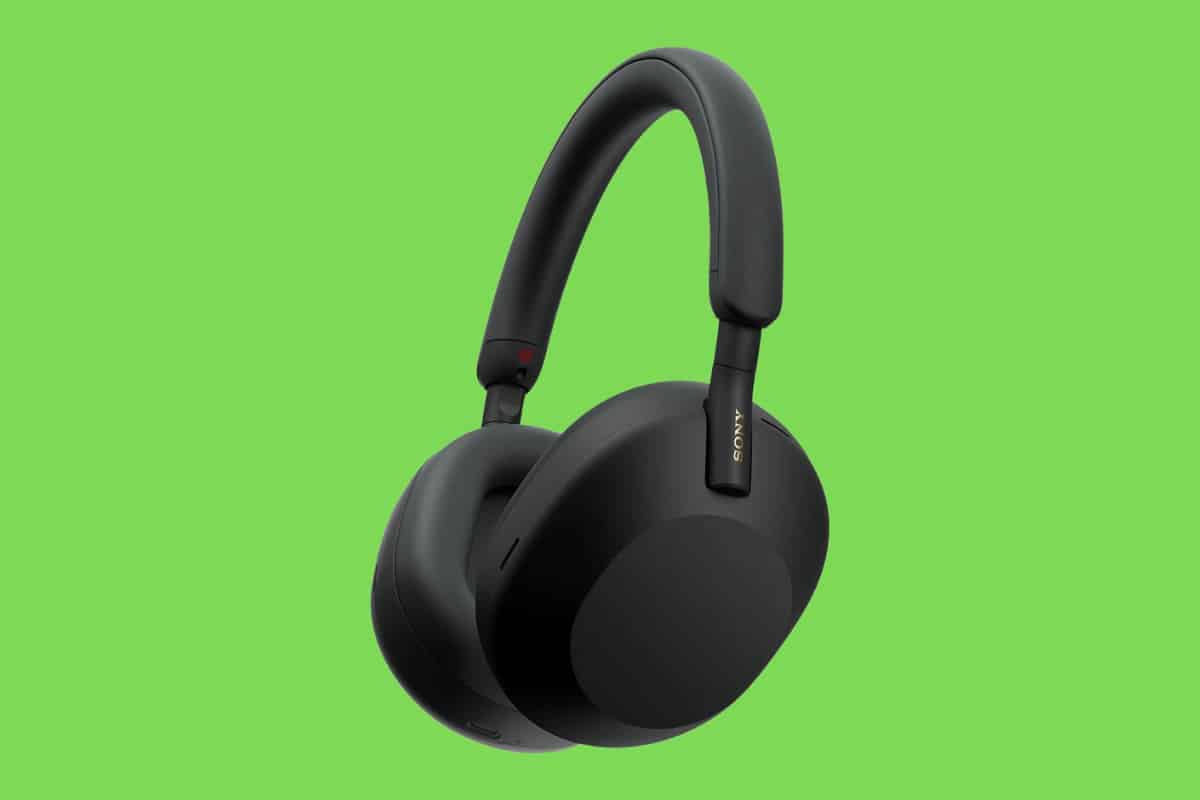
Sony WH-1000XM5 Reviews: Worth An Upgrade?
The new Sony WH-1000XM5 noise-cancelling headphones have a new design and some changes on the inside too. But are they any good? Let’s find out?...
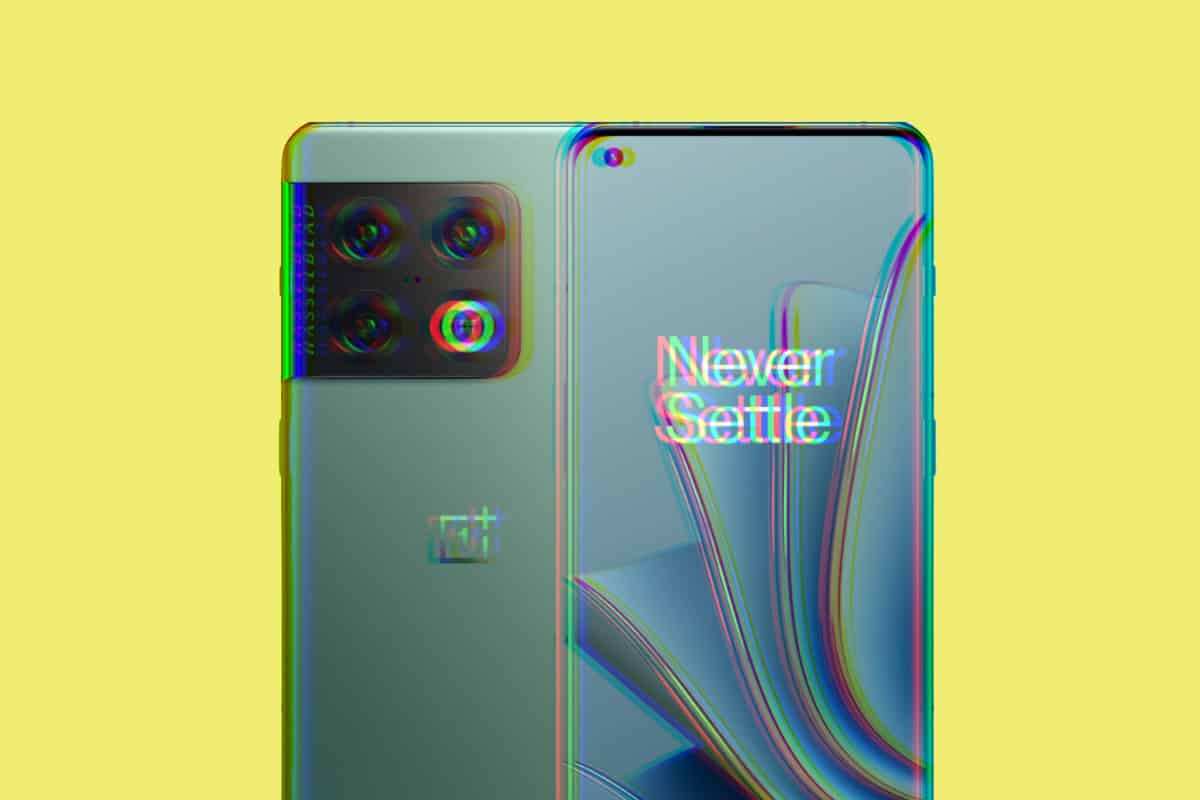
OnePlus 10 Pro Reviews: A Steller Phone…
The OnePlus 10 Pro is the company’s latest high-end Android smartphone. But how good is it? OnePlus introduced the OnePlus 10 Pro smartphone in e...
OnePlus Nord 2T Reviews: Is It Worth An…
The OnePlus Nord 2T is an odd phone. It picks up where the Nord 2 left off, adding in a new CPU – and not much else. Is the OnePlus Nord 2T ...
Moto G Stylus 5G (2022) Reviews: Is It…
The Moto G Stylus 5G packs in a raft of hardware and specs into an aggressively priced phone. But is the Moto G Stylus 5G worth it? Let’s find ou...

Google Pixel 6 Pro Reviews: Is It Worth…
Google’s Pixel 6 Pro is now available to buy. But is the phone worth getting over a Samsung Galaxy S22 Ultra or iPhone 13 Pro Max? Let’s find o...
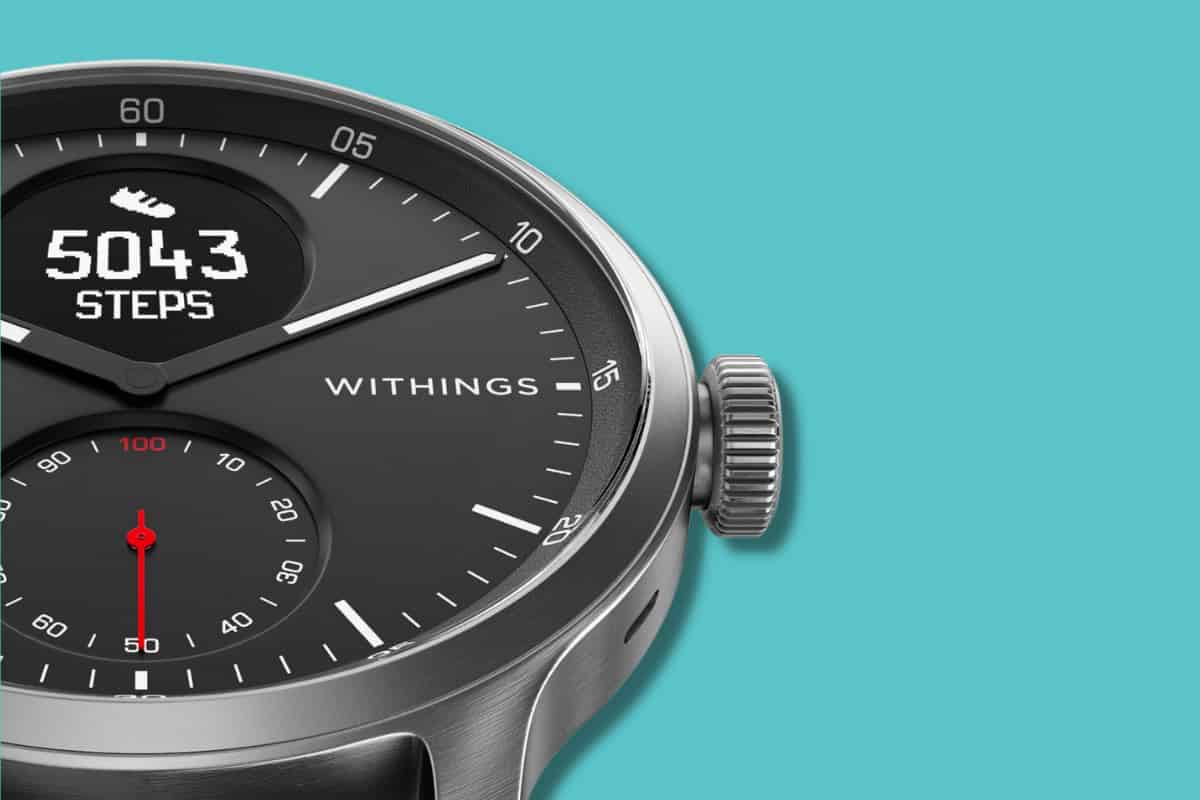
Withings ScanWatch Review: Is This ECG Watch 100%…
It doesn’t look like a smartwatch but it is packed with smartwatch features like fitness tracking and even an ECG monitor. But is the Withings Sc...
Is iCloud+ Worth It? My 2 Cents…
It’s more than just a cloud storage subscription. Wondering is iCloud+ worth it? It’s a very common question. It’s not helped by the fact tha...